How to keep product demo videos up to date when your UI changes
Why demo videos go stale, how to find the ones a release broke, and how to re-record them without breaking a single link or docs embed.
By the tday team Published 5 min read
The short answer
Treat a demo like code: something you re-run, not something you re-make. Record it from steps your coding agent can repeat, link and embed the demo instead of one video file, and have each merged change flag the demos it may have broken. With tday, your agent re-records a stale demo in a few minutes, the new take becomes a new version of the same demo, and every share link and docs embed plays it once it is ready.
Key takeaways
- Demo videos go stale because re-recording is manual work someone has to schedule. Forgetting is not the cause.
- Share and embed the demo, not a file. tday's links and embeds play the newest finished take, so nothing has to be pasted again.
- On Pro and above, tday's Needs update tab lists demos a merged pull request, a docs edit or a newer approved capture may have put out of date.
- A docs section whose text changed after its newest video is marked Docs changed, and is re-recorded first.
- Re-recording an existing demo needs no new saved-demo slot. Each plan includes twice as many new versions a month as saved demos.
Most product teams have a demo video that shows a sidebar the product no longer has. Nobody decided to leave it that way. It was right the day it was recorded, and then a release renamed a button.
The usual explanation is that people forget. The real one is cost. Re-recording means finding the clean demo account, rehearsing the clicks, recording, editing, uploading, and then hunting down every page that embedded the old file. Work like that does not get forgotten. It gets postponed.
So the fix is to make it cheap. There are three parts.
Why demo videos go out of date
A screen recording is a picture of the product on one day. Three things make it age badly:
- Recording is manual. The steps live in the head of whoever recorded it.
- The video is a file. It sits on a video host, and its address is pasted into docs, a help center and a landing page. A new recording is a new file, and every one of those places has to be found and changed.
- Nothing says which videos a change broke. A release ships 30 changes. Which of your 40 demos show the screens they touched? Nobody has time to find out.
Each has its own fix.
Make re-recording a command, not a project
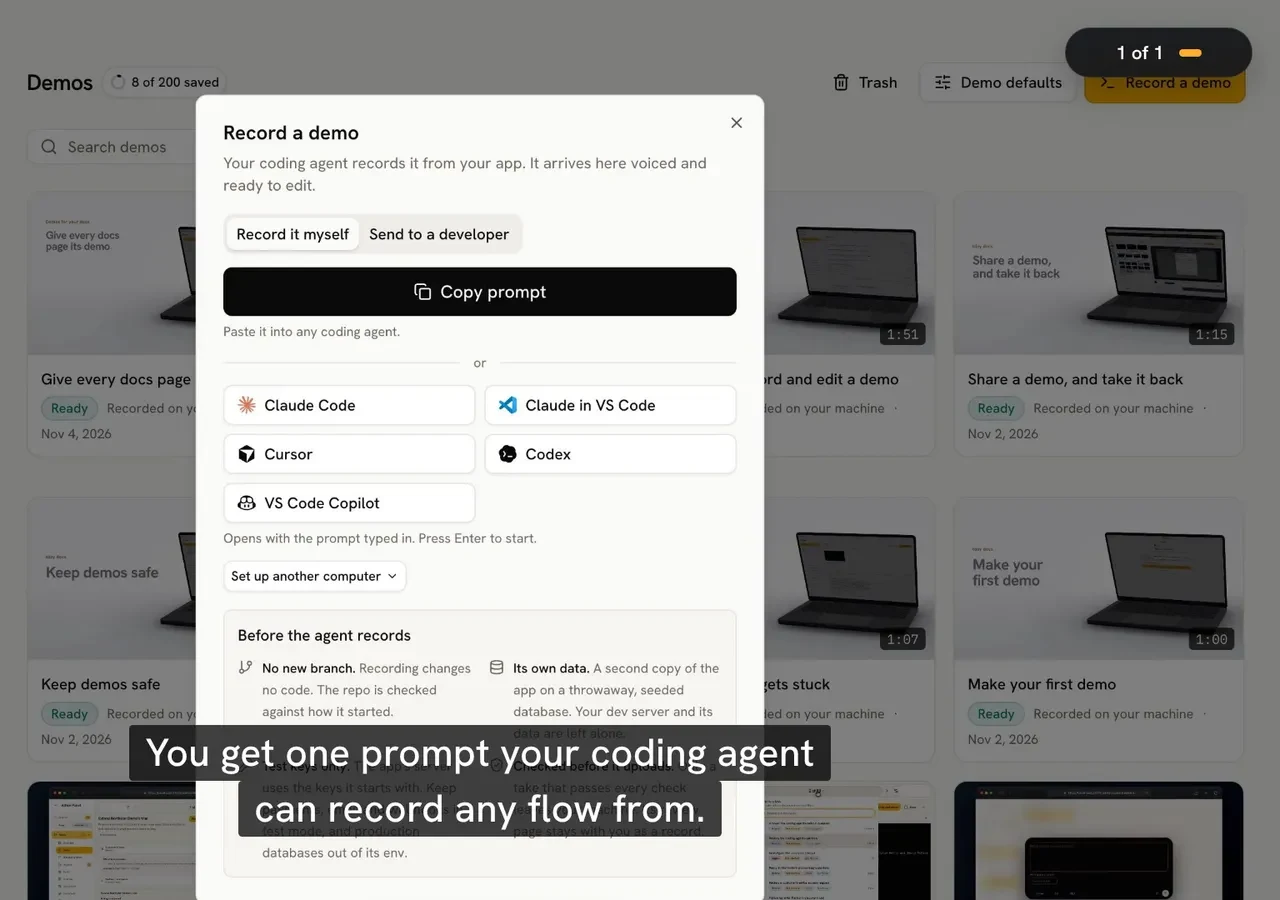
When your coding agent records a demo through tday, the take is a list of narrated lines, each with the clicks and typing it covers, run against a fresh copy of your app with seeded data. Recording it again is one request:
Use tday to record the "Invite your team" demo again
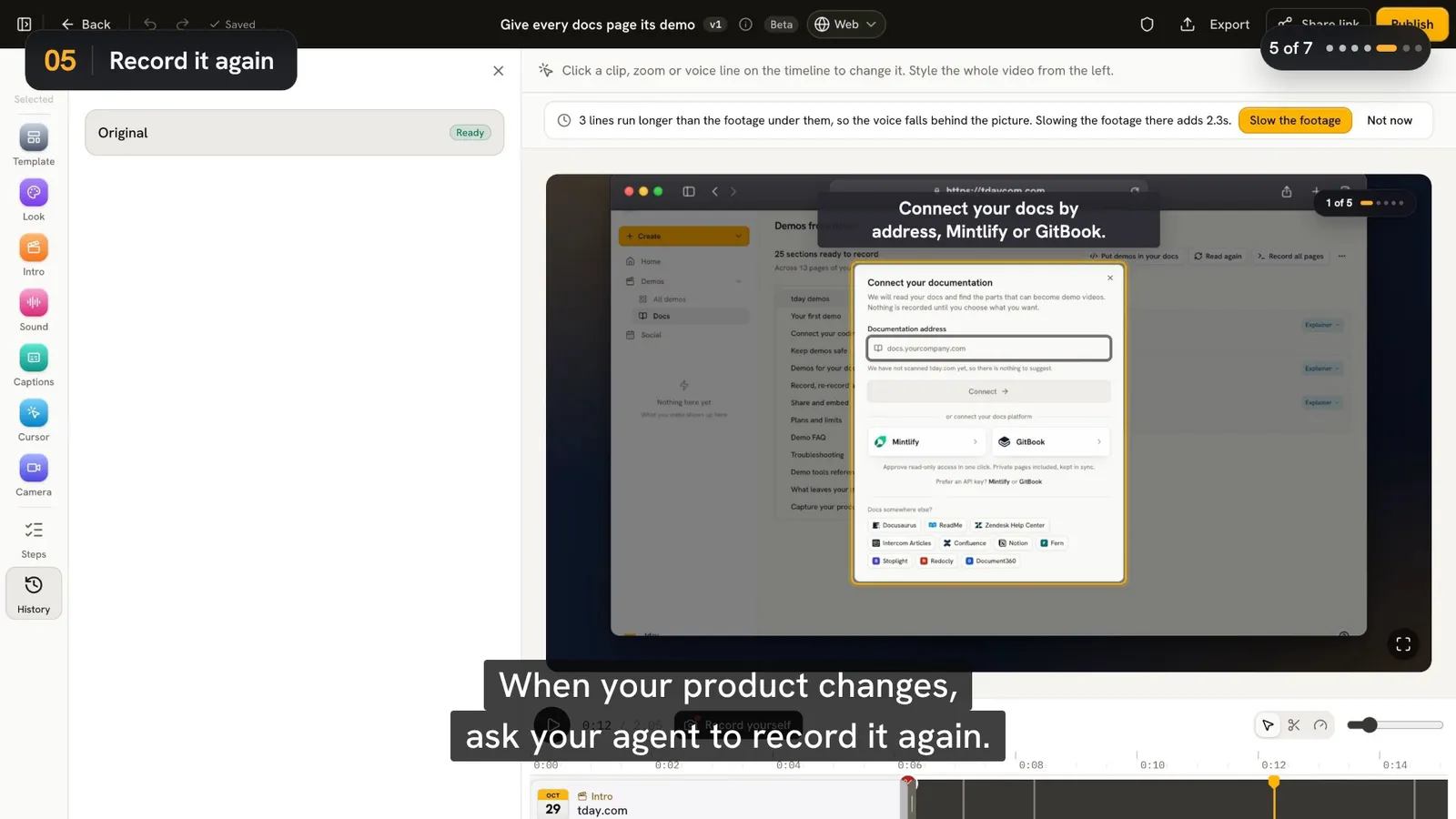
The new take becomes a new version of the same demo. Its title, share link and embeds stay, and they play the new take once it is ready. It also keeps every feature and docs section the demo was linked to.
The agent keeps a short note in your repo's .tday folder on how it started your app (commands and variable names, never values), so the next take starts the same way.
Link the demo, not the file
tday's share link (tday.com/ab12cd34) and its player (tday.com/e/ab12cd34) point at the demo, not at one version of it. While a new version renders, or if it fails, they keep playing the newest finished take. So the docs, help center and blog posts that embed it never need editing after a re-record.
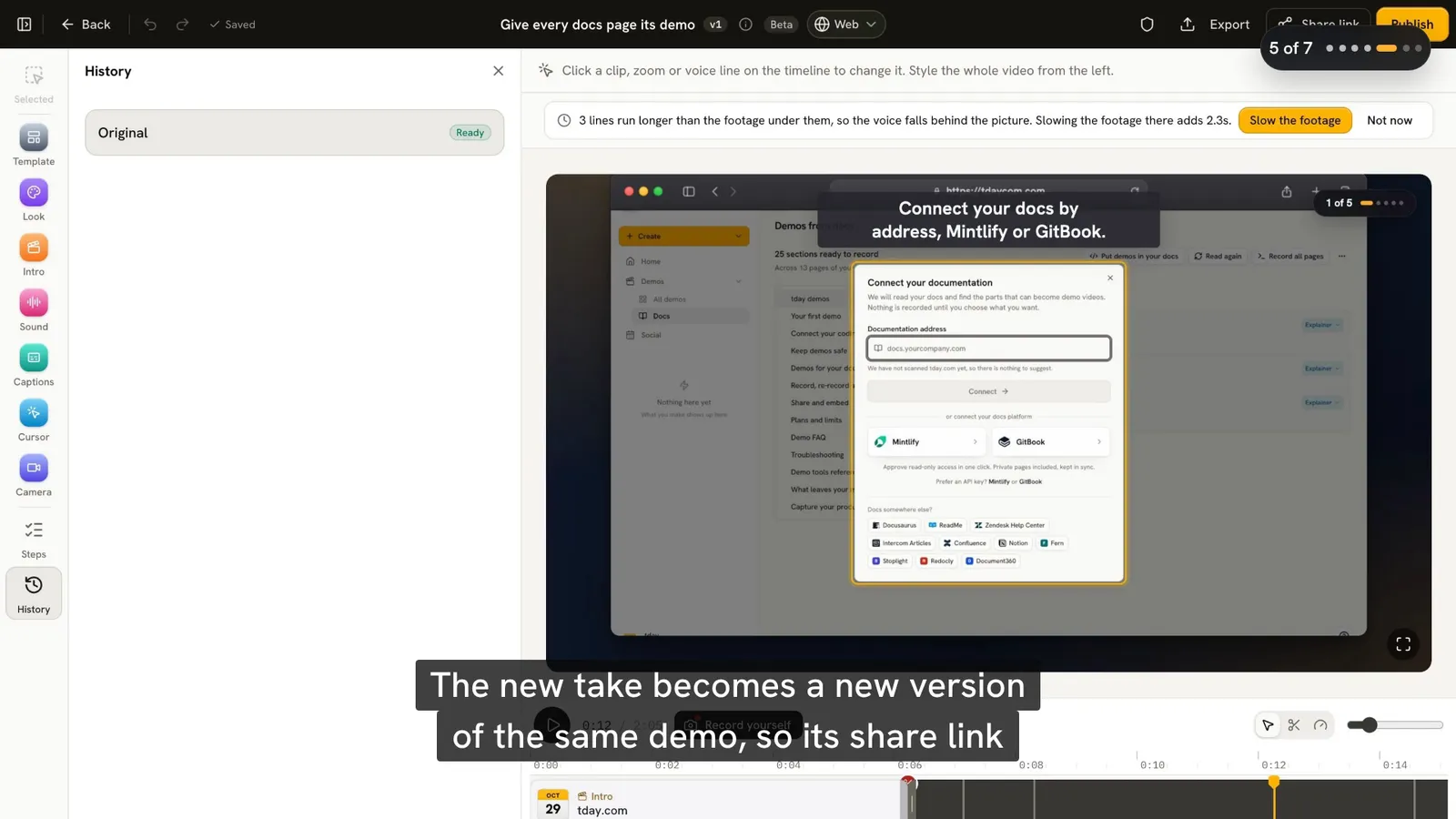
There is one exception, on purpose. A re-record made from a prompt you sent a developer waits for your team. Its link keeps playing the old take until someone chooses Publish this take in the editor.
Find the demos a change may have broken
On Pro and above, tday's Needs update tab lists each demo that may be out of date, with what changed:
| What changed | What tday does |
|---|---|
| A pull request you merged | Lists the demo, with the change |
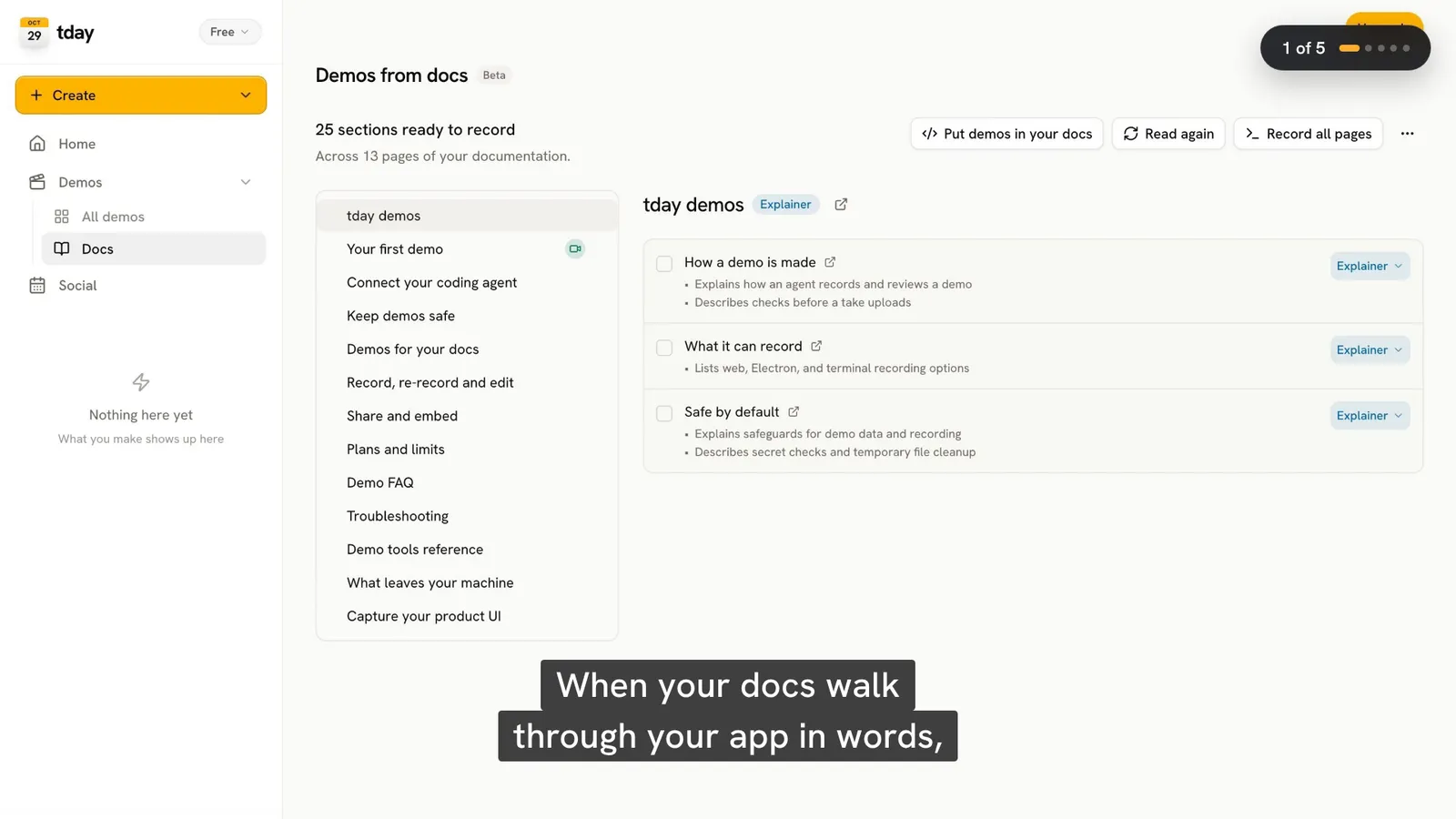
| An edit to the docs a demo was made from | Lists the demo. On every plan, the section is also marked Docs changed and its demo comes first in demo_docs |
| A newer approved capture of the screens a video used | Lists the video as using older captures |
It says "may" on purpose. A merged change can alter nothing a viewer sees. For each demo listed, record it again or mark it Still accurate.
Fix small things without recording again
Not every change needs a new take. A renamed feature or a tighter sentence is an edit to the narration. Open the demo in tday's editor, click the line on the voice track, change it and choose Regenerate this line. Only that line is voiced again.
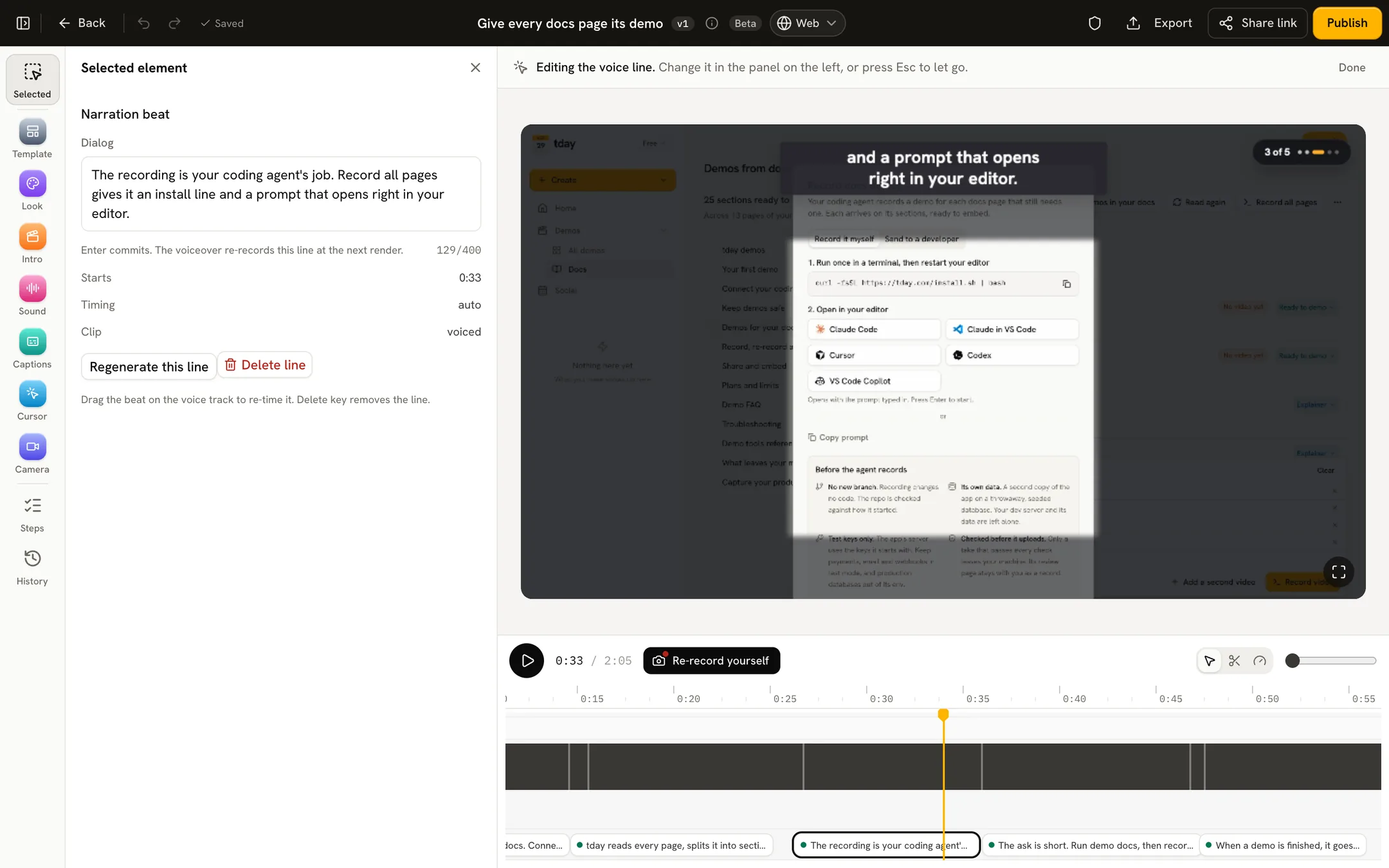
The rule: record again when the screens changed, edit when only the words or the style did.
What it costs to keep demos current
Re-recording a demo you already have needs no new saved-demo slot. Each plan includes twice as many new versions a month as saved demos:
| Plan | Saved demos | New versions a month |
|---|---|---|
| Free | 5 | 10 |
| Pro, $39 a month | 25 | 50 |
| Growth, $149 a month | 150 | 300 |
Recording and rendering use no credits. The voiceover costs 10 credits a minute. Needs update is on Pro and above. See pricing.
If the demos live in your docs, the docs guide covers the embeds that make all this work. What tday does not do by itself, such as record on every push, is on the coding agent demos page.
Frequently asked questions
How often should product demo videos be updated?
Whenever a change alters what the video shows: a renamed control, a moved menu or a new step. A schedule works less well than a trigger. Have each merged change flag the demos it may have put out of date, as tday's Needs update tab does on Pro and above.
Do I need to replace the embed code after re-recording a tday demo?
No. Share links and embeds point at the demo, not a file. A re-record becomes a new version of the same demo, and every link and embed plays it once it is ready.
What happens to the old video while the new one renders?
The share link and every embed keep playing the newest finished take until the new version is ready. If the new version fails, they keep playing the old one.
Can I fix a demo's narration without recording it again?
Yes. In tday's editor, click a line on the voice track, change its words and choose Regenerate this line. Only that line is voiced again. Record again only when the screens themselves changed.
Does re-recording a demo use up my plan's saved demos?
No. A re-record keeps it one saved demo. It counts as one of your plan's monthly new versions, which are twice your saved demos: 10 on Free, 50 on Pro and 300 on Growth.
Sources
- Record, re-record and edit, tday docs
- Demos for your docs, tday docs
- Share and embed, tday docs
- Plans and limits, tday docs
Have your coding agent record your first demo
One prompt in Claude Code, Cursor or Codex records a narrated demo of your app. tday voices, styles and renders it, ready for your docs. Free includes 5 saved demos.