Narrated product demos, from one prompt.
Your coding agent records your app. tday.com adds the voice, captions and your brand.
Free plan, no card. Your first demo is on us. Book a call
 Claude Code
 Codex
 Grok
 Cursor and more
No recording. No script. No editing.
- claude ~/acme
>Use tday.com to make our first demo video: run demo_docs and record the first demo it lists
tday.com - demo_docs (MCP)
## Demos to record (3), in the docs' order
1. Send your first invoice - 3 sections on Quickstart
tday.com - demo_start (MCP) web
Demo recording started: a web demo for Acme, at http://localhost:5199.
Outbound guard on. Persona: 2 swaps on screen.
tday.com - demo_beat (MCP)
"Open a new invoice for Northwind."
tday.com - demo_beat (MCP)
"Add a line item. The total updates as you type."
tday.com - demo_beat (MCP) payoff
"Send it, and Northwind gets a payment link."
tday.com - demo_review (MCP)
3 lines, 7 steps, 24s of footage. Confirmation code 3f9c2a71be04.
No secrets or local environment values were found on screen or in the text.
tday.com - demo_upload (MCP)
Uploaded. tday.com is voicing and rendering it (usually a few minutes).
The demo is ready.
Share link: https://tday.com/ab12cd34
Your agent records it
It drives a throwaway copy of your app.
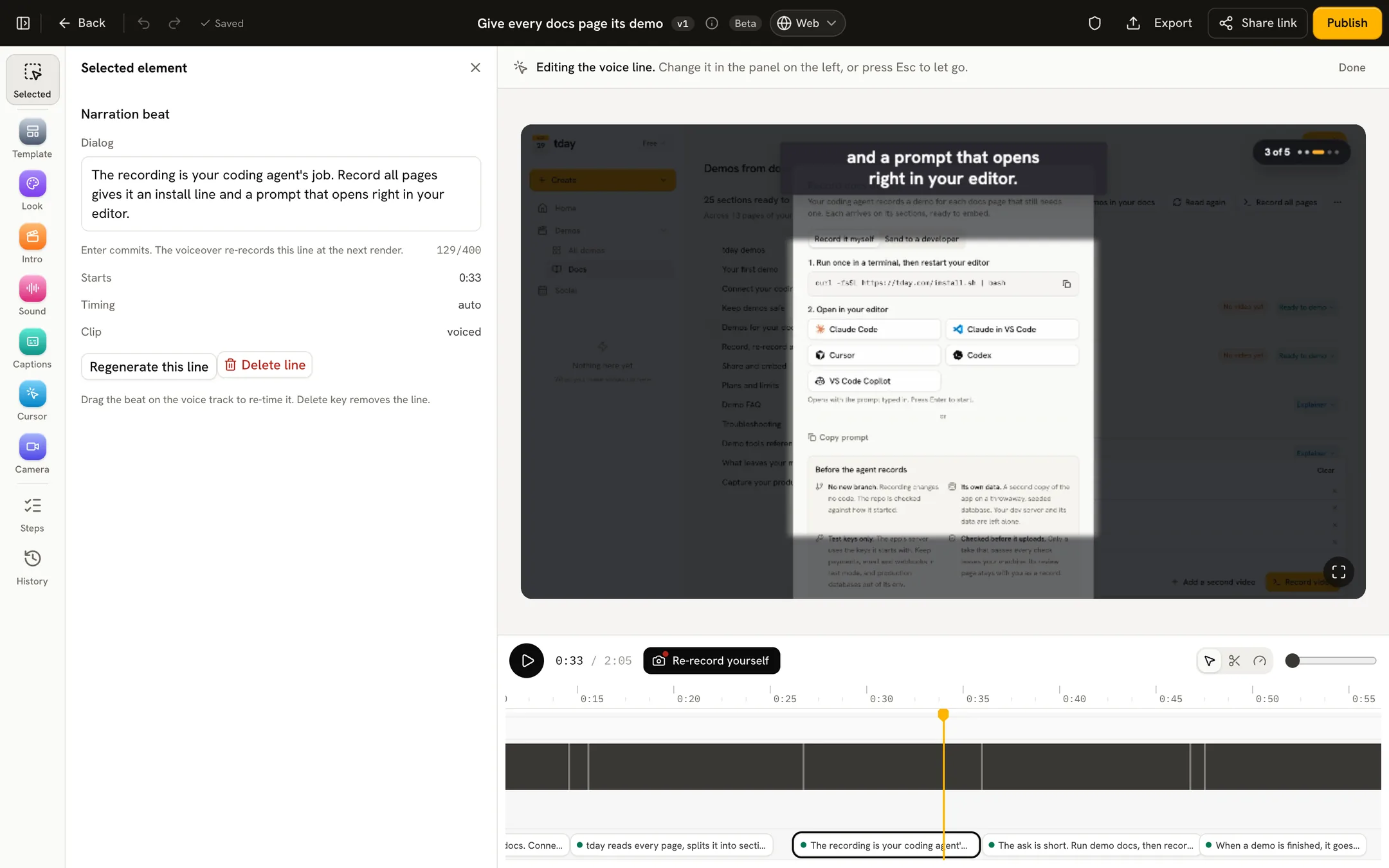
Pick a template, drop in your logo, and your first invoice is ready to send.
tday.com writes and voices it
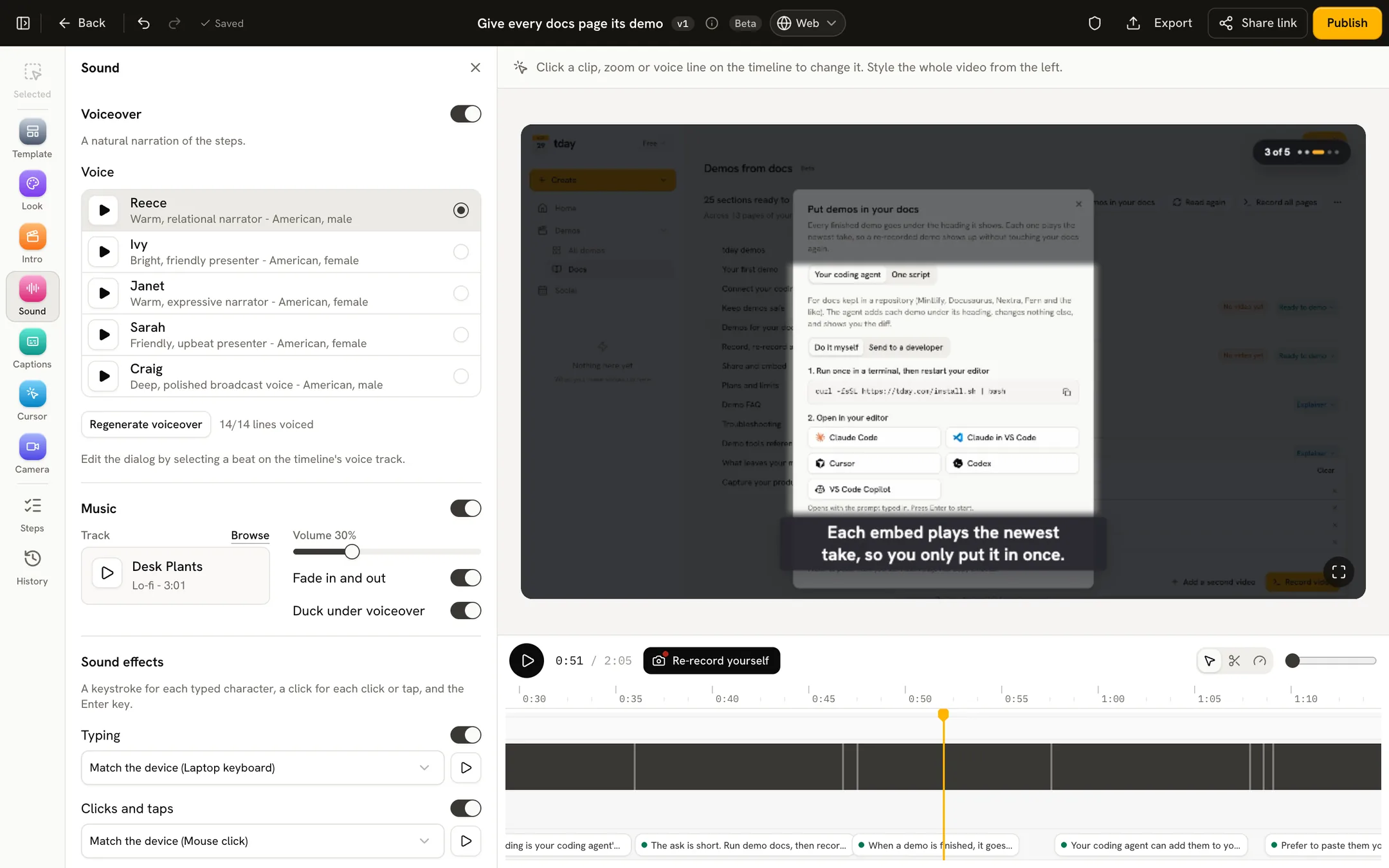
Every line narrated and captioned. Tap to hear one.
tday.com edits it for you
Zoom, cursor, callouts and your brand, on every take.
Records every app you ship.
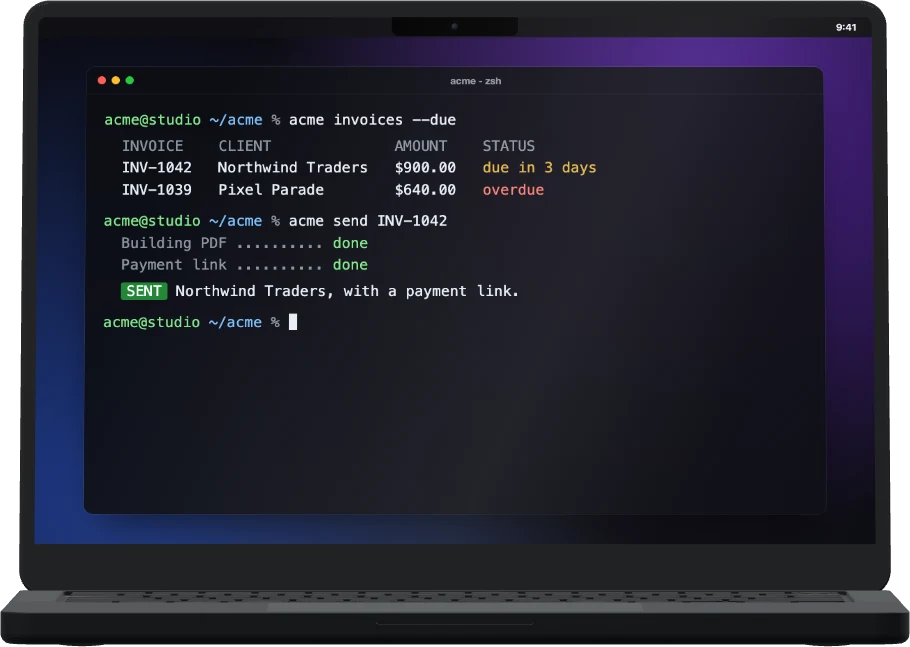
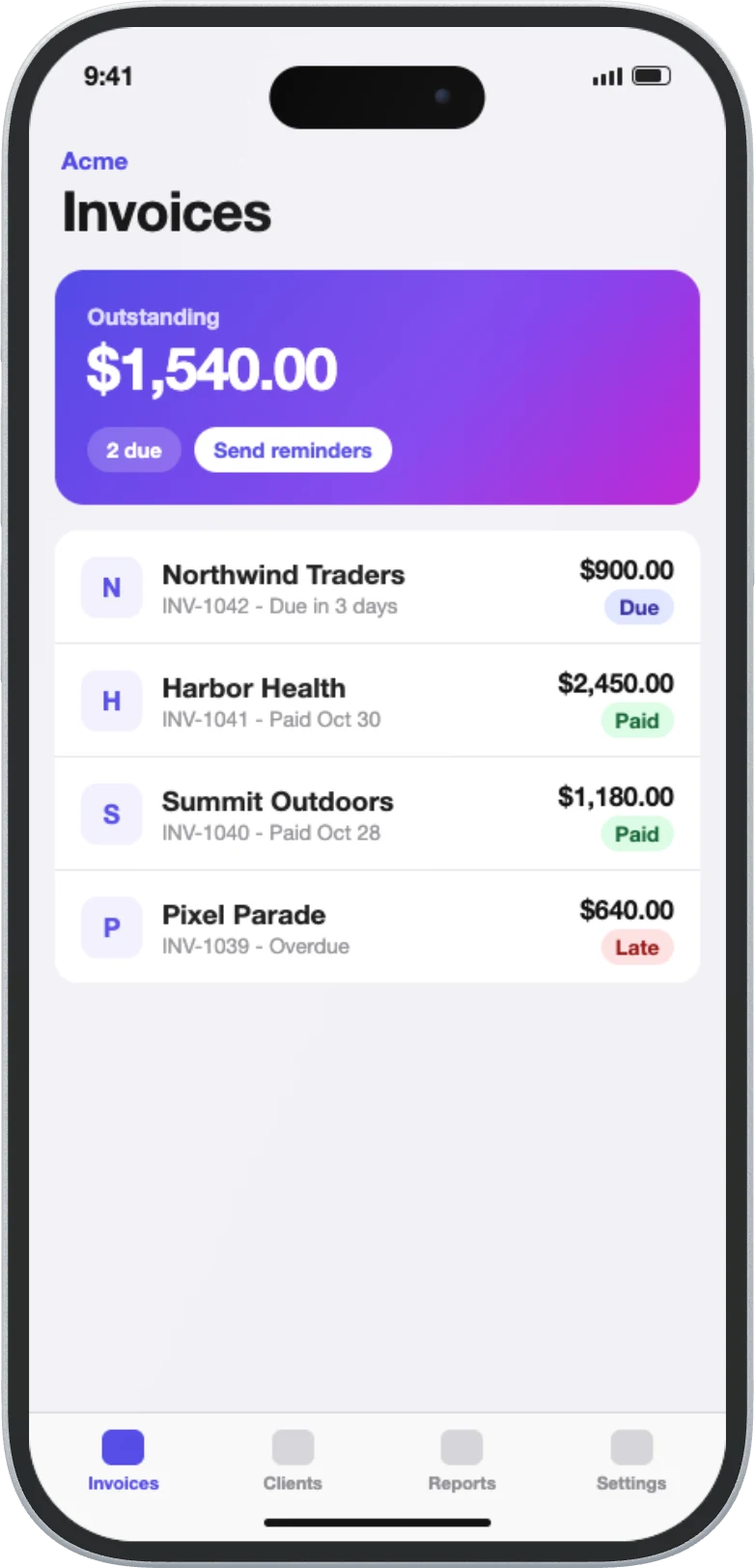
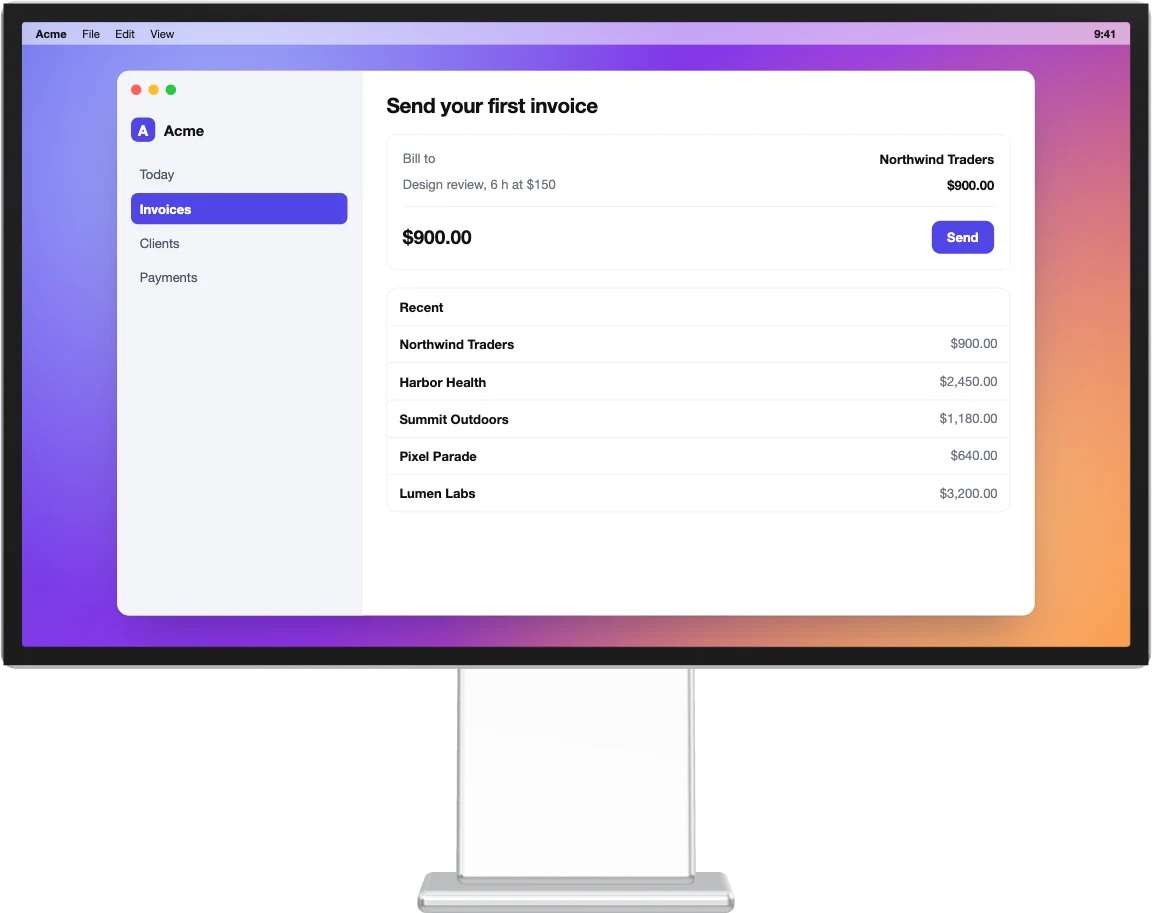
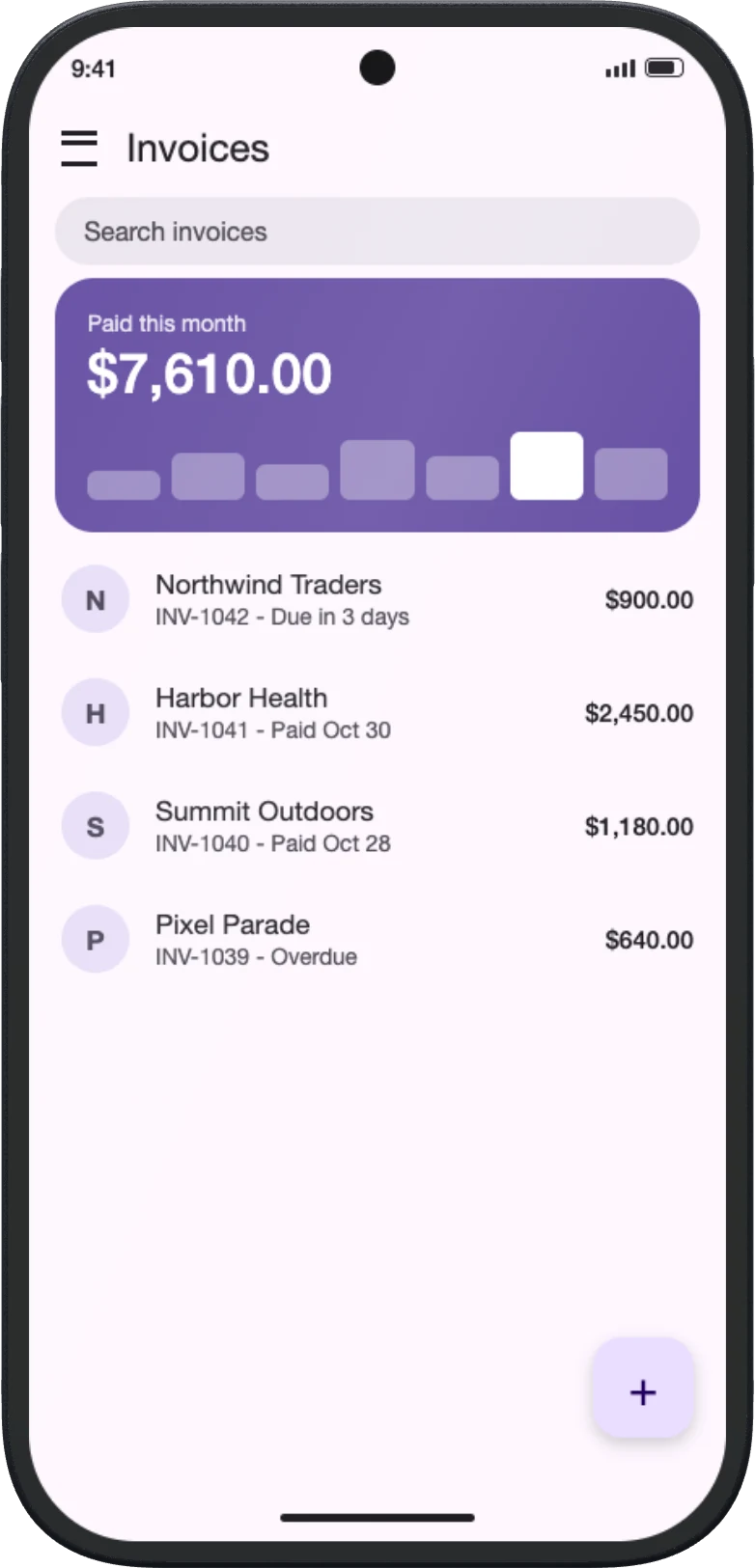
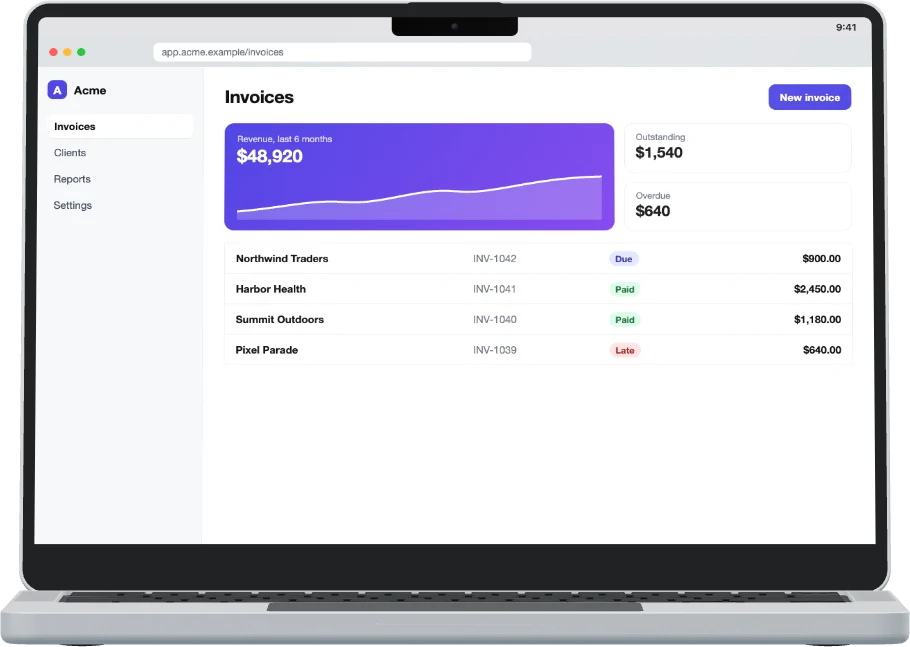
- Terminal and CLI
- iOS
- Desktop apps
- Android
- Web apps
In your brand, automatically.
tday.com reads your logo, colours and fonts from your website. Pick a brand to see it live.
Read from their website
 FernwayColoursFontsFrauncesDM Sans
Made-up brands. Yours is read at signup.Try it with yours
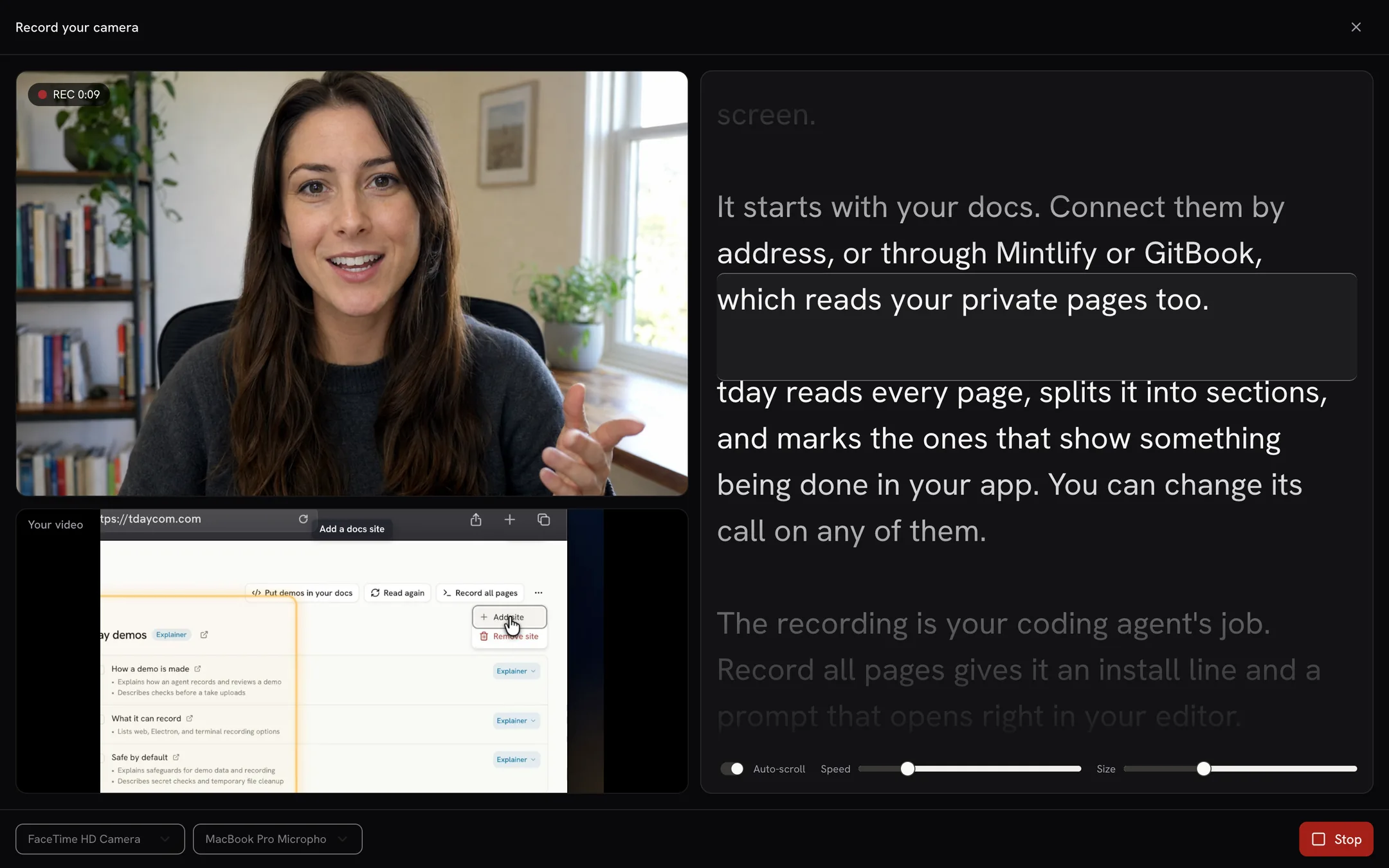
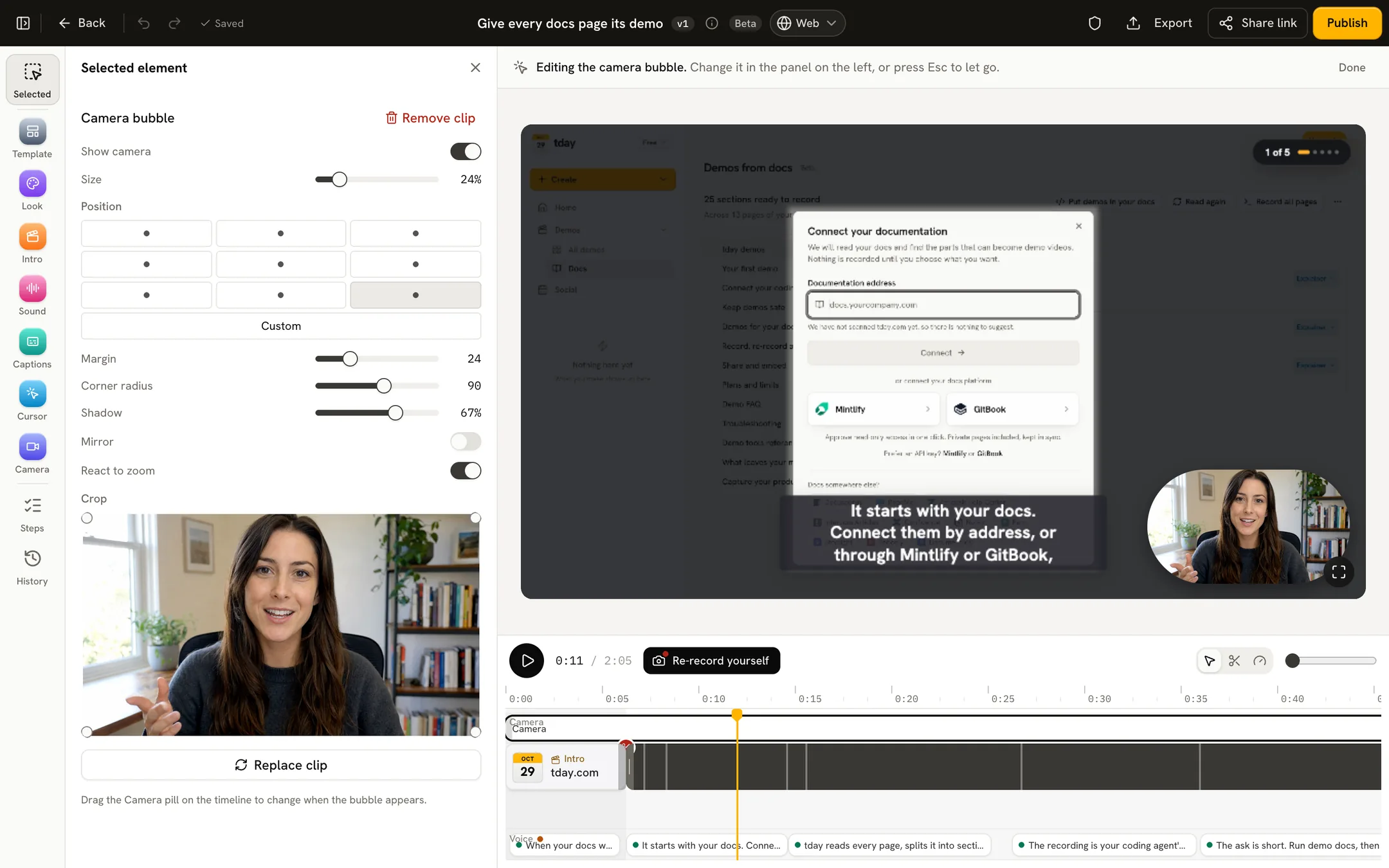
Or say the lines yourself.
tday.com writes the script. Read it off the teleprompter and your take lands in the corner.
- The script is written for you
- It scrolls as you talk
- Your voice takes over the lines
Paste one prompt. Get a narrated demo.
Your coding agent records it on your machine. tday.com does the rest.
Paste the prompt
Into Claude Code, Cursor or Codex.
Your agent records
A narrated take, on your machine.
tday.com finishes it
Voice, cursor, captions, your brand.
Share it everywhere
In your docs and on your socials.
Real demos, made with tday.com.
Recorded by a coding agent, finished by tday.com.
Make your first demo
1 / 6
Change anything after.
Everything a demo needs.
- Captions
- Narrator voices
- Music beds
- Click and key sounds
- Auto zoom
- Smooth cursor
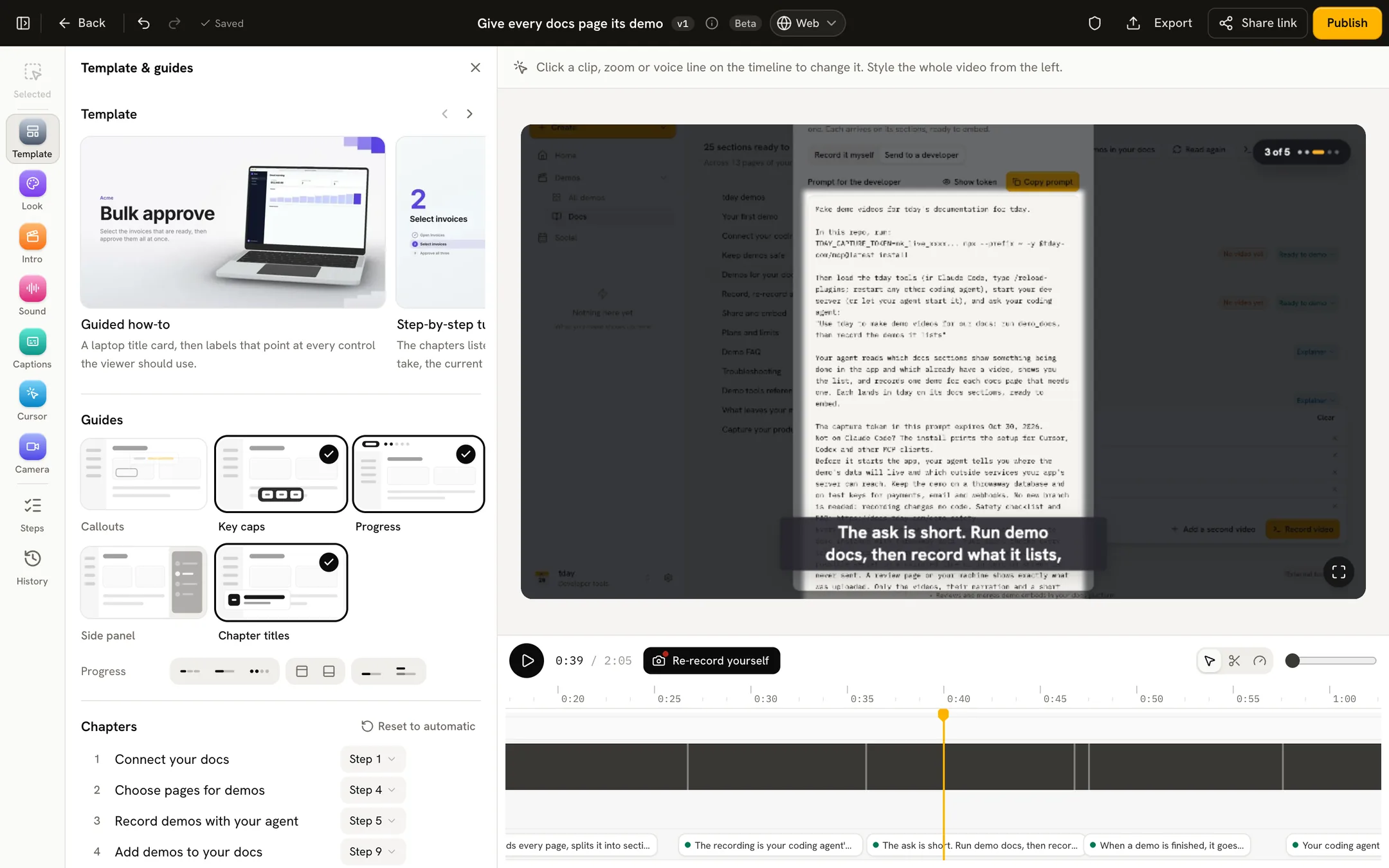
- Callouts
- Key caps
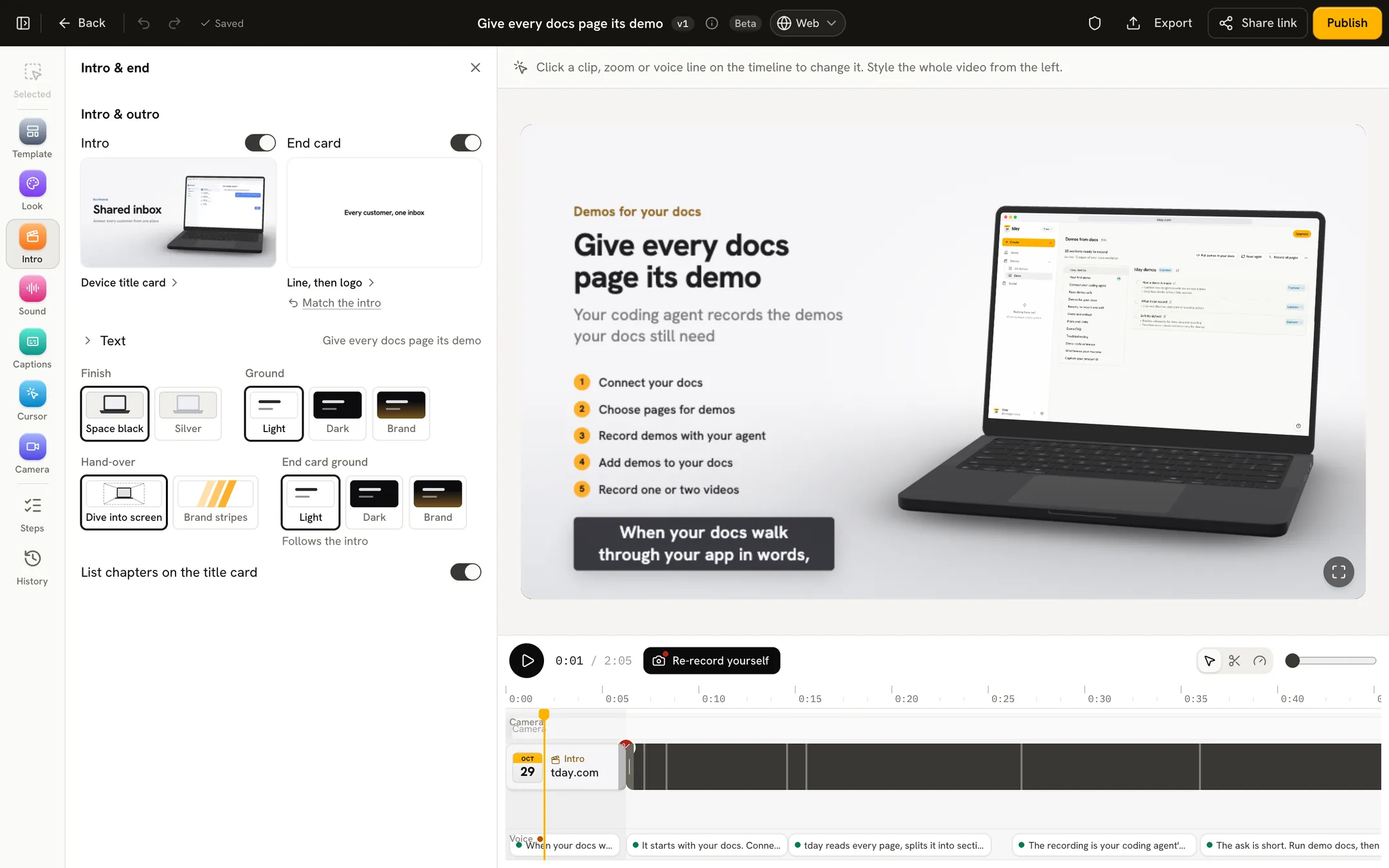
- Chapters
- Title and end cards
- Your camera
- iPhone and Android
- Docs embeds
- Share links
- Flags stale demos
- Secrets blocked
Safe by default.
How it stays safe- Records on your machine
- On a throwaway copy of your app
- Secrets block the upload
- Your source code never leaves
Start free. Grow as you ship.
Every plan includes a number of saved demos. Recording them again as your product changes is included.
The usual questions.
What is a tday.com demo?
A short narrated video of your product in use. Your coding agent records it from the app running on your machine. tday.com voices it, draws the cursor and camera, adds captions, title and end cards and music, and renders a demo you can edit, share, embed in your docs and post to your social accounts.
What leaves my machine?
The video, a still from it, and a record of its narration, steps and checks. Never your source code, your .env files, cookies or network traffic. Every take is checked for secrets on your machine before it uploads, and a review page there shows the take and every check. Your agent's note on how it started your app stays in your repo.
What does it cost?
There is a free plan with 5 saved demos. Pro is $39 a month for 25 saved demos, and Growth is $149 a month for 150 saved demos. Enterprise is priced with you. Recording a demo again as your product changes is included, up to a monthly number of new versions. The pricing page has the details.
Which coding agents does it work with?
Claude Code, Cursor, Codex and any other MCP client. tday.com's MCP server runs on your machine. The install line in your prompt sets it up for Claude Code and prints the setup for the others.
Does it touch my dev server or my data?
Your agent starts a second instance of your app on a free port with its own throwaway, seeded database, and never restarts your dev server. A database that is not on your machine needs your yes. Your app's server keeps the keys it starts with, so a demo should run on test keys for payments and email; your agent checks this with you before it starts.
Start free
Record your first demo today.
Free plan, no card needed. Your first demo is on us.
