How to record a narrated demo video of a CLI or terminal tool
How your coding agent records a narrated demo of a command-line tool with tday.com: a real shell, setup off camera, one line and command at a time.
By the tday.com team Published 6 min read
The short answer
Add tday.com's MCP server to your coding agent and ask it to record a demo of your CLI. The agent opens a real shell, filmed as a clean terminal window, and records one narrated line at a time: it runs each command and waits for the output it expects. Setup runs off camera. tday.com voices the lines, adds captions and cards, and renders the video.
Key takeaways
- A terminal demo is a real shell, filmed as a clean terminal window. Like a web demo, it needs Google Chrome (or Playwright's Chromium) and ffmpeg.
- Installs, builds and anything else you do not want to show run as setup commands, off camera.
- Each beat is one narrated line plus the commands it covers. A step can wait until the output matches a pattern, so slow commands are never cut short.
- Your git name, email, user name and machine name are swapped for a demo persona, and the agent can swap any other text in the output.
- The narration can say a command one way while the caption shows it exactly, for example a spoken flag and its written form.
A command-line tool is hard to show in a screen recording. You type, you make a typo, a build scrolls for a minute, and your shell prompt shows your name and your laptop's. tday.com records a terminal demo the way it records a web app: your coding agent drives a real shell, one narrated line at a time, and anything between the lines is cut.
What you need
- A coding agent that supports MCP: Claude Code, Cursor, Codex or another MCP client.
- Node.js 18.17 or later, for
npx. - ffmpeg on your
PATH. - Google Chrome, which a terminal tool needs just as a web app does. Without it, run
npx -y playwright@1.62.1 install chromiumonce.
You do not have to check the list yourself. Before it starts anything, your agent runs a read-only safety check, demo_check, with the kind of demo it will record (terminal). It tells you what is missing and the command to install it. The full list for every kind of app is in your first demo.
Ask your agent for the demo
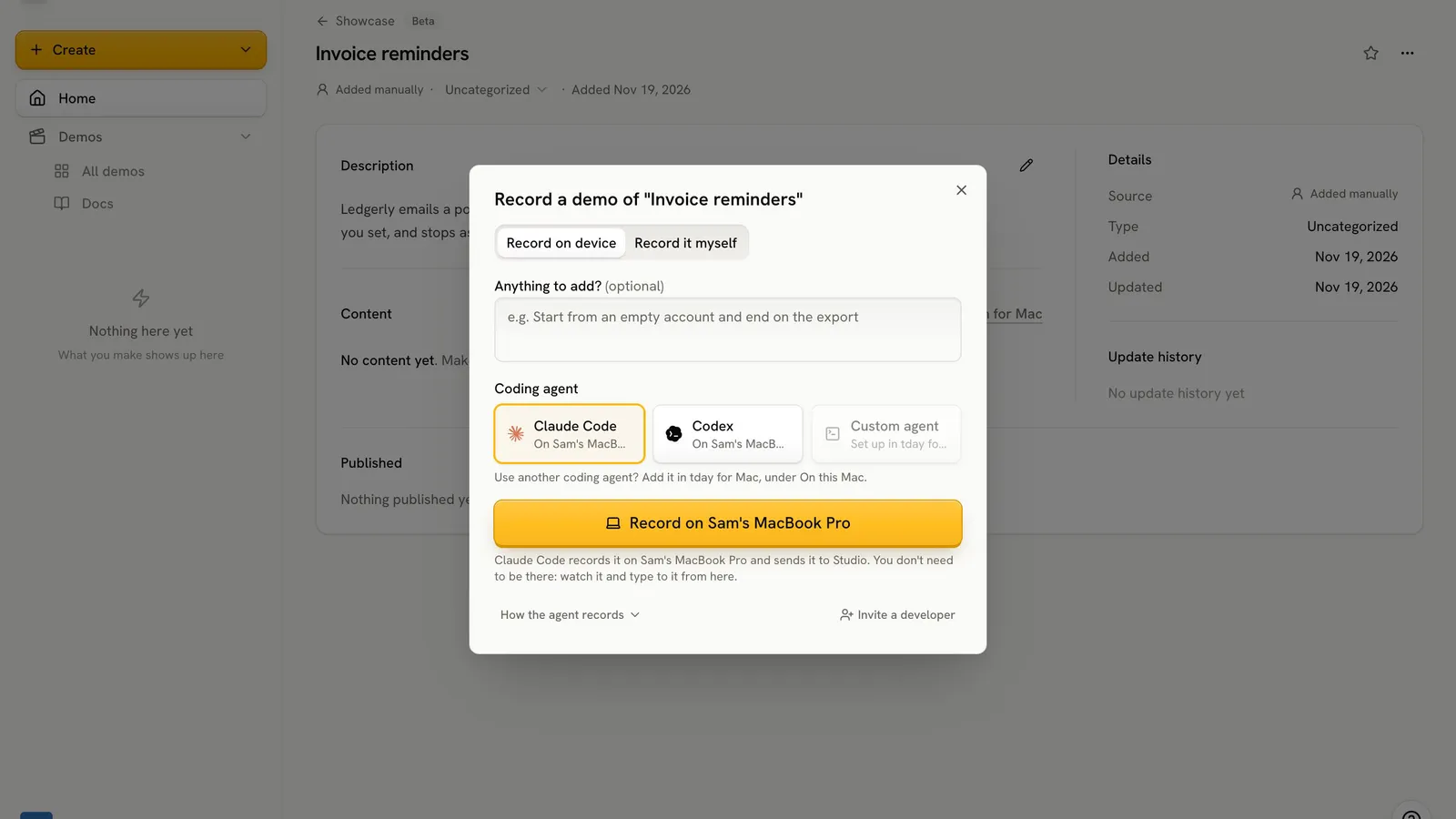
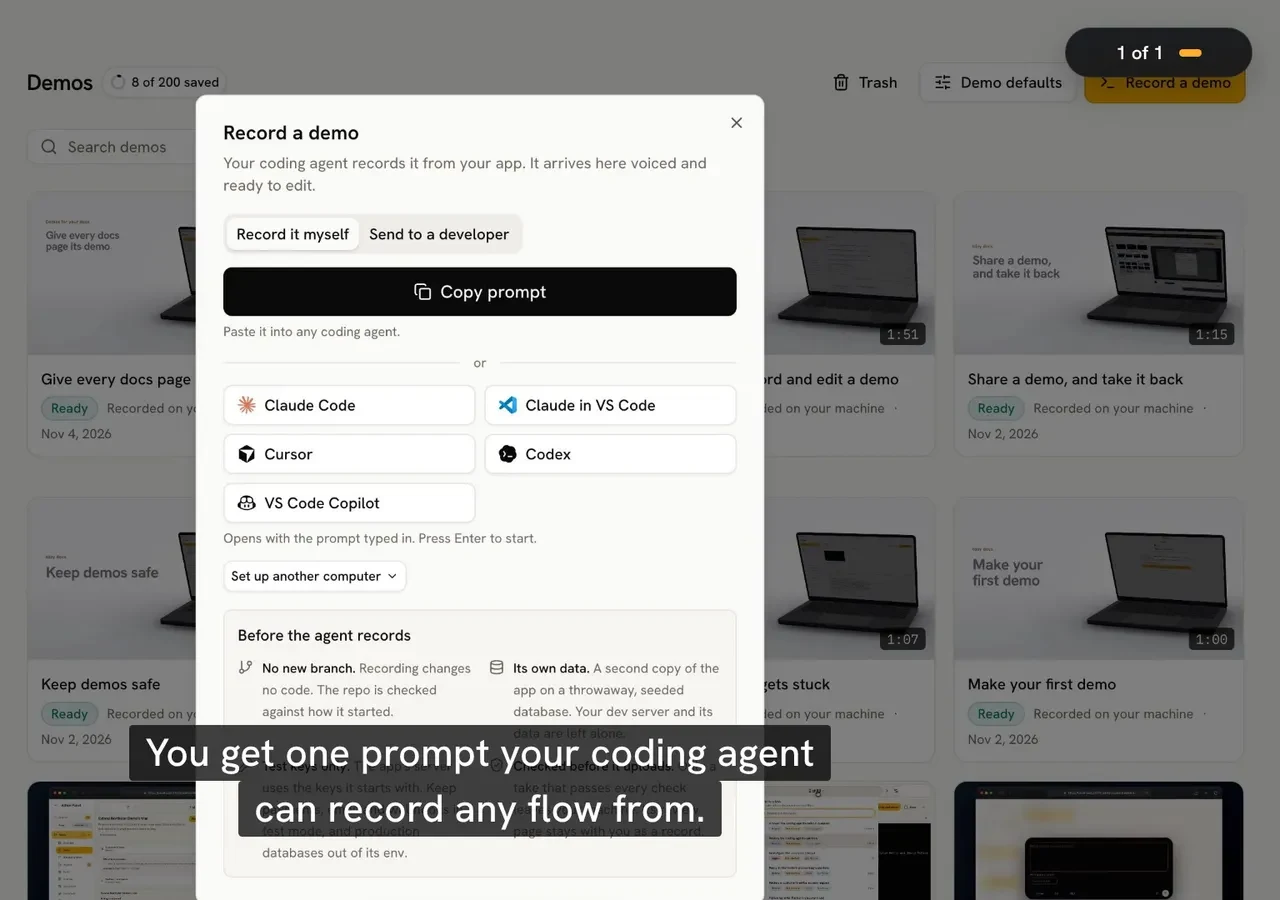
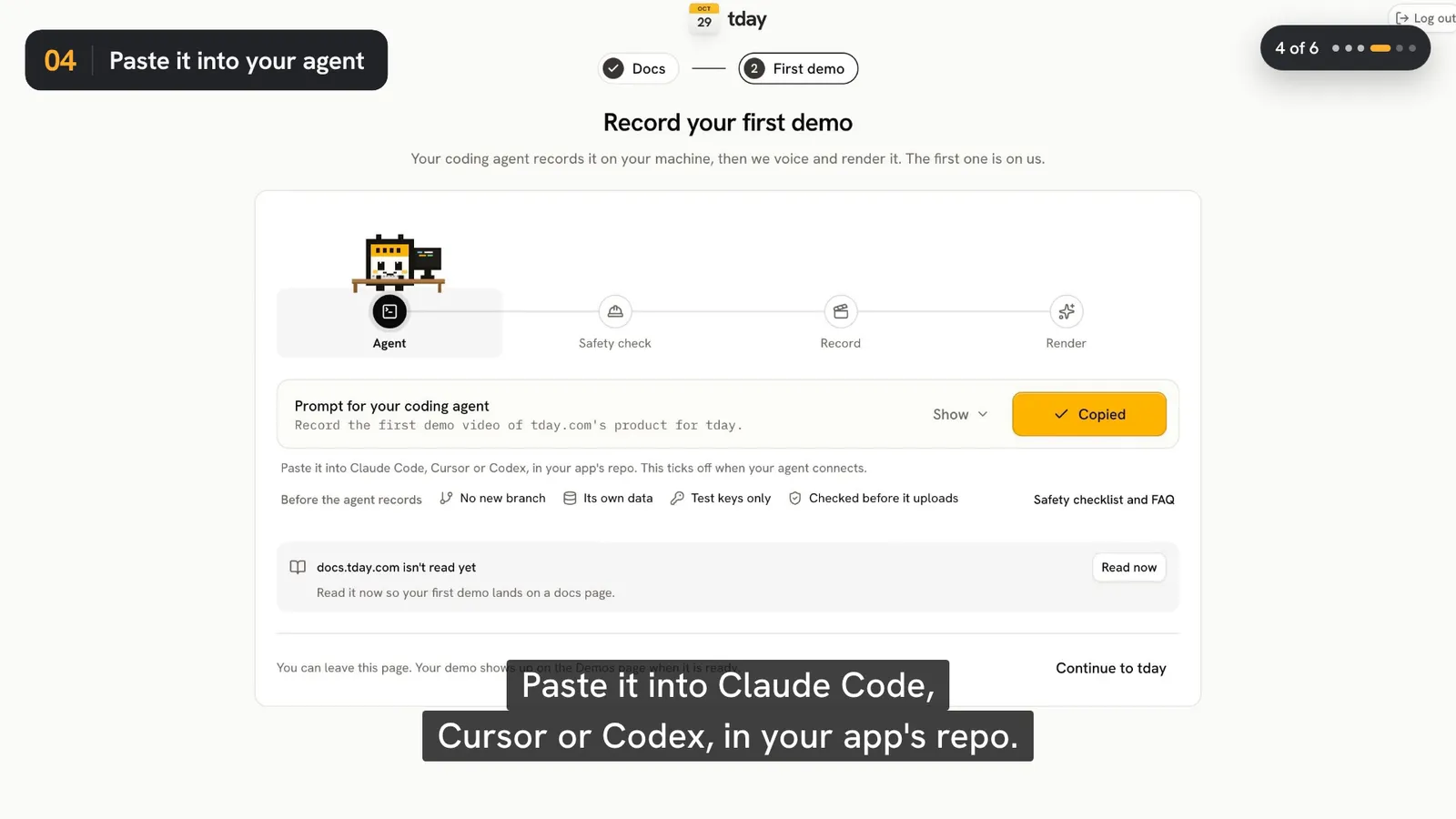
Connect tday.com once. Record a demo on the Demos page gives you a prompt with one install line, which adds the tday MCP server to your coding agent. The longer version is in how to record a product demo with your coding agent. After that, the ask is one sentence:
Use tday.com to record a terminal demo of <the command or workflow>
Your agent reads tday.com's demo guide, runs the safety check and tells you its plan before it records. Keep its approval prompts on for the first run, so you see each command before it runs.
How the agent sets up the shell
The agent starts a terminal demo with a few settings:
| Setting | What it does |
|---|---|
cwd | The folder the shell starts in |
shell | Which shell to run |
env | Environment variables for the shell |
title | The terminal window's title |
setup | Commands run off camera before recording, such as an install or a build |
home | A scratch home folder, or your real one |
fontSize | The text size, so the commands read clearly in the video |
The setup commands are the part people usually want to cut by hand. A dependency install or a first build happens before the camera rolls, and the video starts on a ready prompt.
How the agent drives a terminal
A take is a list of beats. Each beat is one line to say and the steps that line covers. In a terminal, a step is one of these:
| Step | What it does |
|---|---|
type | Types text |
press | Presses a key, such as Enter or Control+C |
run | Runs a command. With until, the step lasts until the output matches a pattern |
wait_for | Waits until the output matches a pattern |
run with until matters for slow commands. The beat holds until the output the viewer needs to see has printed, up to a time limit, instead of cutting away mid-build. A beat can also name the part of the output its line is about, with a focus pattern.
The footage of a beat holds until its line has had time to be said, and anything between beats is cut, so the agent's thinking time never shows. A beat whose step fails is not kept, and the agent records it again.
Commands are awkward to say out loud. A beat's caption shows different text from what the voice says. The docs' own example is a line that says "slash approve" while the caption shows /approve. A flag such as --watch works the same way.
Keep your own details off screen
A shell prompt and a tool's output are full of personal details. In a terminal demo, your git name, email, user name and machine name are swapped for a made-up persona on screen. Your agent can swap any other text with demo_fill, which in a terminal applies to the output printed from then on: a teammate's name, a customer in a log line, a path.
The agent signs in off camera, before recording starts, and types secrets as $env:NAME, so the value is never recorded. Anything that looks like a secret, in a line or on screen, blocks the upload until it is fixed.
What the window guard does not cover
While a web or Electron demo records, requests from the app's window that would change something off your machine are blocked and counted. A terminal has no window guard. The commands run in a real shell with the environment they are given, so give the demo test keys and throwaway data. An env file just for demos, such as .env.demo, makes that one setting for your agent. Keep demos safe lists which services need test keys, and is it safe to let a coding agent record your app explains the rest.
Recording changes no code. tday.com compares your repo's git status at the start and the end, and removes every temp file the agent registered.
What tday.com adds after the upload
tday.com voices each line, adds captions, title and end cards and music, and renders an editable demo on your Demos page. Only the take, a poster frame and a record of its narration, steps and checks leave your machine, never source code.
Every demo opens in tday.com's editor. Click a line on the voice row, change what it says, and choose Regenerate this line. When your CLI changes, ask your agent to record again: the new take becomes a new version of the same demo, so its share link and embeds keep working.
Limits
- It is a video. Viewers watch it; they do not type into it.
- One take holds up to 40 narrated lines and 10 minutes, and one line up to 400 characters.
- It does not record on its own. Someone asks the agent. On Pro and above, a Needs update tab lists demos a merged pull request may have put out of date.
Every plan records terminal tools. Recording and rendering use no credits; the voiceover spends your plan's monthly credits, 10 a minute, charged by the second. The free plan has 5 saved demos and 100 credits a month. Every plan is on pricing.
Frequently asked questions
Do I need a browser to record a terminal demo?
Yes. A terminal tool needs a browser, just as a web app does: Google Chrome, or Playwright's Chromium if you do not have Chrome (npx -y playwright@1.62.1 install chromium).
Can the install and build steps be left out of the video?
Yes. Put them in the demo's setup commands, which run off camera before recording starts. Anything between narrated lines is cut too.
Will my user name or machine name show in the shell prompt?
No. In a terminal demo your git name, email, user name and machine name are swapped for a made-up persona on screen, and your agent can swap any other text in the output with demo_fill.
What happens when a command takes a long time?
The agent runs it with an until pattern, so the beat lasts until the output matches, up to a time limit. The viewer sees the result instead of a cut in the middle of the build.
Does a terminal demo block network calls the way a web demo does?
No. The window guard covers web and Electron apps. A terminal demo's commands run in a real shell with the environment they are given, so give the demo test keys and throwaway data.
Sources
- tday.com demos, tday.com docs
- Your first demo, tday.com docs
- Demo tools reference, tday.com docs
- Keep demos safe, tday.com docs
- Demo FAQ, tday.com docs
- Plans and limits, tday.com docs
Have your coding agent record your first demo
One prompt in Claude Code, Cursor or Codex records a narrated demo of your app. tday.com voices, styles and renders it, ready for your docs. Free includes 5 saved demos.