How to make a demo video for every release without a video team
Demo videos fall behind weekly releases because recording is a separate job. Have the coding agent that built each feature record its demo instead.
By the tday.com team Published 5 min read
The short answer
Stop treating the demo as a separate job someone does after the sprint. Have the coding agent that built the feature record its demo while the change is fresh: it already knows how to start your app and what changed. With tday.com that is one sentence to Claude Code, Cursor or Codex. tday.com adds the voice, cursor, captions and style, lists the features that still have no demo, and on Pro and above flags the demos a merged pull request may have put out of date.
Key takeaways
- Demos fall behind because they are recorded after the work, by someone who did not build it. Record them when the feature is built.
- One request to your coding agent records a narrated demo. It checks the app's data and keys before it starts.
- Before a release, ask which features have no demo yet, and record those in the same session.
- A re-record is a new version of the same demo, so share links and docs embeds never need changing.
- On Pro and above, Needs update lists the demos a merged pull request may have put out of date.
Most teams that ship every week have demo videos from three releases ago. Nobody decided that. Recording a demo is a separate job: find a clean account, rehearse the clicks, record, edit, upload. It lands on whoever has a free afternoon after the sprint, by which time the person who built the feature has moved on to the next one.
A video team fixes this by adding people. The cheaper fix is to change who records the demo, and when.
Record the demo where the feature was built
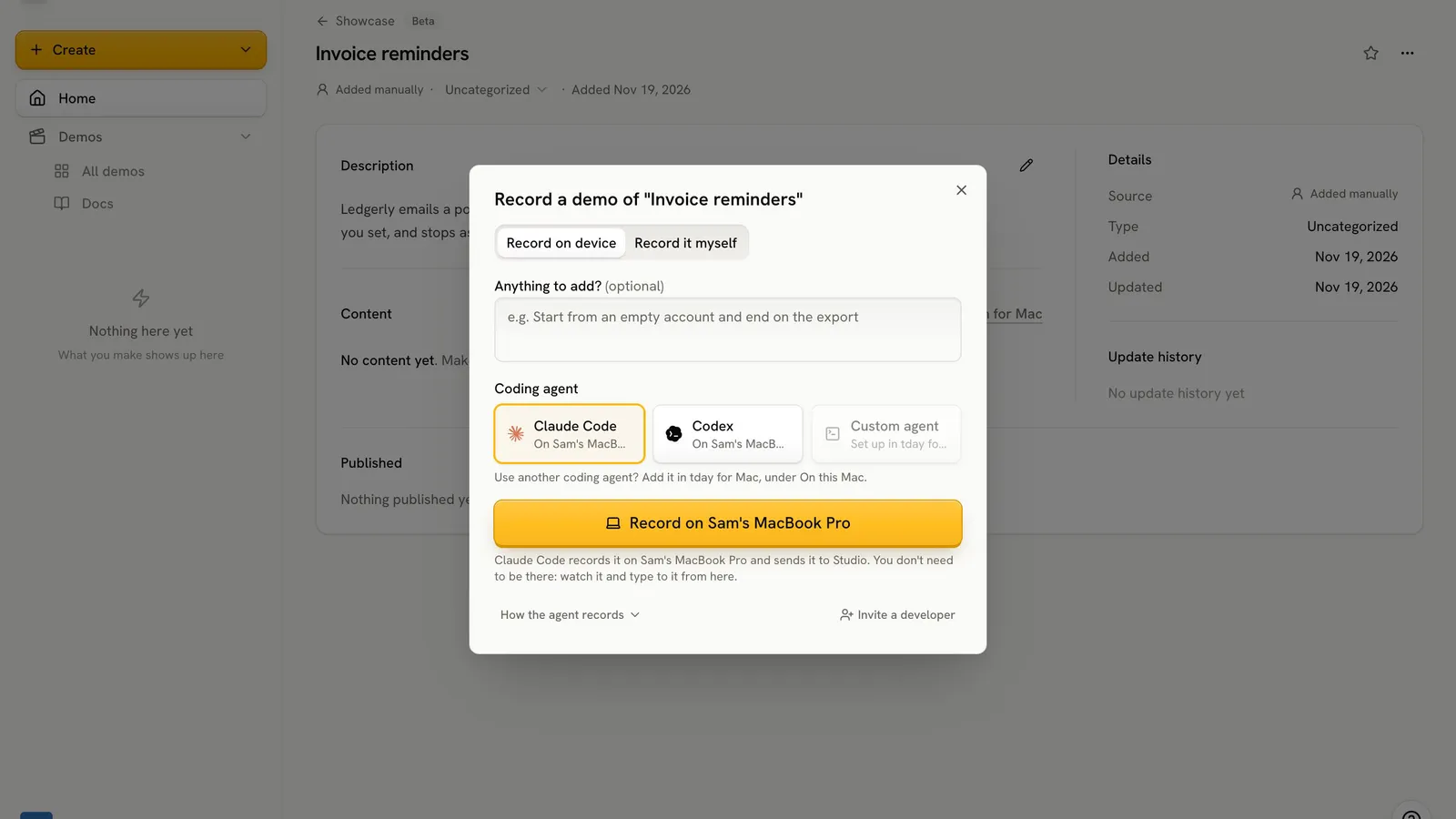
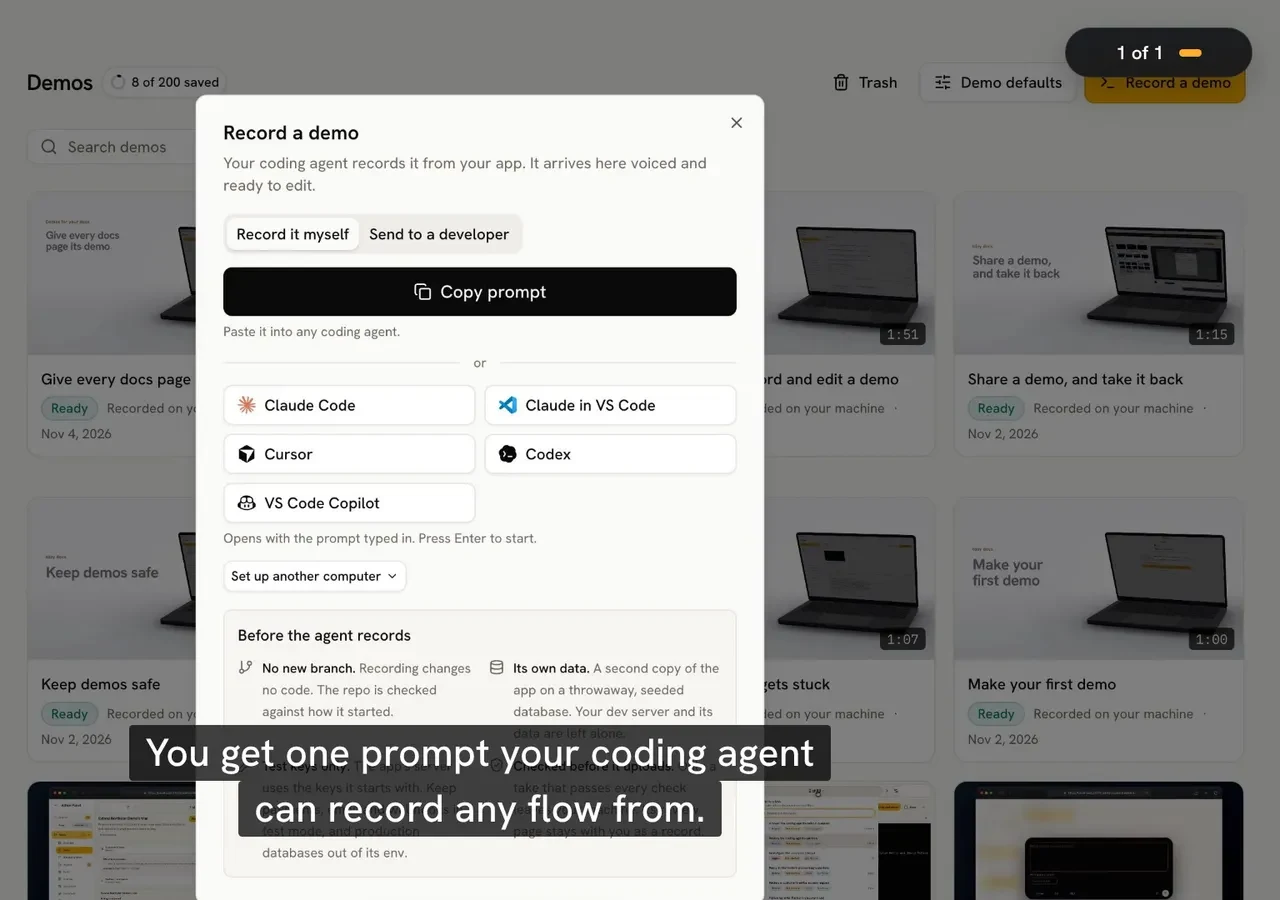
The coding agent that wrote a feature already knows how to start your app, which screens changed and what the feature is for. Asking it for a demo is one sentence:
Use tday.com to record a demo of <the feature>
With tday.com installed in Claude Code, Cursor or Codex, the agent then:
- Checks before anything starts. It reads where the demo's data would live, which keys its server could use and your seed command, without changing anything. When anything is shared or live, it tells you and waits for your OK.
- Records one narrated line at a time. Each line of the voiceover comes with the clicks and typing it covers, on a separate copy of your app with its own data.
- Reviews the take on your machine and uploads it.
tday.com then adds the voice, the cursor, captions and the style, and renders the video. Nobody opens a screen recorder or an editor.
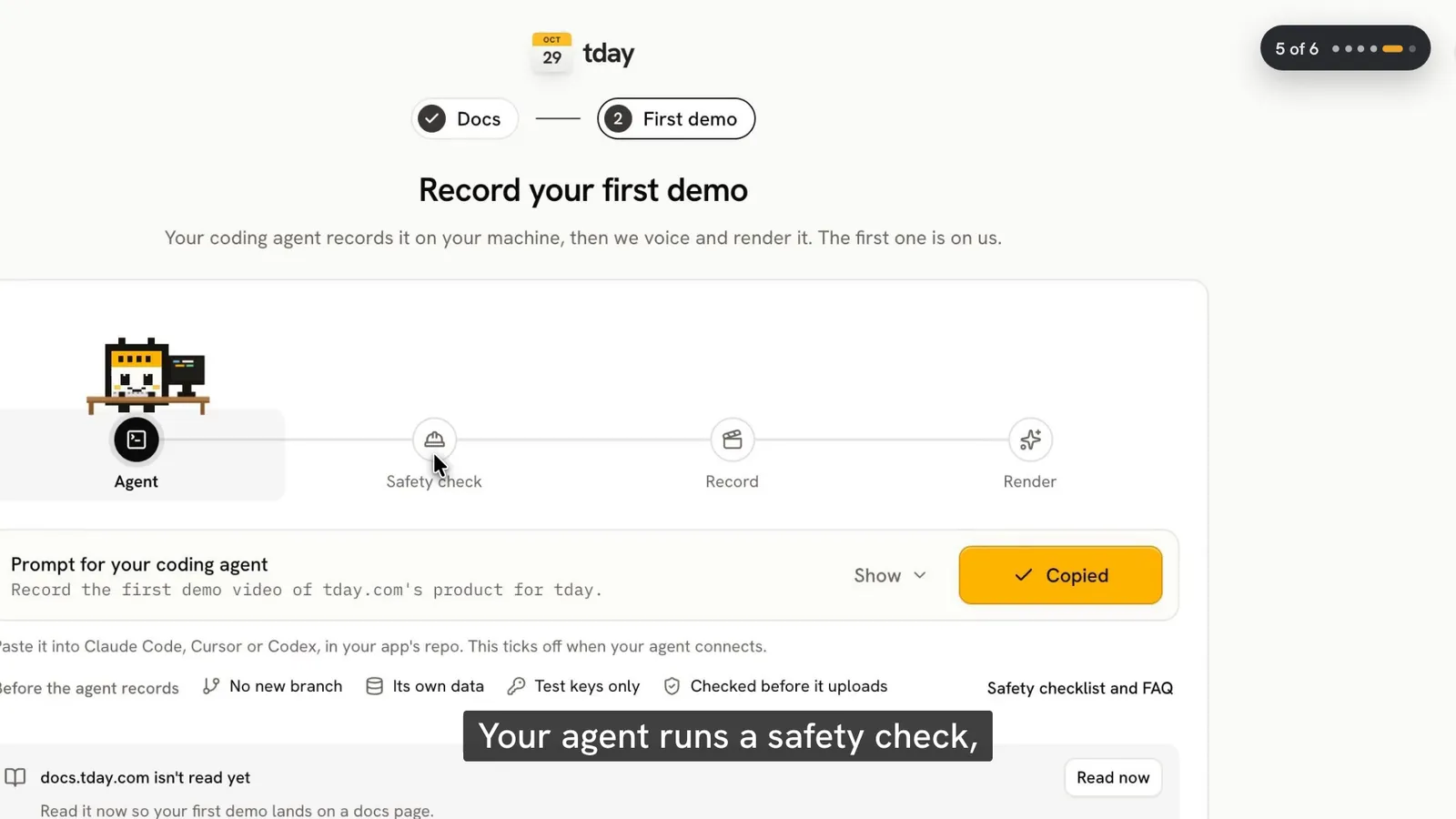
Make the demo part of finishing a feature
The demo gets skipped when it is a separate task. So make it part of the feature: a user-facing change is done when its demo is uploaded. If your agent reads a CLAUDE.md or AGENTS.md, one line there is enough to make it ask for the demo at the end of the change, while everything it needs is still in its context.
Catch the gaps before the release goes out
Some features will still slip through. Before a release, ask which ones have no demo yet. In Claude Code with the tday.com plugin, /tday:demos-needed lists them. In any agent, ask "Which features have no tday.com demo yet?": the demo_features tool lists your features newest first, with the ones that have no demo marked. Record the missing ones in the same session.
You do not have to be at your desk for it. With tday.com for Mac, you can ask for a demo on tday.com from your phone, and your own Claude Code or Codex records it on your Mac.
Keep last sprint's demos true
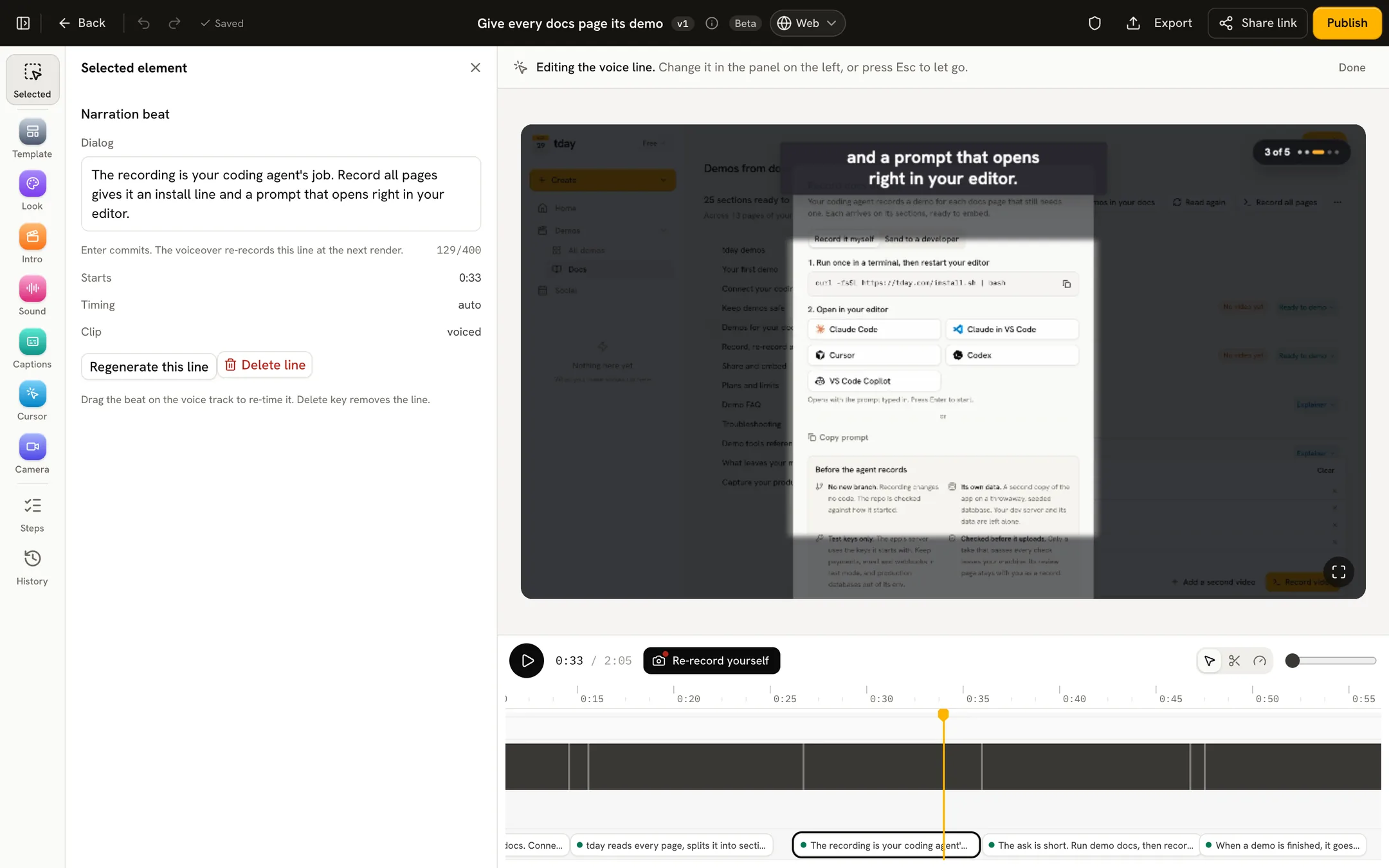
A release also breaks old demos. When the screens change, ask the agent to record the demo again. The new take becomes a new version of the same demo, so its share link and every docs embed play it once it is ready. Nothing has to be pasted again.
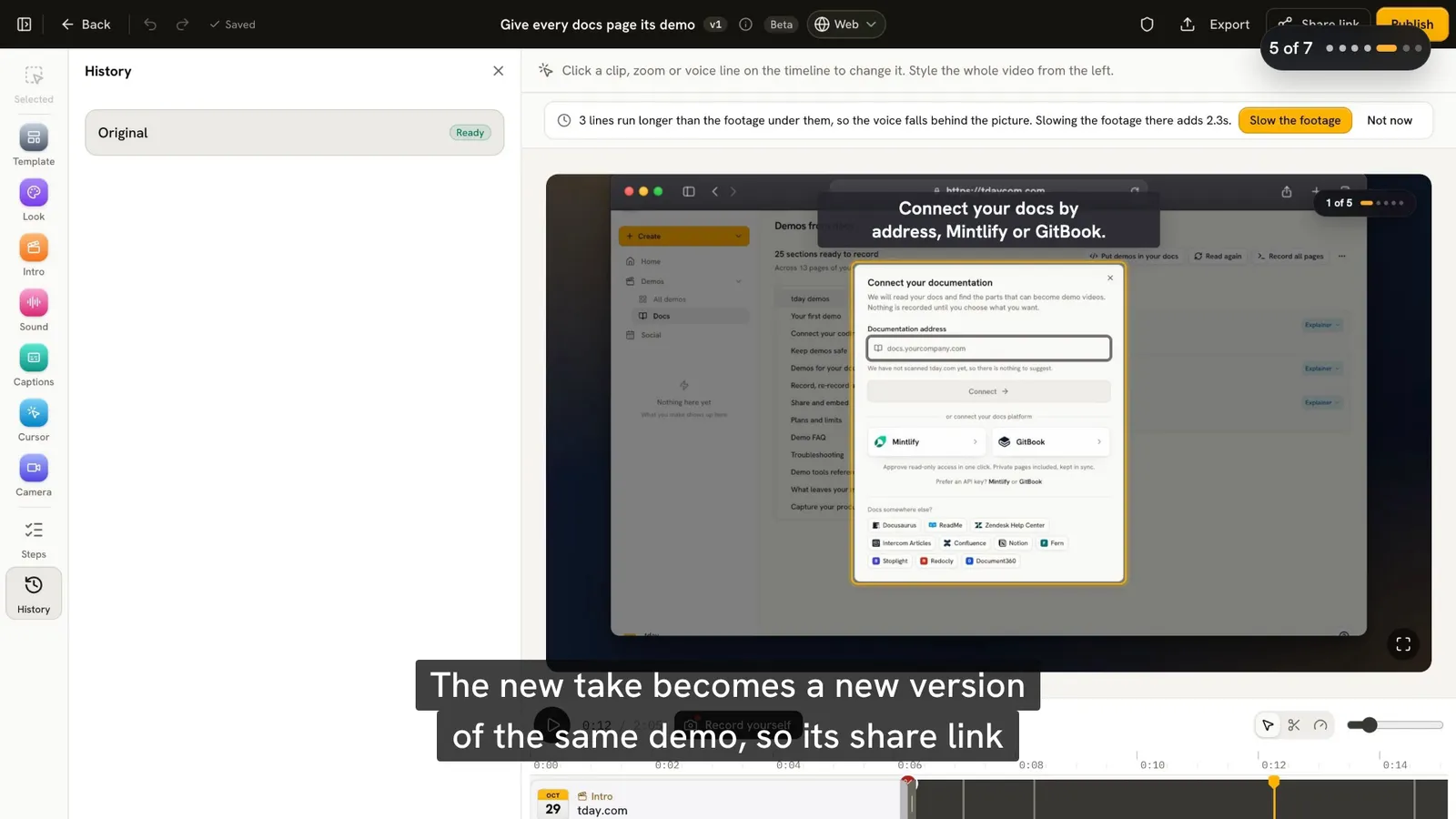
On Pro and above, the Needs update tab lists each demo that a pull request you merged, an edit to the docs it was made from, or a newer approved capture may have put out of date. Record those again or mark them Still accurate. When only the words changed, edit the line in tday.com's editor and only that line is voiced again. Keeping demos up to date covers this in more detail.
What tday.com does not do
tday.com does not record a demo by itself on every push or release. A person, or their agent, asks for each one. If you want a video from your CI pipeline with nobody asking, a scripted browser recording in a release job (Playwright can save a video of a test run) will give you one. But it has no voice, and its script breaks whenever the UI changes, which is the work you were trying to get rid of.
What it costs
Re-recording a demo you already have needs no new saved-demo slot. Each plan includes twice as many new versions a month as saved demos:
| Plan | Saved demos | New versions a month |
|---|---|---|
| Free | 5 | 10 |
| Pro, $39 a month | 25 | 50 |
| Growth, $149 a month | 150 | 300 |
Recording and rendering use no credits. The voiceover spends your plan's monthly credits, about 10 a minute: 100 a month on Free, 500 on Pro and 2,000 on Growth. On Free, shared demos carry a tday.com badge. See pricing, or record your first demo with your coding agent.
Frequently asked questions
Can my coding agent record a demo video of a feature it just built?
Yes. With tday.com installed in Claude Code, Cursor or Codex, ask it to record a demo of the feature. It checks the app's data and keys, records one narrated line at a time on a separate copy of your app, and uploads the take. tday.com adds the voice, cursor, captions and style.
Does tday.com record a demo automatically on every push?
No. A person or their agent asks for each demo. On Pro and above, the Needs update tab lists the demos a merged pull request may have put out of date, so you know which to record again.
How do I find the features that still have no demo?
In Claude Code with the tday.com plugin, run /tday:demos-needed. In any coding agent with tday.com installed, ask which features have no demo yet: the demo_features tool lists them newest first.
Do I need to change the embed code after re-recording a demo?
No. A re-record becomes a new version of the same demo, and its share link and every embed play it once it is ready. Until then they keep playing the newest finished take.
What does a release demo cost with tday.com?
Recording and rendering use no credits. The voiceover spends your plan's monthly credits, about 10 a minute. Free includes 5 saved demos, Pro ($39 a month) 25 and Growth ($149 a month) 150, with twice as many new versions a month.
Sources
- Record, re-record and edit, tday.com docs
- Plans and limits, tday.com docs
- MCP tools, tday.com docs
- Demos from anywhere, tday.com docs
- The safety check, tday.com docs
Have your coding agent record your first demo
One prompt in Claude Code, Cursor or Codex records a narrated demo of your app. tday.com voices, styles and renders it, ready for your docs. Free includes 5 saved demos.