Is there an MCP server that records product demo videos? What tday's tools do
tday's MCP server (@tday-com/mcp) lets Claude Code, Cursor or Codex record a narrated demo of your running app. What each tool does, and what none of them do.
By the tday team Published 8 min read
The short answer
Yes. tday's MCP server, @tday-com/mcp, runs on your machine over stdio and gives a coding agent such as Claude Code, Cursor or Codex a set of demo tools. demo_check reads your setup before anything starts, demo_start opens a separate copy of your app on camera, demo_beat records one narrated line with its clicks and typing, demo_review scans the take for secrets, and demo_upload sends it to tday, which voices and renders the video.
Key takeaways
- The server is one npm package, @tday-com/mcp, run with npx over stdio. It works in Claude Code, Cursor, Codex, VS Code, Gemini CLI and any MCP client that runs stdio servers.
- A typical demo calls seven tools in order: demo_guide, demo_check, demo_start, several demo_beat, demo_review, demo_upload and demo_finish.
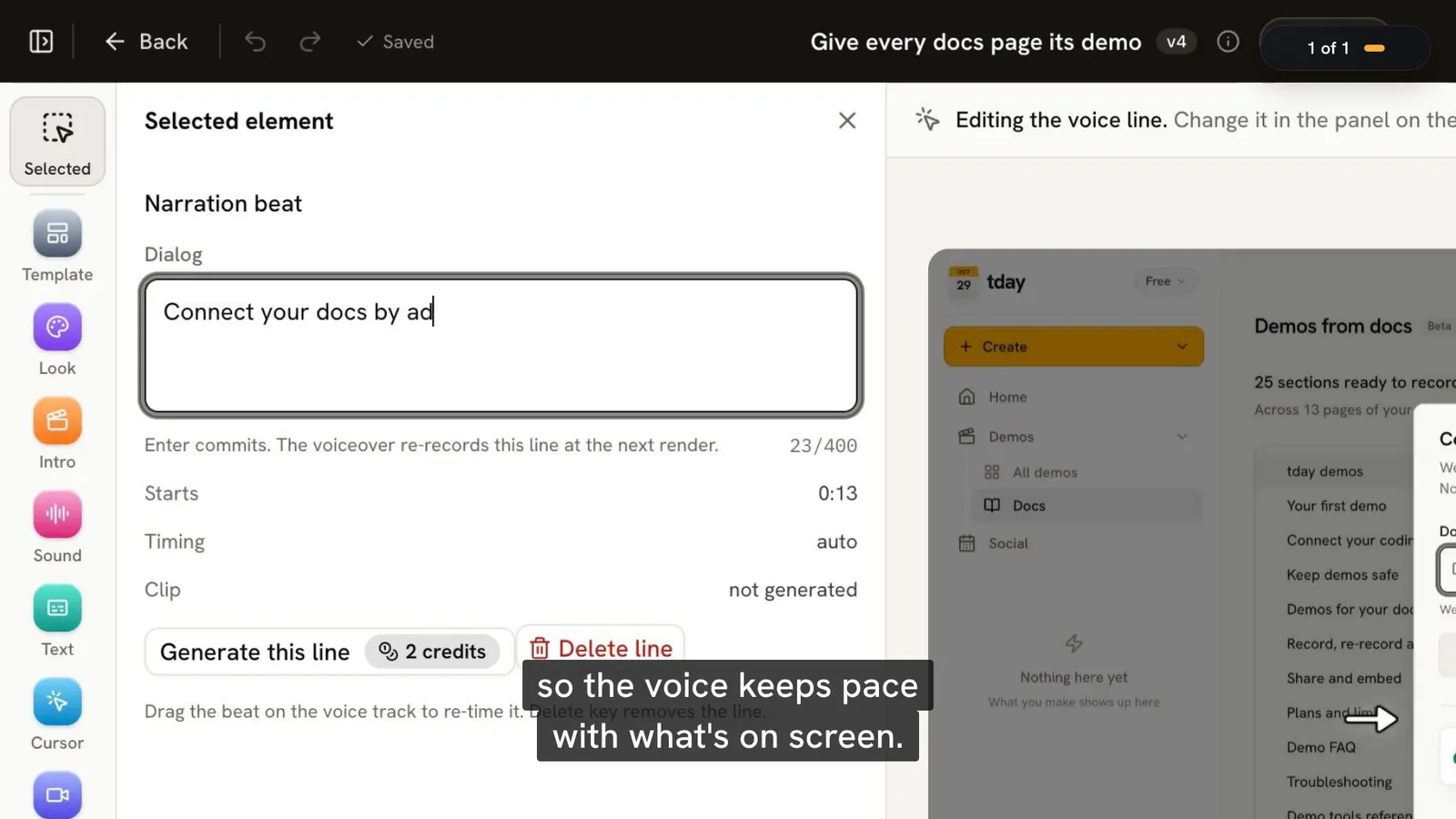
- One demo_beat is one narrated line of up to 400 characters, plus up to 24 steps it covers. Anything between beats is cut.
- The tools record a separate demo instance of your app, never your dev server, and nothing uploads until a local review passes its secret scan.
- The tools make a video. They do not make a click-through tour, and they do not run by themselves when code is merged.
An MCP server gives a coding agent tools it does not have by itself. Most give it something to read: a database, an issue tracker, a docs site. tday's gives it a camera.
With it, the agent that built a feature can also record the demo of it. It starts your app, performs the feature and writes the narration, one line at a time. tday turns that take into a finished video. This post lists what the server is, what each tool does, and where the tools stop.
What the server is
It is one npm package, @tday-com/mcp, that runs on your machine over stdio. Your agent starts it like any other local MCP server:
npx --prefix ~ -y @tday-com/mcp@latest serve
It needs Node.js 18.17 or later and ffmpeg on your PATH, on macOS, Linux or Windows (WSL2). It works with Claude Code, Cursor, Codex, VS Code, Gemini CLI and any MCP client that runs stdio servers. The tools are the same in all of them.
tday also has a hosted connector on tday.com that VS Code can add. That one carries your account's tools only, with no demo tools. Recording needs the local server, because the app being filmed runs on your machine.
Three ways to install it
| Way | What you run | Sign-in |
|---|---|---|
| A prompt's install line | TDAY_CAPTURE_TOKEN=<token> npx --prefix ~ -y @tday-com/mcp@latest install | The prompt's capture token |
| Your own tday login | curl -fsSL https://tday.com/install.sh | bash | A code you approve in a browser |
| A plugin | Your agent's plugin manager | A link and a code on first use |
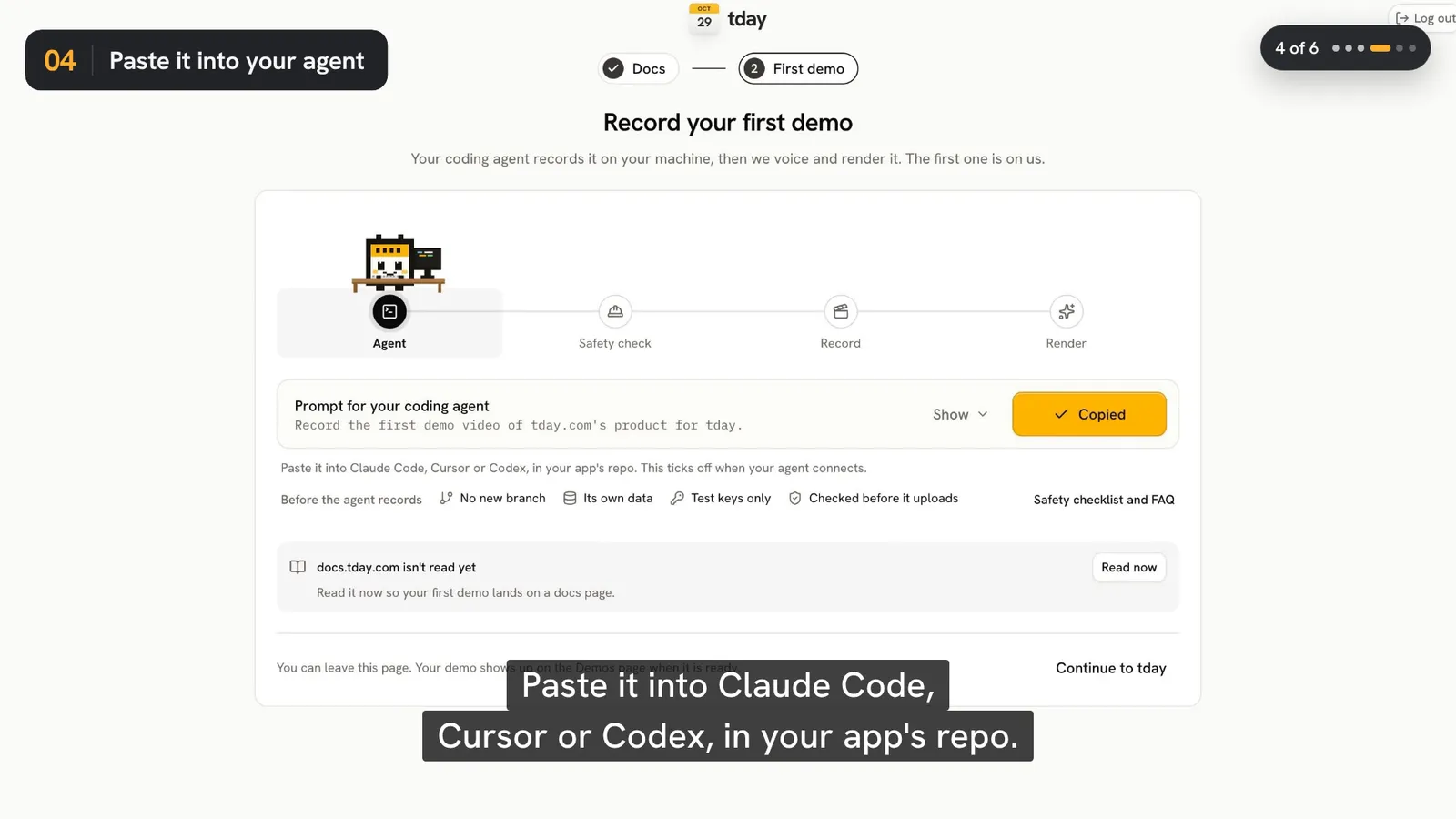
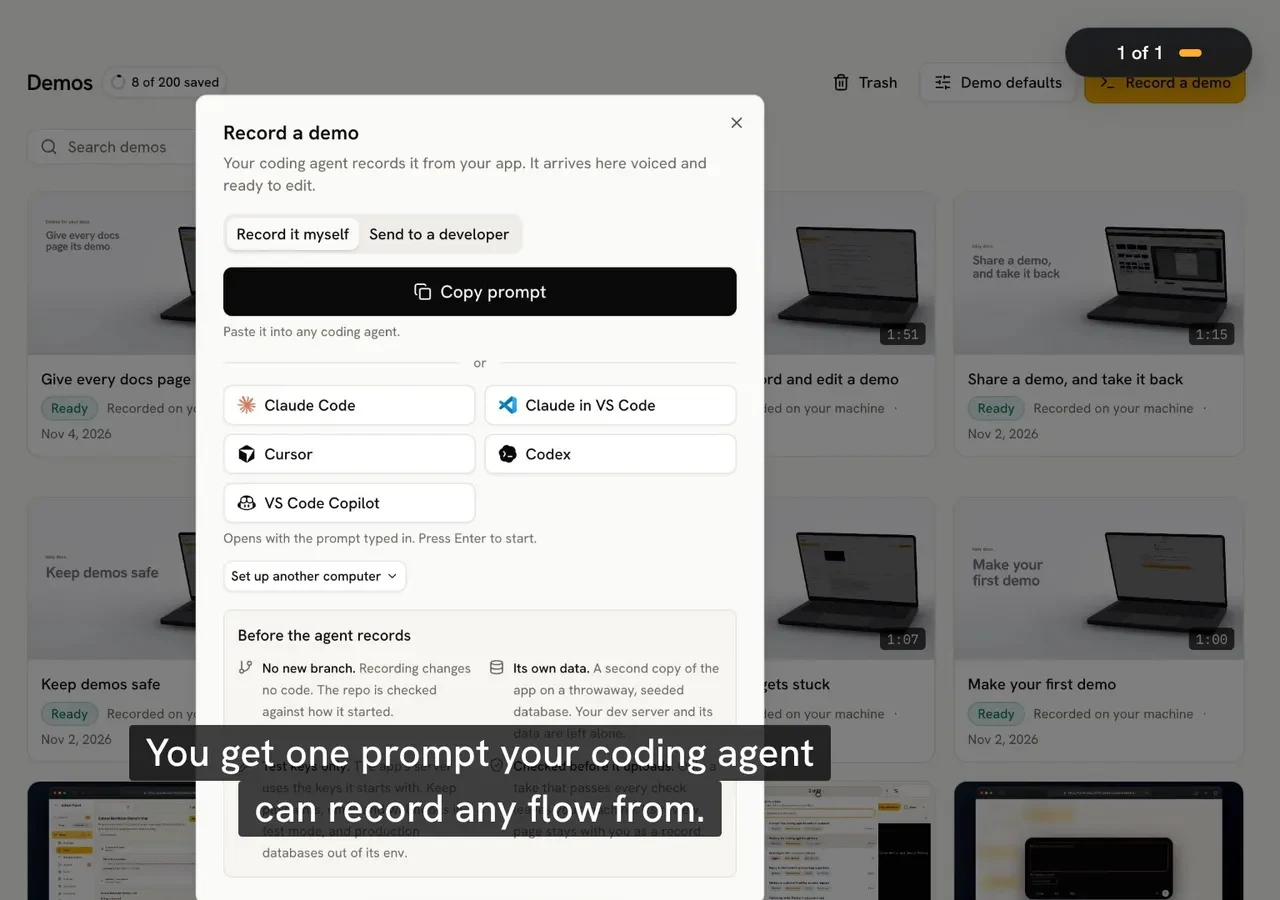
A prompt's install line comes from tday: Record a demo on the Demos page gives you a prompt that starts with it. In Claude Code it adds the tday server at user scope, so nothing is written into your repo, and installs a capture skill. For Cursor and Codex it prints the configuration to paste into ~/.cursor/mcp.json or ~/.codex/config.toml. The token belongs to one brand and expires after one day.
Your own tday login needs no token. It adds the server to every coding agent it finds (Claude Code, Cursor, Gemini CLI and VS Code) and prints the setup for Codex.
A plugin exists for Claude Code, Cursor, Codex and Grok Build. In Claude Code:
claude plugin install tday --marketplace tday-com/tday-plugins
It adds the same server, the skill your agent follows, and two commands: /tday:demo records a demo, and /tday:demos-needed shows which features have none yet.
Use one of these, not two. With two, your agent lists the tday tools twice.
The tools, in the order a demo uses them
You rarely call these yourself. Your agent does. A typical demo runs the first column from top to bottom.
| Tool | What it does |
|---|---|
demo_guide | Returns tday's guide to recording a demo and writing its voiceover, and says how many minutes of voiceover your credits buy now |
demo_app_notes | Reads what earlier demos saved about starting your app, from your repo's .tday folder |
demo_check | A read-only checklist of your repo, data, queues, server keys, ports and tools. It starts and changes nothing |
demo_start | Starts recording a demo instance of your app, checks where its data lives and records the git baseline |
demo_beat | Records one narrated line and the steps it covers, on camera |
demo_fill | Swaps text on screen for demo data, now and on every page after |
demo_view | Looks at the screen, or runs steps, off camera |
demo_discard_beat | Cuts the last beat, or a named beat and every beat after it |
demo_review | Builds the take, runs tday's checks and the secret scan, and writes a local review page with a confirmation code |
demo_upload | Uploads a take that passed a clean review, then waits for tday to render it |
demo_finish | Closes the app or browser, deletes temp files and worktrees, and compares git status with the start |
Four more tools sit around the take. demo_docs lists the demos your docs still need, each with its demo_start call. demo_features lists your product's features and which have a demo. demo_worktree checks out another branch in a temporary worktree outside your repo, to demo it or to show a before and after. demo_embed_docs returns every finished docs demo with the heading it goes under and its embed snippet, which is the subject of how to add demo videos to your docs.
Every answer from a recording tool carries a picture, so the agent sees its own footage and can check it.
What one demo_beat holds
The beat is the unit of a take. Its main inputs:
| Input | What it is |
|---|---|
say | The narrated line, voiced exactly as written. Up to 400 characters |
caption | What the caption shows instead, such as /approve for "slash approve" |
do | The steps the line covers. Up to 24. None means hold on what is on screen |
focus | What the line is about, when it is not a clicked control |
payoff | Marks the one beat with the result the viewer should remember |
A step is one action. In a web or Electron app the actions are open, click, type, select, hover, scroll, press, drag, upload and wait. A terminal has type, press, run and wait_for. A step finds its control by role and name first, then by visible text, and by a CSS selector only as a last resort.
The footage holds until the line has had time to be said, and anything between beats is cut. A beat whose step fails is not kept. tday answers each beat with notes on the wording.
What demo_start can record
demo_start takes a kind, and there are six:
| Kind | What is filmed |
|---|---|
web | A web app, in a 1440x900 browser at 2x |
electron | An Electron app's own window |
terminal | A real shell, filmed as a clean terminal window |
ios | An iPhone app in an iOS Simulator, on a Mac |
android | An Android app on an Android emulator |
screen | A Mac app's own window, filmed off your screen |
Phone apps have their own guide: how to record a demo of an iPhone or Android app.
What the tools refuse to do
Giving an agent a camera on your running app is only reasonable if the tools have limits of their own. These are built in:
demo_startrecords a second instance of your app on a free port. Your dev server is never restarted or reused.demo_startrefuses a database that is not on your machine unless you say yes.- A step that would type a secret on camera is refused. The agent types secrets as
$env:NAME, off camera. - While a web or Electron demo records, requests from the app's window that would change something off your machine are blocked and counted.
demo_uploadonly takes a take that a cleandemo_reviewpassed. A possible secret in a line, a step or the text on screen blocks it.
What uploads is the take (the app's window only), a poster frame and a manifest of the narration, steps and checks. Source code, .env files, cookies and network traffic never leave your machine. While it records, the server sends tday each safety check row's result (ok, check or stop, never what it found) and each narrated line for wording notes, which is not stored.
One thing the tools cannot cover: your app's own server runs with whatever keys you start it with. Use test keys for payments and email. The full picture is in is it safe to let a coding agent record your app.
What the tools do not do
- They make videos. A tday demo is a narrated video. If you want a tour that viewers click through themselves, these tools do not make one.
- They do not run by themselves. Nothing records when code is pushed or merged. Someone asks the agent. On Pro and above, a Needs update tab lists demos a merged pull request may have put out of date.
- They do not finish the video. The voice, cursor, camera, captions, cards and music are added by tday after the upload. The free plan includes 5 saved demos and 100 credits a month.
- They have limits. One take holds 40 narrated lines and 10 minutes. A brand can start 12 uploads an hour.
Check the setup and keep it current
doctor prints ok or FAIL for the browser, ffmpeg, the token and the connection to tday:
npx --prefix ~ -y @tday-com/mcp@latest doctor
Your agent's config names an exact version of the server, so nothing changes under you while you work. When tday releases a newer one, the server updates that version in your agents' configs as it starts. Set TDAY_MCP_AUTO_UPDATE=0 to keep the version you have. Codex's config.toml is never edited for you: run update by hand there.
The step-by-step first run is in how to record a product demo with your coding agent, and the limits are on one page.
Frequently asked questions
Which MCP clients can use tday's server?
Claude Code, Cursor, Codex, VS Code, Gemini CLI and any MCP client that runs stdio servers. The tools are the same in all of them. There is also a tday plugin for Claude Code, Cursor, Codex and Grok Build that adds the same server.
Does the MCP server run in the cloud or on my machine?
On your machine, over stdio, against a separate copy of your app that your agent starts there. tday's hosted connector on tday.com carries your account's tools only and has no demo tools.
What does the server send to tday?
After a clean review: the take (the app's window only), a poster frame and a manifest of the narrated lines, steps and safety checks. While recording: each safety check row's result and each narrated line for wording notes, which is not stored. Never source code, .env files, cookies or network traffic.
Can I use the tools without a coding agent?
Partly. The same package is a command line tool: run plan.json runs a list of tool calls without an agent and reviews the take, and doctor checks your setup. Writing the narration and performing the feature is still the work an agent does in a normal demo.
Does the MCP server change my repo?
Recording changes no code. The server compares git status at the start and the end and removes the temp files the agent registered. The one thing its tools may write is a .tday folder with a note on how your app was started, and they never commit it.
Sources
- Demo tools reference, tday docs
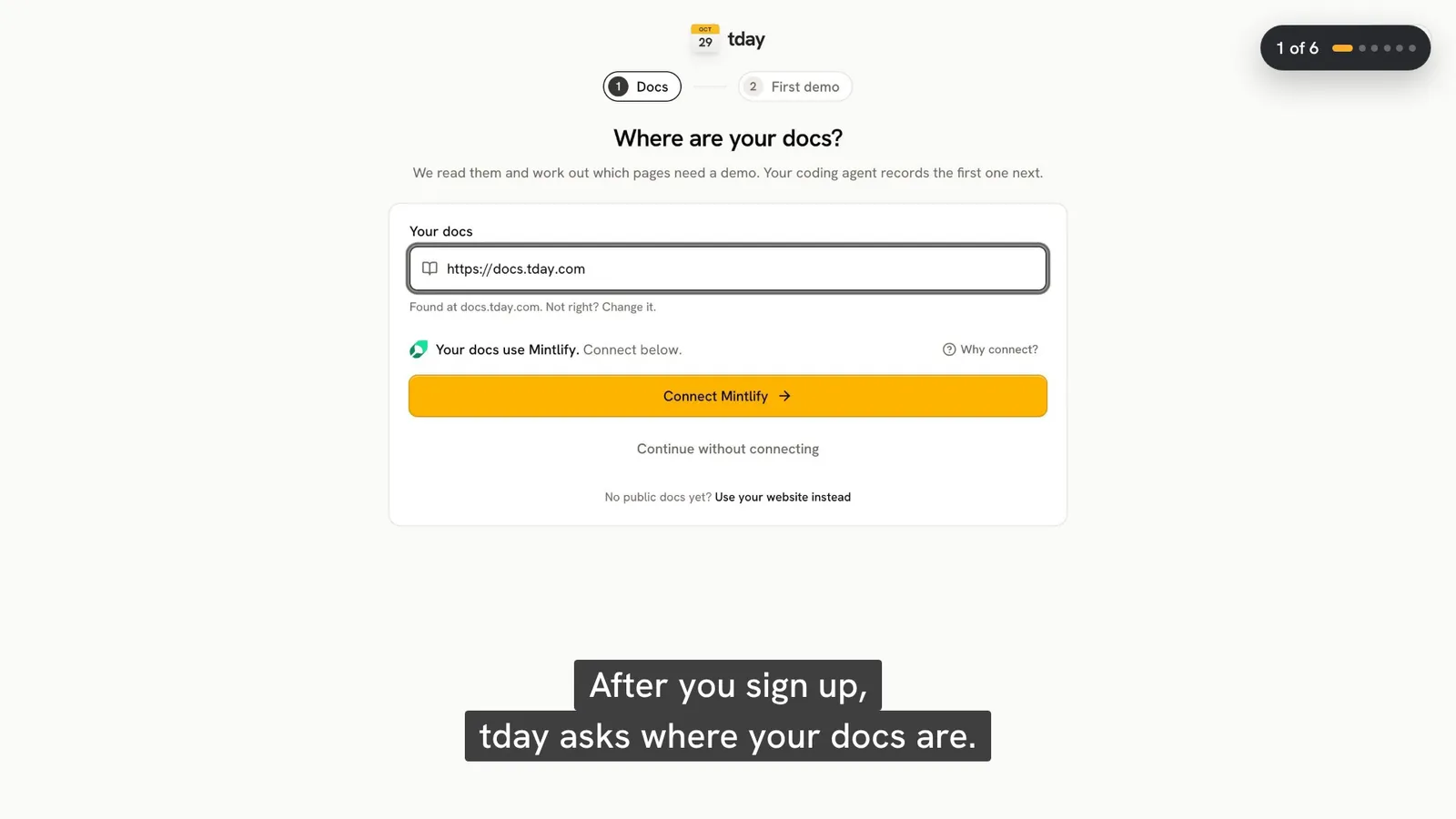
- Connect your coding agent, tday docs
- Your first demo, tday docs
- Keep demos safe, tday docs
- What leaves your machine, tday docs
- Model Context Protocol, Model Context Protocol
Have your coding agent record your first demo
One prompt in Claude Code, Cursor or Codex records a narrated demo of your app. tday voices, styles and renders it, ready for your docs. Free includes 5 saved demos.