How to put demo videos in Mintlify and GitBook docs, and keep them current
Connect a Mintlify or GitBook site to tday, embed a demo under each heading, and let a pull request or change request keep the videos current. Step by step.
By the tday team Published 9 min read
The short answer
Connect the site to tday through Mintlify or GitBook, have your coding agent record one demo per docs page, then put each player under its heading. A Mintlify page takes the MDX iframe. A GitBook page takes an embed block of the share link. On Growth and above, tday opens a pull request (Mintlify) or a change request (GitBook) with every finished demo in place, and adds new and re-recorded demos to it. Each embed plays the demo's newest take.
Key takeaways
- Connect through Mintlify or GitBook, not by address. tday then reads private pages too, and reads the site again as it changes.
- Mintlify pages are .mdx, so they need the MDX form of the iframe. GitBook pages take no HTML, so they need an embed block of the share link.
- GitBook shows a tday link as a link card for now, not a player. The card opens the share page, which plays the demo.
- Pasting embeds works on every plan. A pull request or change request opened by tday, and the one-script option, need Growth or above.
- tday edits nothing on your live site by itself. A change it opens is published only when you merge it.
- An embed points at the demo, not a file. A re-record plays everywhere the demo is embedded, with nothing to paste again.
The general guide to adding demo videos to your docs covers every docs platform. This one is only for two of them. tday can read a Mintlify or GitBook site through the platform itself, and it can open the change that puts the videos in. So the steps are shorter, and a few are different.
There are four of them: connect the site, record the demos, put them under their headings, and keep them current.
Connect your Mintlify or GitBook site
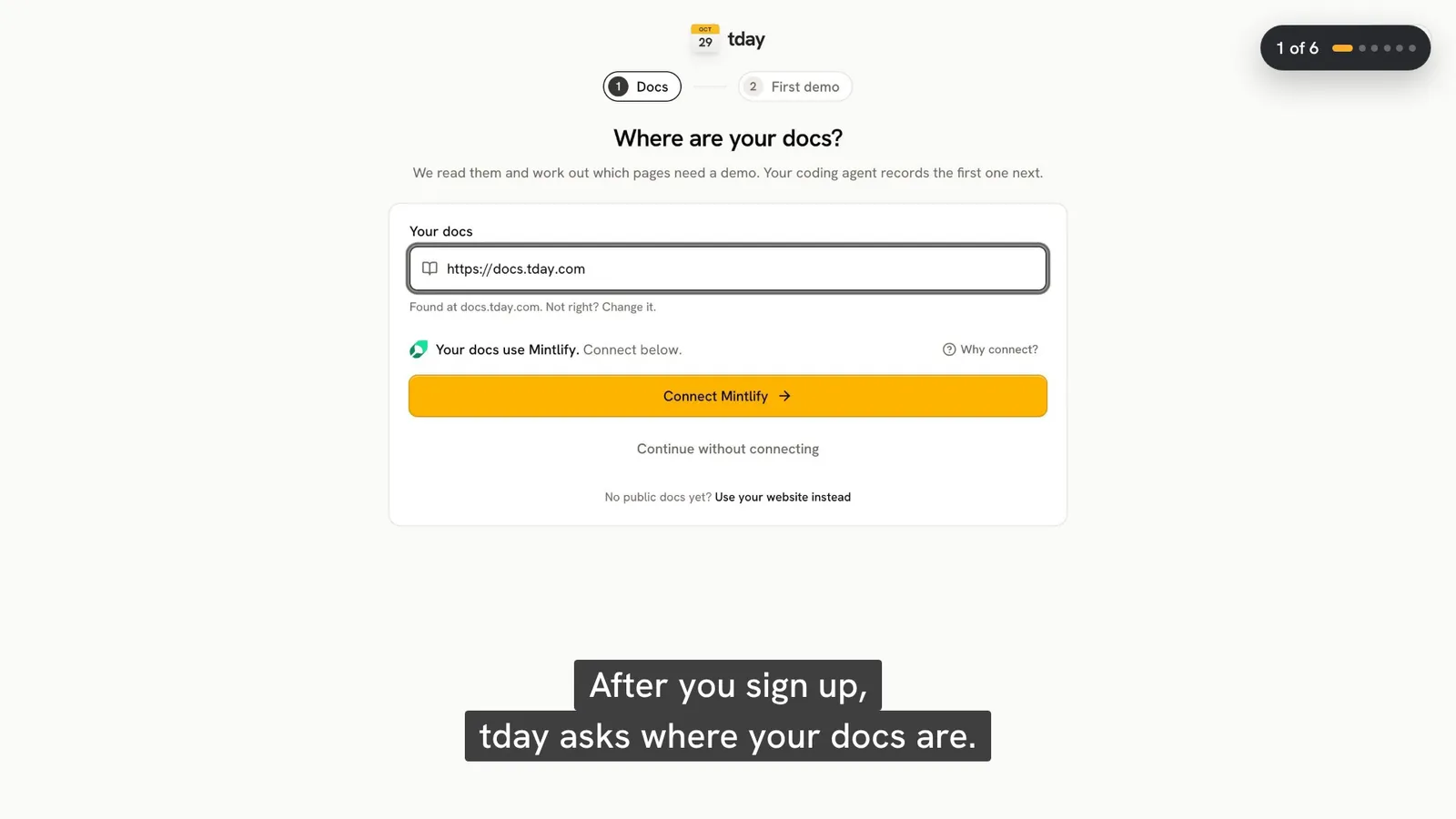
In tday, open Create > Demo from docs. You can give tday a website address, or connect through Mintlify or GitBook. For these two platforms, connect through the platform.
| Connection | What tday reads | When it reads again |
|---|---|---|
| Mintlify | Your site through Mintlify's own API, private pages included | As the site changes |
| GitBook | Your site through GitBook's API, private pages included | As the site changes |
| Website address | Public pages only, through the sidebar, llms.txt or sitemap | When you choose Read again |
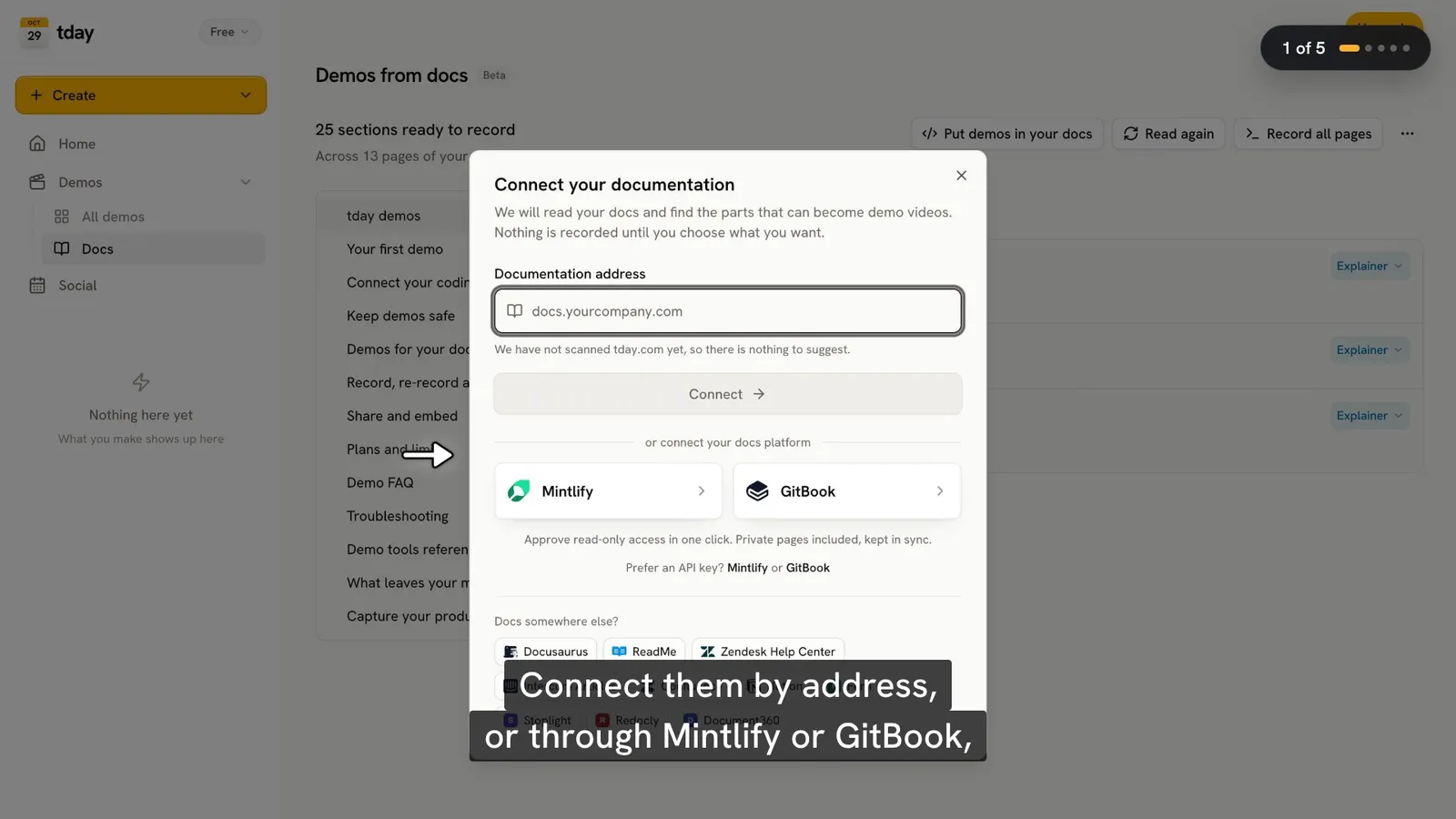
tday reads each page, splits it into sections, and marks the sections that show something being done in the app. Those are the ones a demo can show. You can change its call on any section.
This connection only reads. Editing your docs is a separate permission, covered below, and you can skip it.
Record one demo per page
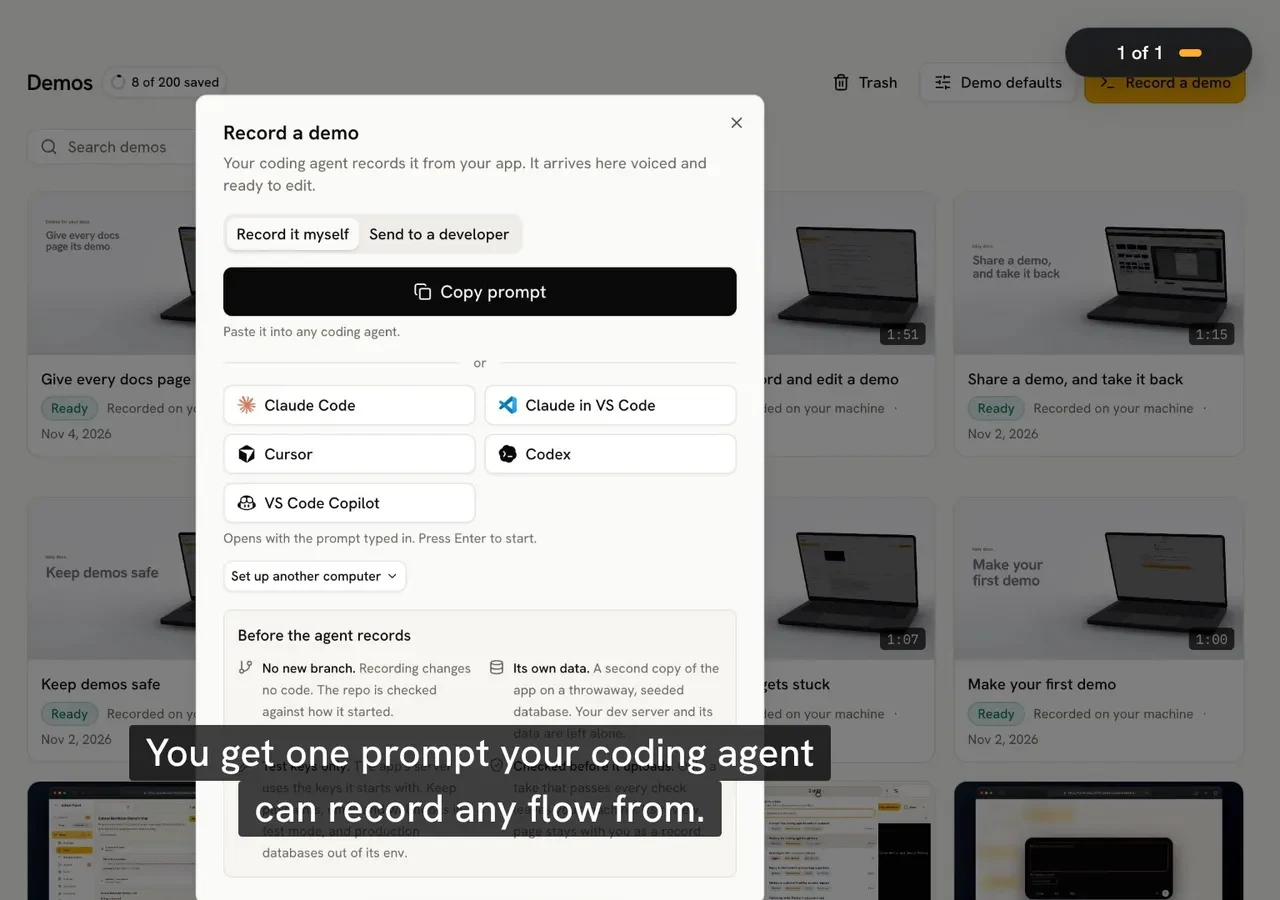
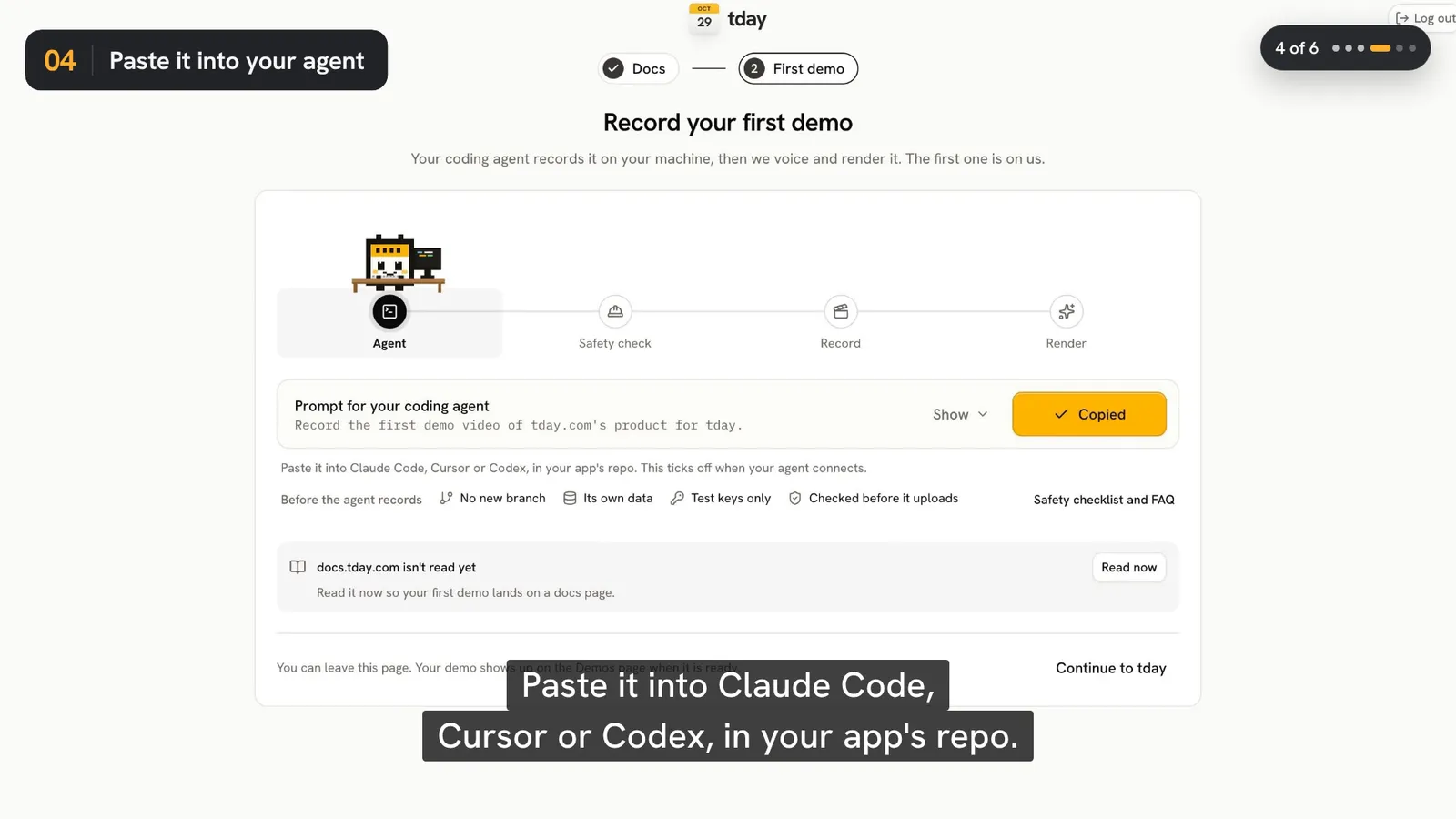
On the Docs page, choose Record all pages. Record it myself opens your coding agent with the ask typed in. Send to a developer gives you a prompt to pass on. The ask is one line:
Use tday to make demo videos for our docs: run demo_docs, then record the demos it lists
Your agent shows you the list and asks which demos to record. It plans one demo per docs page, with up to 6 sections each, and tags every narrated line with the section it shows. That tag is what lets an embed open at the right line.
Two limits to know before you start. The agent records the app running from its repo on a developer's machine, so someone with the code has to run this step. And a section the app on that machine cannot show is left out. Your agent tells you which, and why.
The full recording steps are in how to record a product demo with your coding agent.
Embed a demo in a Mintlify page
A Mintlify page is an .mdx file, so it takes the MDX form of the iframe:
<iframe src="https://tday.com/e/ab12cd34?c=b4" title="Invite your team" style={{ width: "100%", aspectRatio: "16 / 9", border: 0, borderRadius: 12 }} allow="autoplay; fullscreen; picture-in-picture" allowFullScreen loading="lazy" />
Do not paste the HTML form into an .mdx page. It sets style as a string, and the page breaks when it renders. Leave out height: the frame takes its height from its width.
You do not have to write this. On the Docs page, press a section's video, choose Copy embed, and pick the MDX form. The form tday thinks your site uses comes first. Copy embeds on a page copies every embed the page has, each after a note naming the heading it goes under.
The ?c= part names the section's first narrated line, so the video opens there. A page's first section plays from the start.
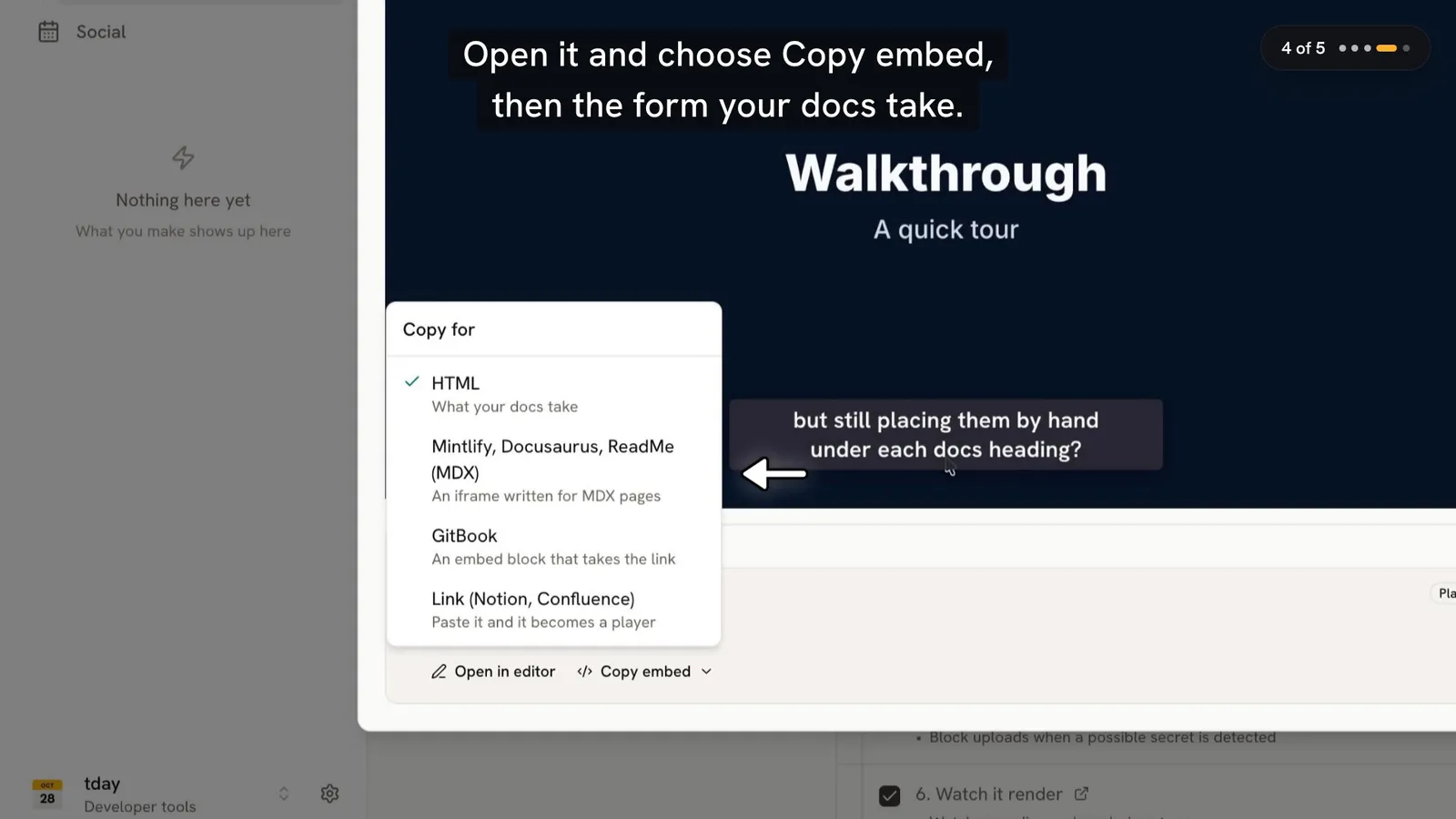
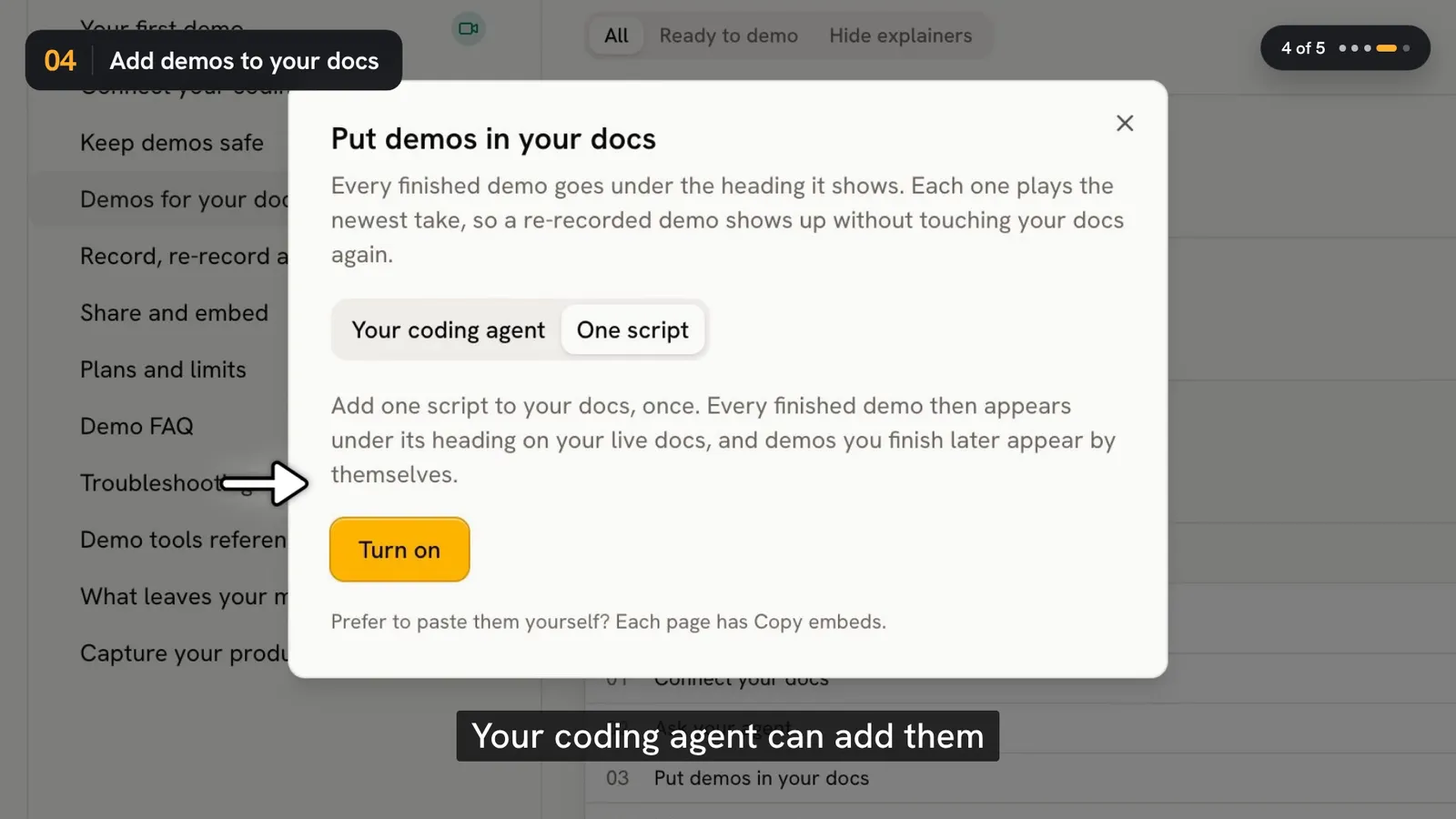
If your Mintlify docs live in a repository, your coding agent can do the pasting. In Put demos in your docs, choose Your coding agent. It runs demo_embed_docs, puts each snippet on its own line after its heading and changes nothing else. It shows you the diff, and commits only if you say so.
Embed a demo in a GitBook page
GitBook pages take no HTML. Add an embed block with the demo's share link:
{% embed url="https://tday.com/ab12cd34" %}
Copy embed on the Docs page gives this form too.
One thing to expect: GitBook shows a tday link as a link card for now, not a player. The card opens the share page, which plays the demo. If you need the video to play inside the page itself, that is not available on GitBook for now.
Let tday open the pull request or change request
This is the part only these two platforms have. tday puts every finished demo under its heading and opens one pull request (Mintlify) or one change request (GitBook). Nothing is published until you merge it. It needs Growth or above.
First give tday edit access. It is kept apart from the connection tday reads your docs with.
Mintlify:
- In Put demos in your docs, choose Sign in to Mintlify.
- tday shows a domain. Paste it under Allowed domains in Mintlify's MCP settings and click Add domain.
- Sign in and approve, picking the project you added the domain to.
GitBook:
- In GitBook, open Settings, then Developer tools, and make an API token from an account that can edit these docs.
- Paste the token into tday.
Then choose Open a change.
Some things it leaves alone. It skips, and lists for you:
- a heading it cannot find;
- a heading that is on the page twice;
- a section that already plays the video;
- an older video that is only a link in a sentence.
A heading that plays an older video gets the newest in its place. A GitBook page that would change anywhere but the new embeds is put back as it was. In GitBook each embed is the embed block shown above.
Run it again while the change waits for review, and it adds to the same change. Once tday has edit access, new and re-recorded demos are added to the change automatically. Remove edit access deletes the access from tday.
The one-script option for Mintlify
If you would rather not merge anything, a Mintlify site can run one script. In Put demos in your docs, choose One script, then Turn on, and add a file named tday-embed.js in your docs folder, beside docs.json. This also needs Growth or above.
Every finished demo then appears under its heading on your live docs, and demos you finish later appear by themselves. A section where you already pasted the video is left as it is.
Know what you are choosing. The players show on the live site, not in your docs editor or your source files. Turn off makes the script show nothing. tday's docs describe the script for Mintlify, Docusaurus and plain sites. They do not list GitBook, so on GitBook use the embed block or the change request.
Which parts need which plan
| Step | Free | Pro | Growth and above |
|---|---|---|---|
| Copy embed and Copy embeds | Yes | Yes | Yes |
| Your coding agent edits the docs repo | Yes | Yes | Yes |
| A pull request or change request from tday | No | No | Yes |
| One script | No | No | Yes |
| tday badge on the embed | Yes | No | No |
Free includes 5 saved demos, Pro 25 and Growth 150. Recording and rendering a demo use no credits. Its voiceover spends your plan's monthly credits. The prices are on the pricing page.
If your plan moves below Growth with the script on, it keeps placing the demos already in your docs and adds no new ones.
Keep the videos current
Two things change under a docs video: the docs and the product.
The docs. tday reads a site connected through Mintlify or GitBook again as it changes. When a section's text moves on after its newest video, tday marks it Docs changed. The next time your agent runs demo_docs, a new take of that demo is first on the list.
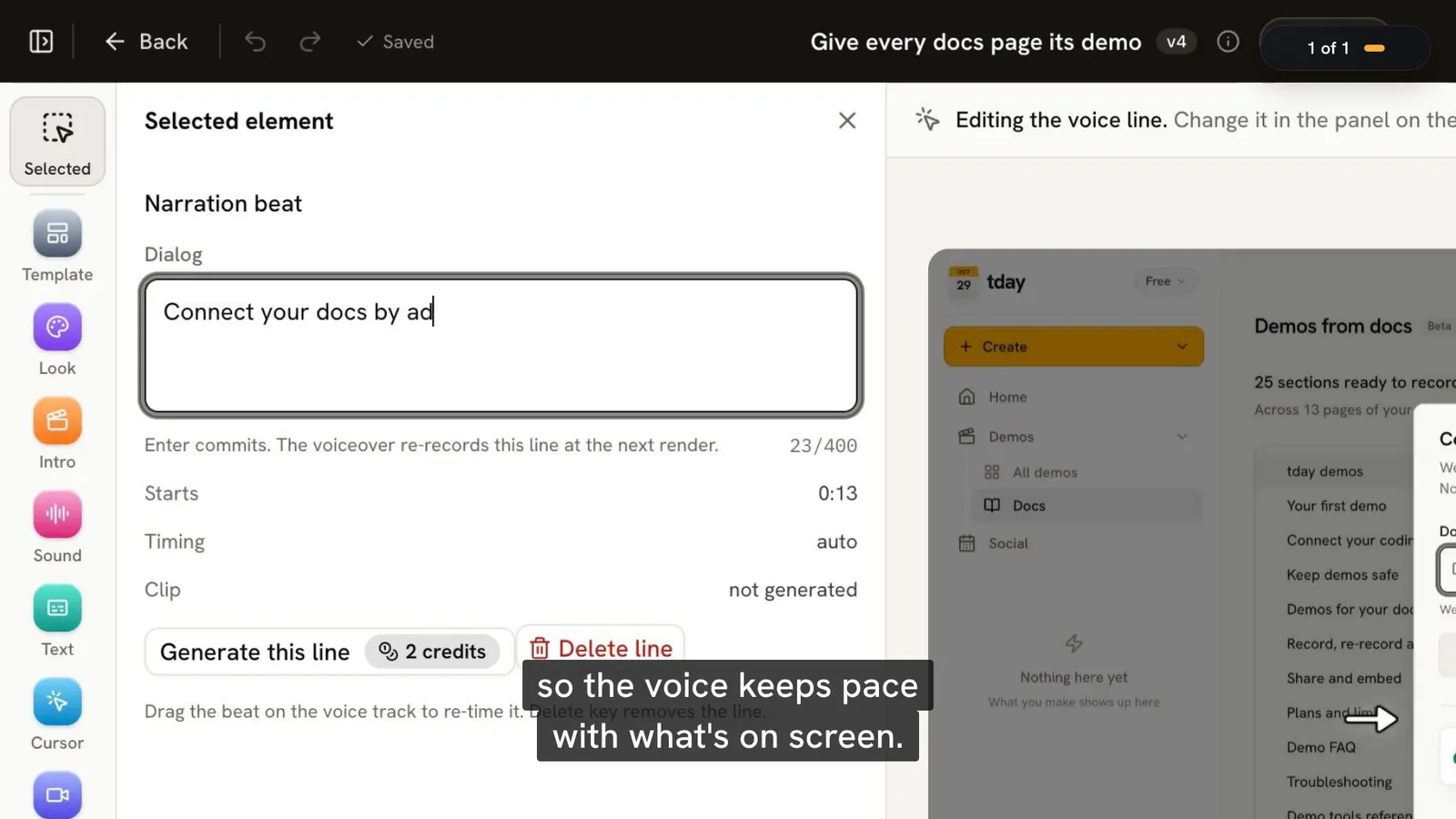
The product. Ask your agent to record the demo again. The new take becomes a new version of the same demo, so the share link and every embed keep working and play the new take. A re-record keeps every docs section the demo is linked to.
Be clear about what is automatic here. tday re-reads the docs and flags what changed. It adds finished demos to an open change, or places them with the script. It does not record a demo by itself: your coding agent does that, when you ask, on a developer's machine.
At the top of the Docs page, a card says how many of your videos your docs play, like "7 of 8 videos are in your docs", with a count for each that is in review, has a newer video ready, or is not in your docs. While a video is missing, the button reads Update your docs.
Two things stop an embed playing. A private share link shows "This video is private" in every embed, and tday leaves it out of your docs. A demo moved to Trash stops playing in its embeds until you restore it.
More on the habit, outside docs, is in how to keep product demo videos up to date. What demos for docs can and cannot do is on one page.
Frequently asked questions
How do I embed a demo video in a Mintlify page?
Paste the MDX form of the iframe under the heading, with style written as an object. The HTML form sets style as a string and breaks an .mdx page when it renders. In tday, Copy embed on the Docs page gives the MDX form, and on Growth and above tday can open a pull request that puts every finished demo under its heading.
Can a GitBook page play a tday demo inline?
Not yet. GitBook pages take no HTML, so you add an embed block with the share link. GitBook shows a tday link as a link card for now, not a player. The card opens the share page, which plays the demo.
Does tday change my Mintlify or GitBook docs without asking?
No. Reading your docs and editing them are separate permissions. With edit access, tday opens one pull request in Mintlify or one change request in GitBook, and nothing is published until you merge it. Remove edit access deletes that access from tday.
Which plan do I need to put demo videos in Mintlify or GitBook docs?
Any plan, if you paste the embeds yourself or have your coding agent edit your docs repo. A pull request or change request opened by tday, and the one-script option, are on Growth and above. On Free, every embed carries the tday badge.
What happens to the embeds when I re-record a demo?
They keep working. A re-record becomes a new version of the same demo, so the share link and every embed play the new take once it is ready. With edit access on Growth and above, tday also adds new and re-recorded demos to the open change in Mintlify or GitBook.
Sources
- Demos for your docs, tday docs
- Share and embed, tday docs
- Plans and limits, tday docs
- Demo FAQ, tday docs
Have your coding agent record your first demo
One prompt in Claude Code, Cursor or Codex records a narrated demo of your app. tday voices, styles and renders it, ready for your docs. Free includes 5 saved demos.