How do open-source projects make demo videos for their README and docs?
How a maintainer's coding agent records a narrated demo of an open-source project with tday.com, links it from the README and embeds it in the docs.
By the tday.com team Published 5 min read
The short answer
With tday.com, a maintainer's coding agent records a narrated demo of the project from a clone of its repo: a web app, a CLI, an Electron app or a phone app. tday.com voices it and renders it. Link the share page from the README, embed the player in the docs, or download the MP4. The share link always plays the newest version, so a re-recorded demo never leaves a stale link.
Key takeaways
- Your coding agent records the demo from a clone of the repo, with throwaway data, one narrated line at a time.
- A README links to the demo's share page; docs sites built on MDX or HTML embed its player.
- A share link points at the demo, not one version, so re-recording updates every README and docs page that links to it.
- Community open-source projects get Growth's features free while they qualify, with 500 credits a month, about 50 minutes of voiceover.
- Commercially backed open-source projects get a 3-month Growth trial with no card.
A README is the first page most people read about an open-source project, and a short video of the project working answers "what does it do?" faster than any paragraph. The hard part is not the README. It is making the video, and then making it again every time the project changes.
Record the demo from a clone
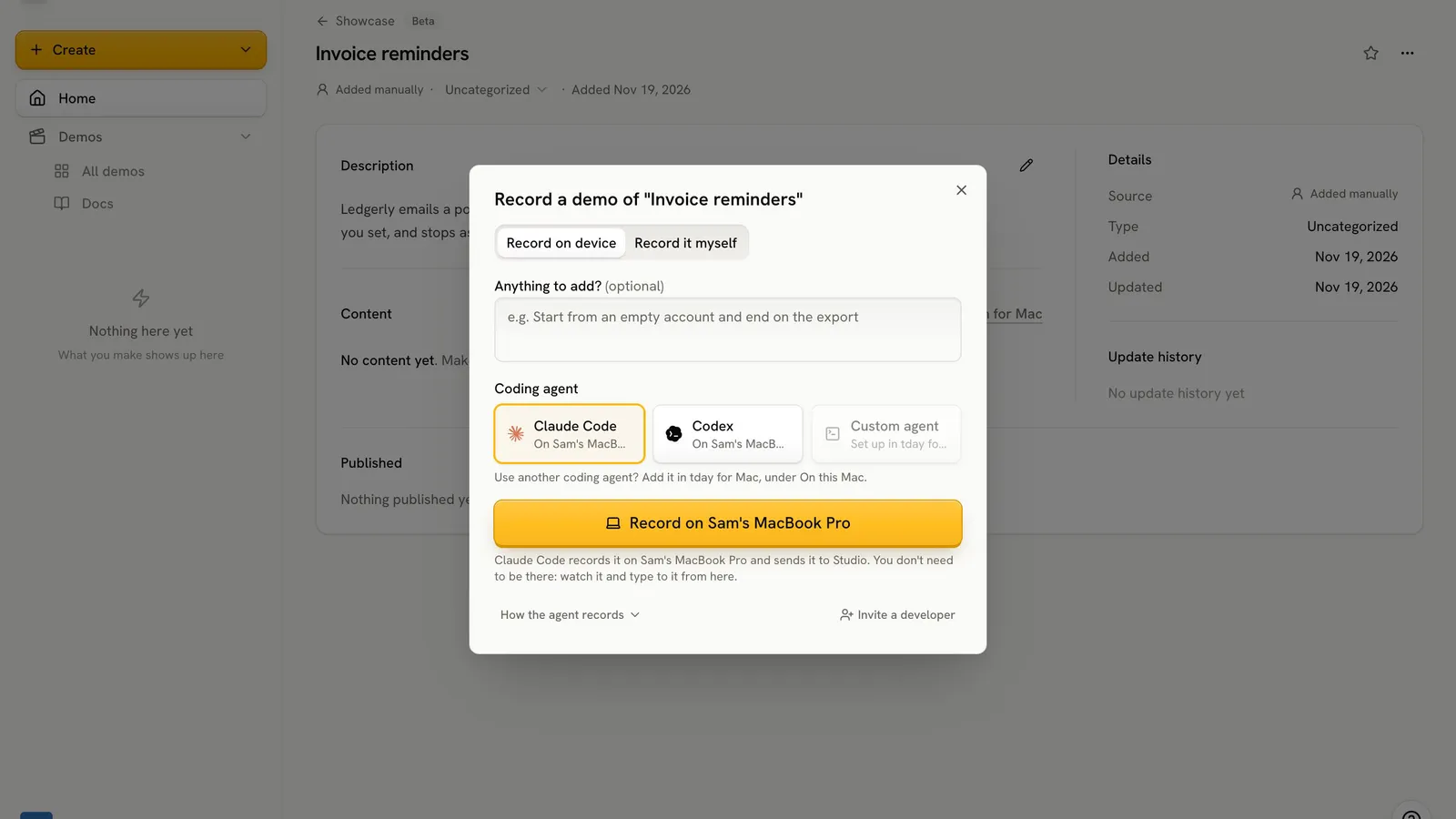
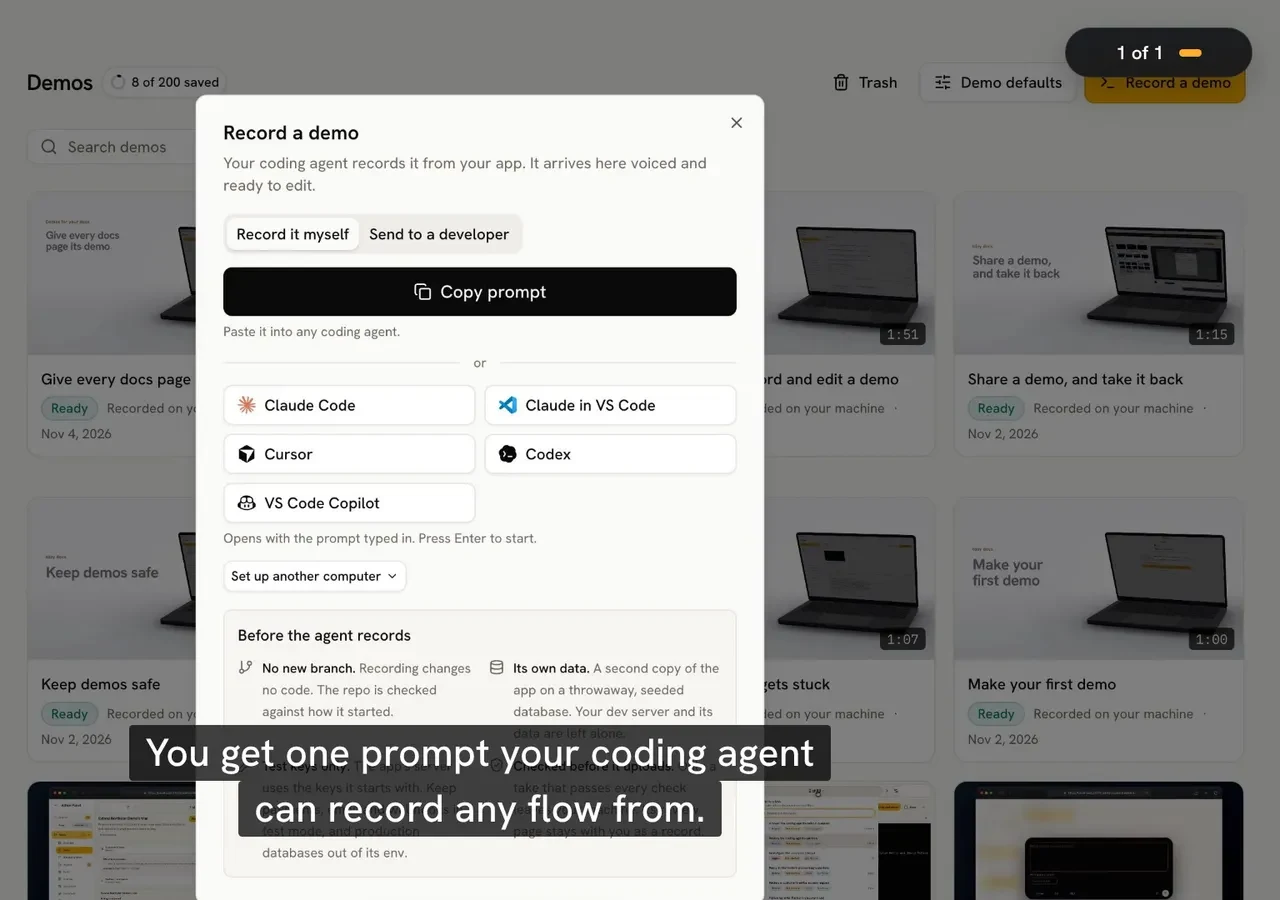
tday.com's MCP server lets your coding agent (Claude Code, Cursor, Codex or another MCP client) record a narrated demo of the project on your machine. It records web apps, terminal tools, Electron apps, iPhone and Android apps, and Mac apps. Connect tday.com once, then ask in one sentence:
Use tday.com to record a demo of <the quick start, or a feature>
By default the agent starts a separate demo instance of the project with throwaway data, so your own dev server is never restarted or reused. Some kinds can film something already running instead, such as an Electron build you started or your own phone, and the agent asks you first because it films them as they are, data included. It records one narrated line at a time, and anything between the lines is cut. Recording changes no code: tday.com compares the repo's git status at the start and the end. Only the video, a still from it and a record of its narration, steps and checks leave your machine, never source code.
Then tday.com voices each line, adds the cursor, captions, title and end cards and music, and renders a demo you can edit. The guides for a CLI or terminal tool, an Electron app and an iPhone or Android app cover each kind in detail.
Put it in the README
Every demo has a share link, like https://tday.com/ab12cd34, which plays the demo with its chapters. A README is Markdown, so link to it. A picture that opens the video reads best:
[](https://tday.com/ab12cd34)
The picture can be a screenshot of the demo, or the poster tday.com gives any tool that asks its oEmbed endpoint (thumbnail_url). A plain text link works too.
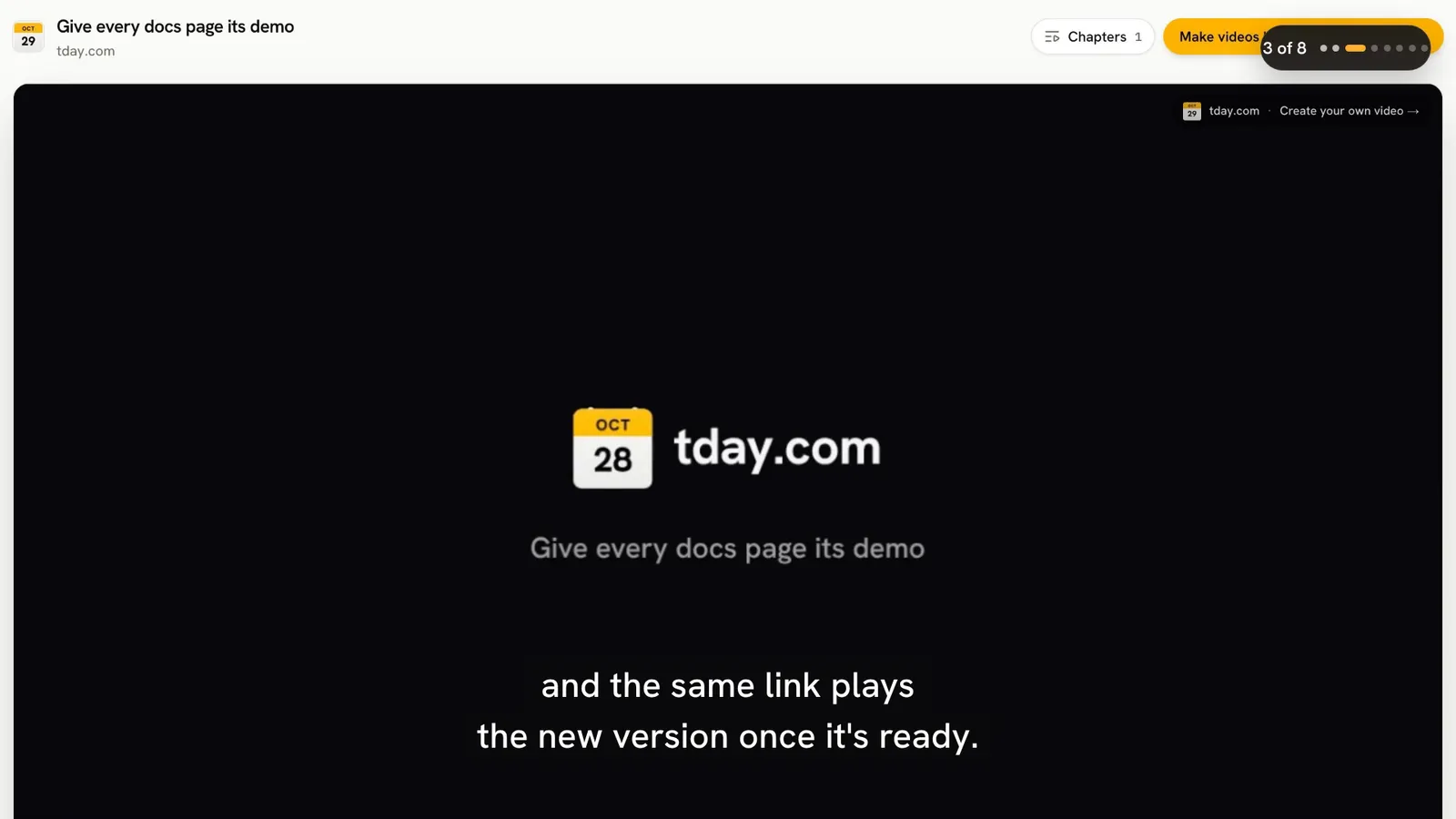
The link is the part that keeps working. It points at the demo, not at one version of it, so when your agent records the demo again, the same link plays the new take once it is ready. The picture in your repo stays whatever you committed.
If you want the file itself, Export, then Download video, gives you the MP4.
Put it in the docs
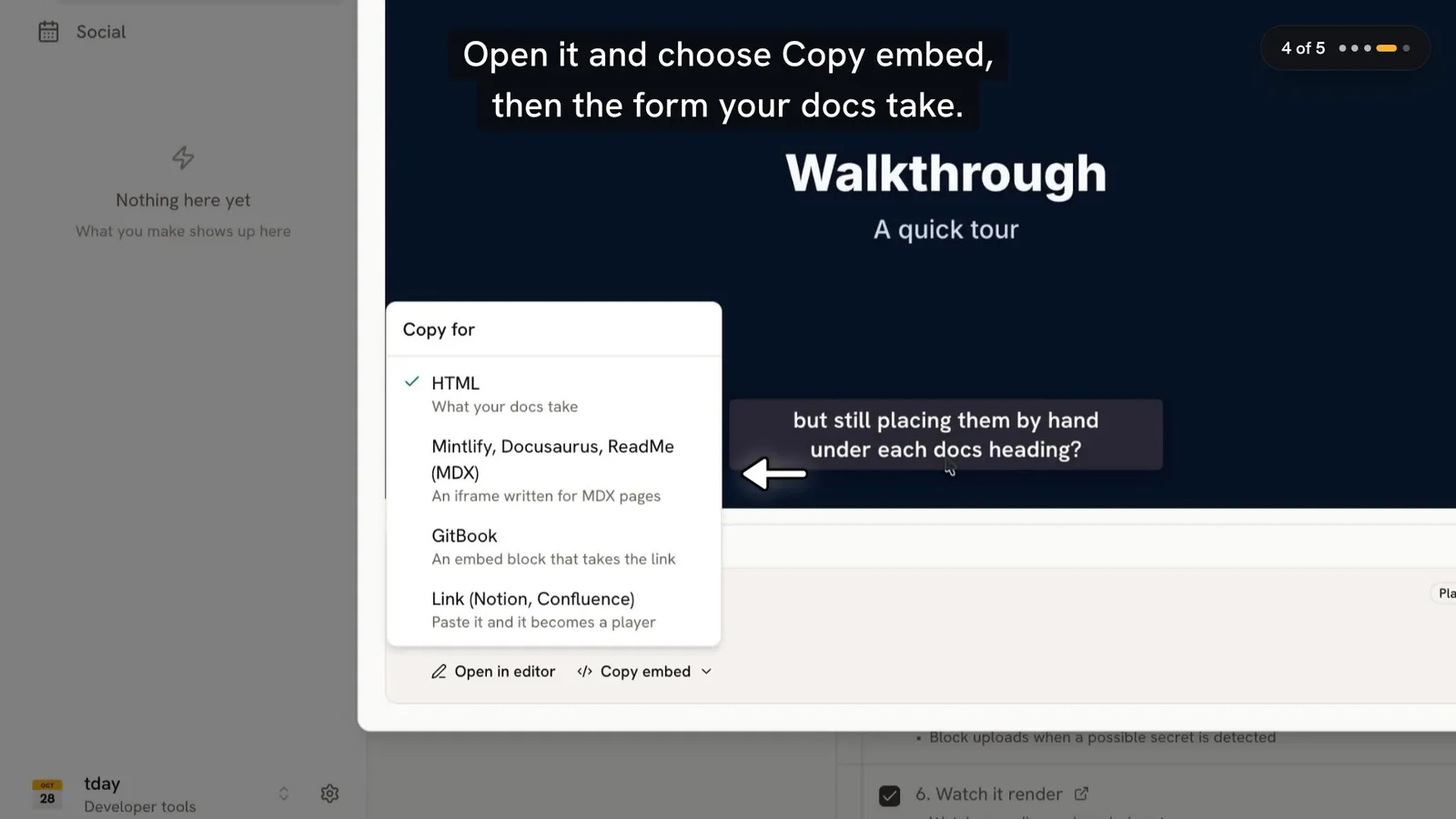
Docs sites take the player itself. The embed is the share link with /e/ before the id, at 16:9, with no tday.com page around it. Use the MDX form in Mintlify, Docusaurus, Nextra, Fern or ReadMe, and the HTML form elsewhere. GitBook takes an embed block with the share link. The share and embed docs have every form.
tday.com writes these for you. Connect the project's docs and tday.com lists which sections show something done in the app and which already have a video. Copy embed on a section gives the code for your docs platform, and the video opens at that section's first line. Your coding agent can also place every finished demo under its heading for you. The docs demos guide walks through it, and how to add demo videos to your docs explains the approach.
Keep it current
A demo of last year's release is worse than no demo. Two things keep tday.com's videos current:
- Record again. Ask your agent to record the demo again. The new take becomes a new version of the same demo, so the README link and every embed play it.
- Needs update. On Pro and above, and on the open-source plan, tday.com lists demos that a merged pull request or a docs edit may have put out of date, so you know which to record again.
Free for open-source projects
tday.com has an open-source program with two tracks:
| Track | Who it is for | What it gets |
|---|---|---|
| Community open source | Projects run by their community, with no paid cloud or enterprise tier and no venture funding | Growth's features free while it qualifies, Needs update, automatic docs updates in Mintlify, GitBook or by script, 500 credits a month, about 50 minutes of voiceover. Shared videos, embeds and downloads keep a small Made with tday.com link |
| Commercially backed open source | Projects with a paid cloud or enterprise tier, or venture funding | Growth in full for 3 months with no card, 1,500 credits for the trial, and no Made with tday.com link |
The checks run as soon as you apply. Your GitHub account needs admin or maintain permission on the repository. It must be public, not a fork or an archive, under an OSI-approved license. It needs a commit to the default branch in the last 90 days and a release or tag in the last year. And it needs at least 500 stars, plus 5 or more contributors or 1,000 package downloads a month. A person then approves each project, usually within two working days.
The credits pay for the voice. Recording and rendering a demo spend none.
Frequently asked questions
Does the README link break when I record the demo again?
No. A share link points at the demo, not at one version of it. When your agent records it again, the same link plays the new take once it is ready, and keeps playing the newest finished one while a new version renders.
Can I download the video file?
Yes. In the editor, choose Export, then Download video, for the MP4. On the Free plan and the community open-source plan, a downloaded video carries a small Made with tday.com link.
Is tday.com free for open-source projects?
Community open-source projects that qualify get Growth's features free, with 500 credits a month, about 50 minutes of voiceover, checked again every year. Commercially backed projects get a 3-month Growth trial with no card.
What kinds of open-source projects can it record?
Web apps, terminal tools, Electron apps, iPhone and Android apps, and Mac apps. By default your coding agent starts a separate copy of the project on your machine from a clone of its repo, with throwaway data.
Does any source code leave my machine?
No. Only the video, a still from it, and a record of its narration, steps and checks are uploaded.
Sources
- tday.com demos, tday.com docs
- Share and embed, tday.com docs
- Demos for your docs, tday.com docs
- Plans and limits, tday.com docs
- The open-source program, tday.com
Have your coding agent record your first demo
One prompt in Claude Code, Cursor or Codex records a narrated demo of your app. tday.com voices, styles and renders it, ready for your docs. Free includes 5 saved demos.