tday vs Screen Studio: who should record your product demos?
Screen Studio polishes a recording you make on a Mac. tday has your coding agent make the recording. Features, limits and prices as of November 10, 2026.
By the tday team Published 5 min read
The short answer
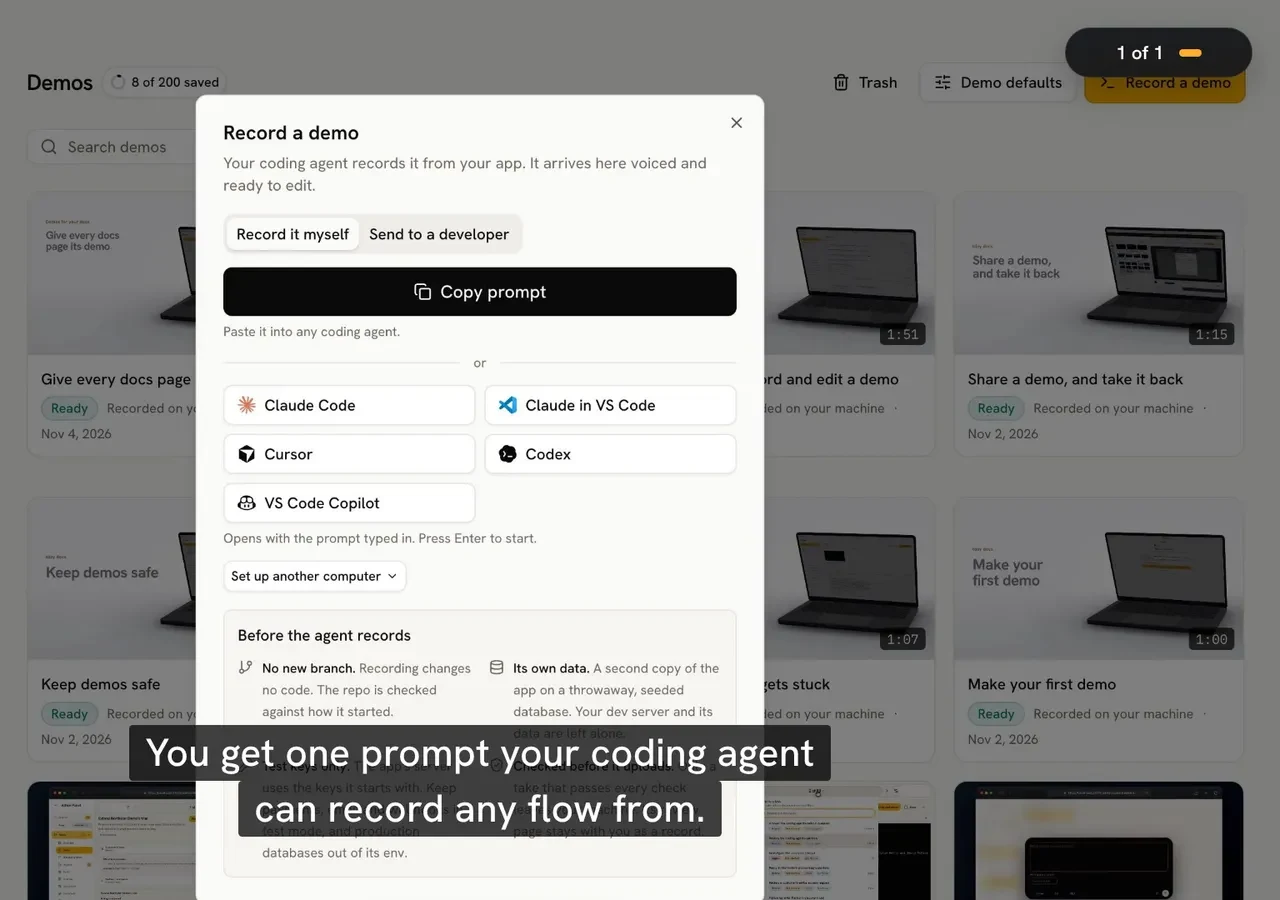
Screen Studio and tday both turn a raw screen recording into a polished demo. The difference is who makes the recording. With Screen Studio you record on a Mac, and it adds the zooms and the smooth cursor. With tday your coding agent records the running app, and tday adds the voice, camera moves and captions. As of November 2026, Screen Studio is $29 a month or $108 a year, on Mac only. tday is free for 5 saved demos, and Pro is $39 a month.
Key takeaways
- Screen Studio makes your recording look good. tday removes the recording from your day.
- Screen Studio is Mac only, and its site says there are no near-future plans for Windows. tday runs wherever your coding agent does: macOS, Linux or Windows (WSL2).
- Both add zooms and a clean cursor for you. Screen Studio follows your clicks. tday moves the camera to what each narrated line points at.
- Screen Studio exports files (MP4 up to 4K at 60 fps, GIF, ProRes) and hosts share links for videos up to 30 minutes. tday gives one link and one embed that follow every re-record.
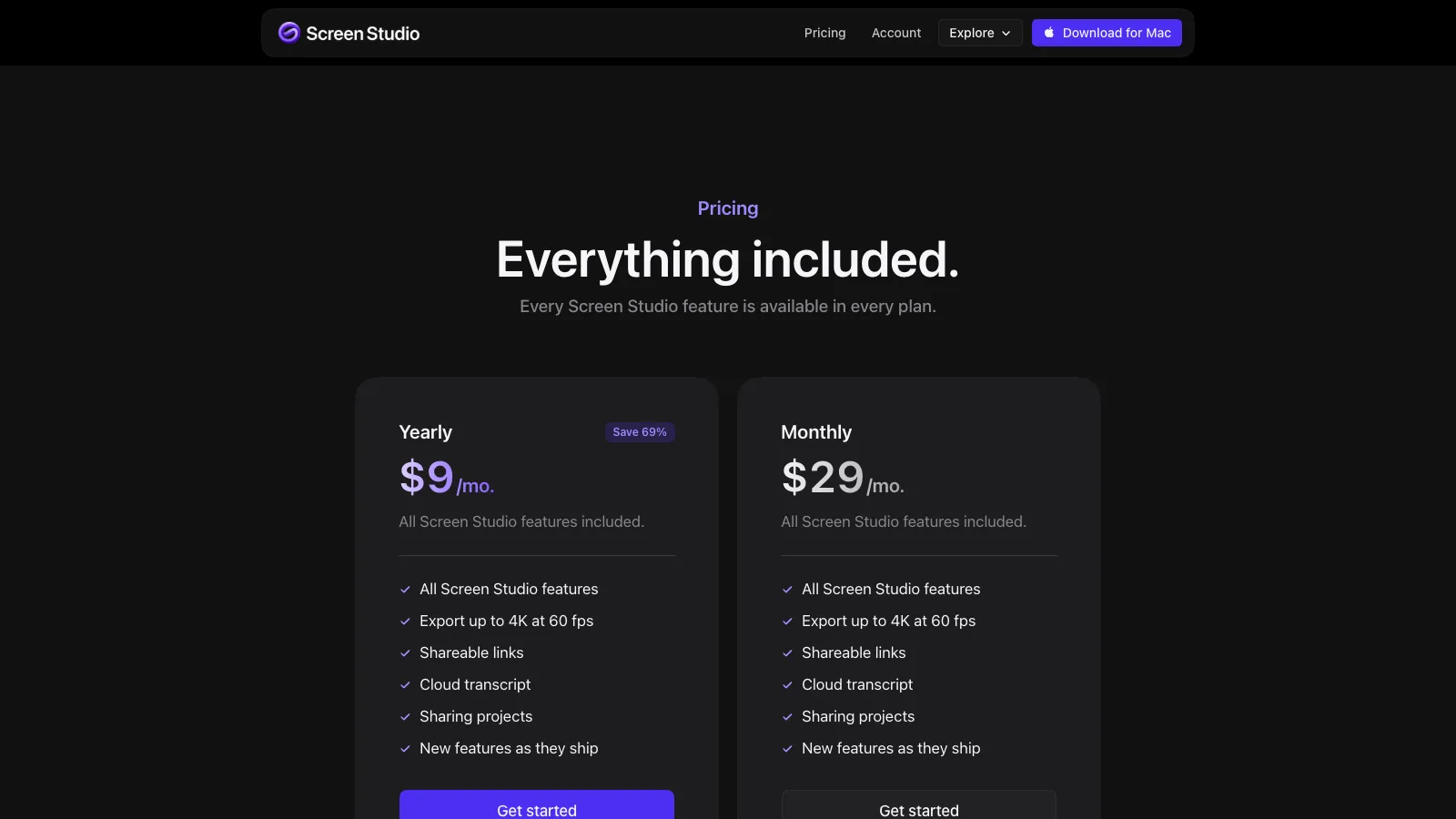
- Screen Studio no longer sells a one-time license. It is $29 a month or $108 a year, with every feature in both.
Accurate as of . Every fact about Screen Studio was read from its own website that day, and each page is listed under Sources. Prices and plans change, so check the vendor's page before you buy. tday publishes this blog and makes one of the two products compared.
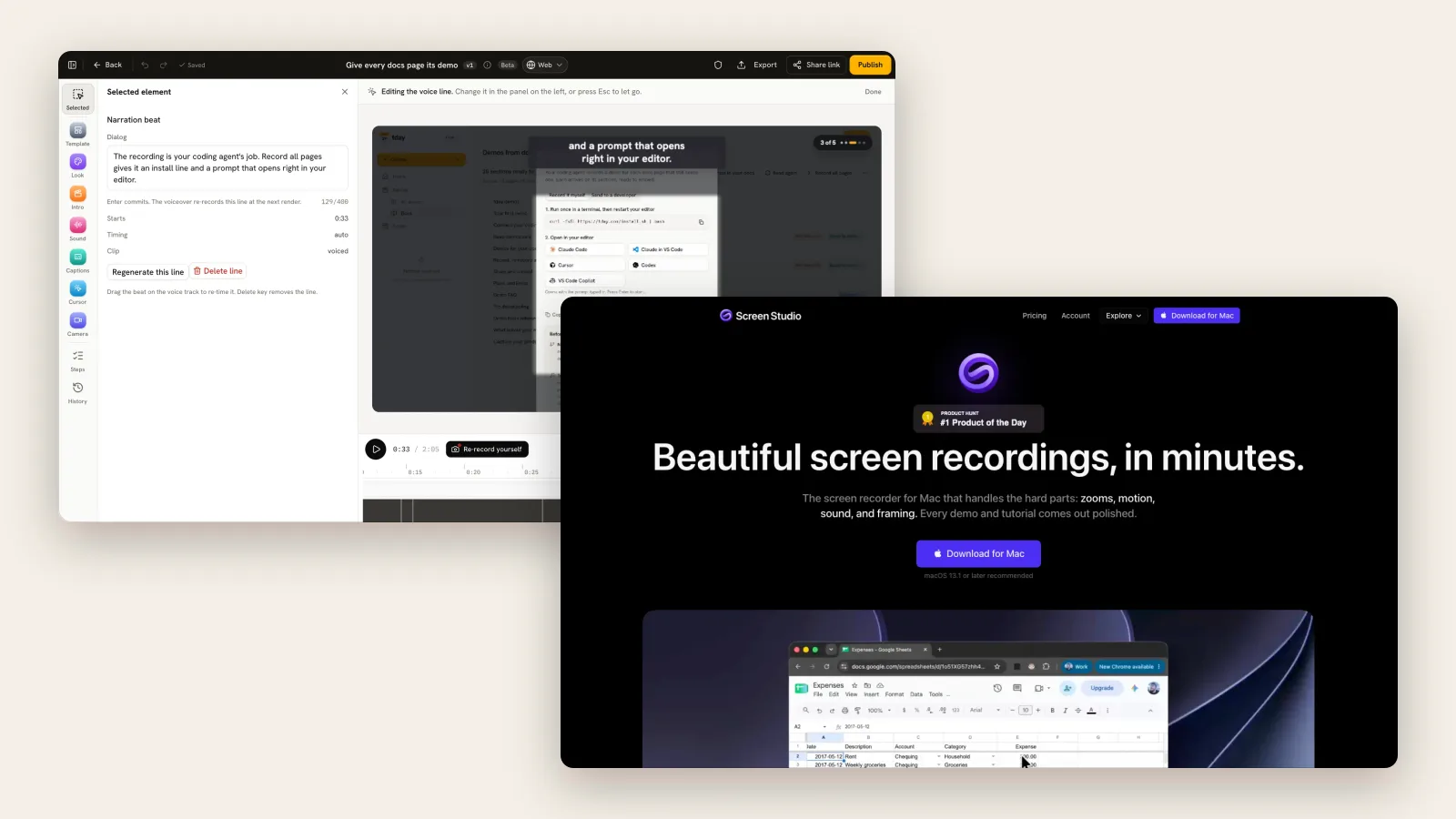
Before Screen Studio, a good-looking screen recording took an afternoon in a video editor. Screen Studio's insight was that most of that work is mechanical: zoom in where the click was, smooth the cursor, add a background. So software can do it.
tday goes one step further back. Recording is mechanical too, if something already knows your app. Your coding agent does.
tday vs Screen Studio at a glance
| tday | Screen Studio | |
|---|---|---|
| Who records | Your coding agent (Claude Code, Cursor, Codex) | You |
| Runs on | macOS, Linux and Windows (WSL2) | Mac only, macOS 13.1 or later |
| What it can film | Web apps, Electron apps, terminal tools, iOS Simulator, Android emulator, a Mac app's window | Anything on your Mac's screen, and an iPhone or iPad over USB |
| Zooms and cursor | The camera moves to what each line points at | Automatic zoom on your clicks, a smoothed cursor, motion blur |
| Voice | An AI voice for every line, with captions | Your microphone, or an AI voice from a typed script |
| What you get | A share link, an embeddable player and an MP4 | MP4 up to 4K at 60 fps, GIF, ProRes, and share links for videos up to 30 minutes |
| When the UI changes | The agent records again under the same link | You record again |
| Free plan | 5 saved demos and 100 credits a month, with a tday badge | Free to record and edit; exporting a video needs a plan |
| Paid from | Pro $39 a month | $29 a month, or $108 a year ($9 a month) |

Where Screen Studio is the better choice
When the craft matters. You choose every zoom, crop, background and camera layout, and export at 4K and 60 fps or in ProRes. For a launch video that thousands of people will watch once, that control is worth the time.
Filming anything. Screen Studio records whatever is on your Mac: a competitor's product, a design tool, a native app, an iPhone plugged in over USB. tday records apps your coding agent can run on your machine.
Social formats. It exports vertical, square and classic ratios as well as wide.
Keeping it local. Captions can be transcribed on your Mac, and recordings stay there unless you choose a cloud feature such as a share link.
Where tday is the better choice
You are not on a Mac. Screen Studio's own FAQ on Windows: "No, and there are no near-future plans to add Windows support."
Nobody wants to perform. There is no take to rehearse. The narration is text, so fixing a sentence means editing it, and only that line is voiced again.
The demo has to stay current. After a release, your agent records it again and it becomes a new version of the same demo. With a file from Screen Studio, you record again, export again, and replace the file everywhere it was uploaded.
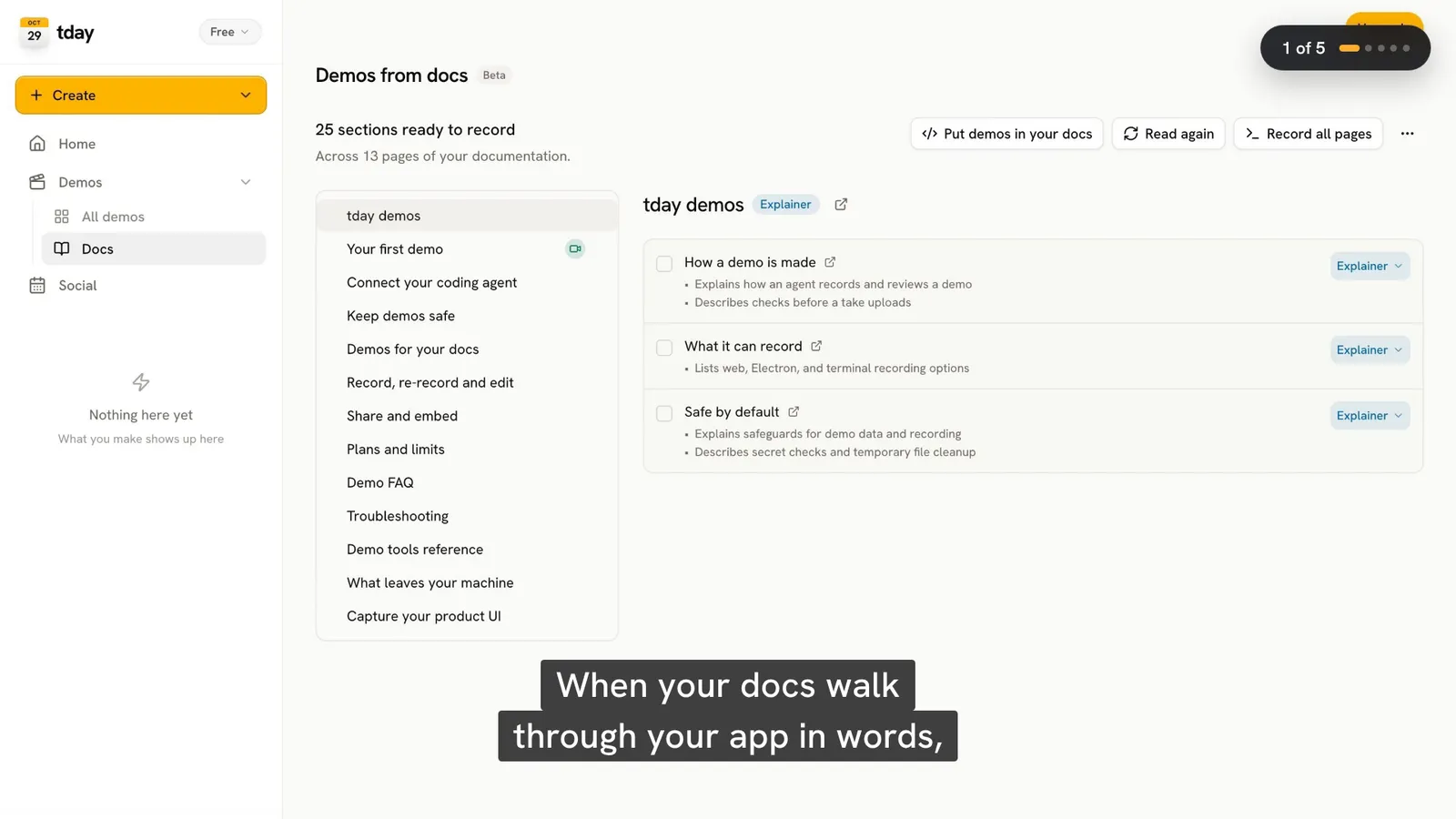
You need many of them. tday reads your docs, lists the sections that need a video, and your agent records one demo per page.
Docs embeds. A tday embed opens at the line a docs section is about, and plays the newest take. We found no mention of embedding on Screen Studio's site.
What each one costs
Screen Studio has two prices and one feature set: $29 a month, or $108 a year, which it shows as $9 a month. "Every Screen Studio feature is available in every plan." The one-time license it used to sell is, in its own words, "no longer available for new purchases". Without a plan you can record and edit, but not export. Students and teachers get 40% off.
tday is free for 5 saved demos and 100 credits a month, which is 10 minutes of voiceover, with a tday badge on the video. Pro is $39 a month for 2 seats, 25 saved demos and 500 credits. Recording and rendering use no credits, for a first take or a re-record. Only the voiceover spends them.
For one person making a few videos a year on a Mac, Screen Studio at $108 a year costs less than tday Pro at $468, though tday's free plan covers 5 saved demos. The comparison changes when you count the hours spent recording them again.
Can a coding agent use Screen Studio?
Not through MCP yet. Its public roadmap lists an MCP server, "Use Screen Studio from AI tools like Claude and Cursor", as in progress. The app does have a URL scheme for controlling its main features from outside.
Which should you pick
If you like making the video, Screen Studio is the best tool for it on a Mac, and tday will not replace that.
If the video is a chore that comes back with every release, give it to the agent that wrote the release.
Frequently asked questions
Is tday a Screen Studio alternative?
For product demos, yes, with a different method. Screen Studio polishes a recording you make on a Mac. tday has your coding agent record the app, then adds an AI voice, camera moves and captions, and re-records under the same link when the product changes. For hand-made videos of anything on your screen, Screen Studio is the better fit.
Does Screen Studio work on Windows?
No. As of November 10, 2026 its site says: "No, and there are no near-future plans to add Windows support. Currently, Screen Studio only supports macOS." It needs macOS 13.1 or later. tday runs on macOS, Linux and Windows (WSL2).
Is Screen Studio a one-time purchase?
Not for new buyers. Its site says one-time licenses were possible in the past but are no longer available for new purchases. As of November 10, 2026 it costs $29 a month or $108 a year, and older licenses remain valid.
Does Screen Studio have AI voiceover?
Yes. You type a script and Screen Studio adds a voice, and you can change the script later. The text is sent to a third-party service to generate the voice. tday voices every narrated line by default.
More comparisons
tday vs Loom
Loom records you explaining something. tday has your coding agent record the product. What each is for, its limits and its price, as of November 10, 2026.tday vs Tella
Tella is a studio for videos you present. Its agent films web apps on public domains. With tday, your coding agent films localhost too. November 10, 2026.tday vs Arcade
Arcade now sells AI video for marketing teams, with interactive demos priced separately. tday records your real app. What each costs as of November 10, 2026.tday vs Supademo
Supademo makes click-through demos from screenshots. tday makes narrated videos your coding agent records. Features and prices as of November 10, 2026.Loom vs Screen Studio
Loom gets a link to a teammate in seconds. Screen Studio makes a recording look produced. Platforms, features and prices compared as of November 10, 2026.Screen Studio vs Tella
Screen Studio polishes one recording on a Mac. Tella builds a video from clips on Mac, Windows or the web, and hosts it. Compared as of November 10, 2026.Loom vs Tella
Loom is for quick videos to people you work with, and has a free plan. Tella is for videos you publish, with automatic zoom. Compared as of November 10, 2026.Arcade vs Supademo
Both sell interactive demos at $50 a seat. Arcade has since turned to AI video. Supademo gives more for free. Plans and limits as of November 10, 2026.Arcade vs Storylane
Arcade charges per seat and has turned to AI video. Storylane charges per plan and sells to sales teams. Prices and limits as of November 10, 2026.


Or see all of them at once: The best demo video tools for developer-led startups in 2026, compared.
Sources
- Screen Studio: pricing and FAQ, Screen Studio
- System requirements, Screen Studio
- Download, Screen Studio
- Changelog, Screen Studio
- Roadmap, Screen Studio
- tday demos, tday docs
- tday plans and limits, tday docs
- Share and embed, tday docs
Have your coding agent record your first demo
One prompt in Claude Code, Cursor or Codex records a narrated demo of your app. tday voices, styles and renders it, ready for your docs. Free includes 5 saved demos.