Demo video or interactive demo: which should your SaaS use?
A demo video is watched. An interactive demo is clicked through. Where each fits, on a landing page and in docs, and the tools for both, as of November 2026.
By the tday team Published 8 min read
The short answer
Use an interactive demo where a visitor wants to try the product: a landing page, a pricing page or a sales email. Use a demo video where a reader wants to see how something is done: docs, a help page or a changelog. As of November 2026, Supademo, Storylane, Arcade, Navattic and Walnut make interactive demos, and Loom, Screen Studio, Tella and tday make videos. tday makes only videos, recorded by your coding agent, so for a click-through demo pick one of the first five.
Key takeaways
- The two formats differ in who holds the mouse. A video keeps it. An interactive demo hands it to the viewer.
- Pick by what the viewer came to do. Someone deciding whether to buy wants to try. Someone following a how-to wants to watch and get back to work.
- Interactive demo tools sell to sales and marketing teams, with lead forms and viewer analytics. A video has neither.
- A video carries narration and plays as one continuous take. That suits explaining a flow from start to finish.
- tday makes narrated videos only. If you need a click-through demo, it is the wrong tool, and this post says which ones are right.
- Both formats go out of date when the UI changes. Ask how each tool updates a demo before you make twenty of them.
Accurate as of . Every fact about another product was read from its vendor's own website that day, and each page is listed under Sources. Prices and plans change, so check the vendor's page before you buy. tday publishes this blog and makes one of the tools below.
The two get compared as if one were a better version of the other. They are not. A demo video and an interactive demo answer different questions from the viewer.
A video answers "how is this done?" An interactive demo answers "what is it like to use?" Decide which question your viewer is asking, and the format follows.
What each format is
A demo video plays the product in use. Someone, or something, recorded the screen. The viewer presses play and watches, usually with a voice explaining each step.
An interactive demo is a captured copy of your interface that the viewer clicks through. Supademo, for example, saves a screenshot at each click and turns the set into steps. Some tools copy the page's HTML instead of a picture, so text on the captured page can be edited later.
| Demo video | Interactive demo | |
|---|---|---|
| What the viewer does | Watches | Clicks through, step by step |
| Who sets the pace | The video | The viewer |
| Explanation | A voice and captions | Text beside each step, sometimes a voice |
| What it is made from | A recording of the app in use | Screenshots or HTML captured at each click |
| Where it fits | Docs, help pages, changelogs | Landing pages, pricing pages, sales emails |
When an interactive demo is the better choice
The viewer is deciding whether to buy. A prospect on a pricing page wants to poke around. A demo they can click lets them.
You want to know who watched. Interactive demo tools are built for sales and marketing. Supademo's paid plans come with lead forms, viewer analytics and links to HubSpot and Salesforce. Storylane has lead forms and basic analytics on its free plan. Arcade's Growth plan has forms, call-to-action buttons and viewer insights.
Each viewer should see something different. In Supademo, variables put the viewer's name or company on screen, and branching sends different viewers down different paths.
The people making it have no access to the code. Supademo records whatever is in the browser, so a marketing team can make a demo without a developer.
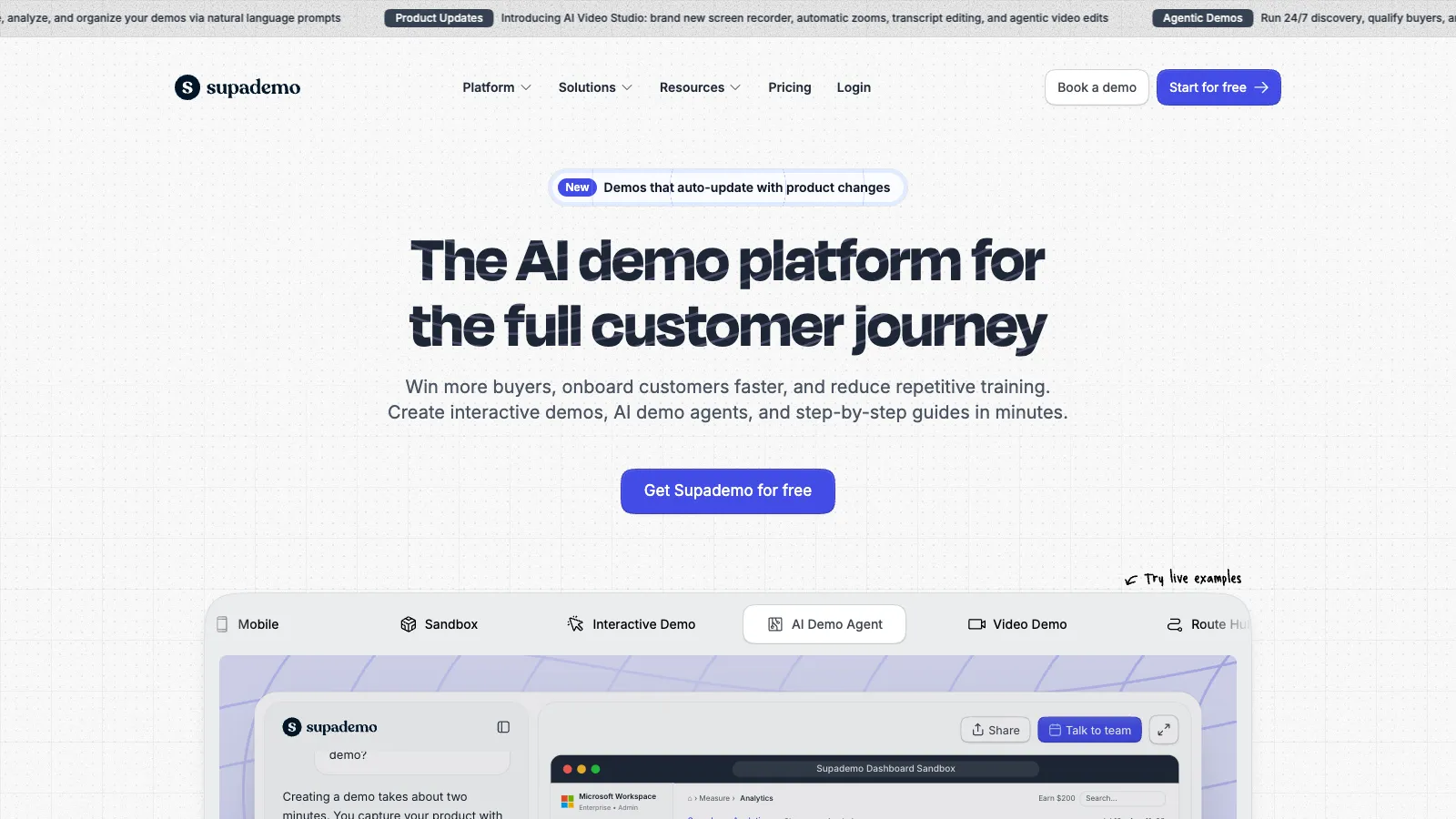
If that is your case, use one of these. tday does not make interactive demos, and nothing in it will stand in for one.
When a demo video is the better choice
The viewer is following instructions. In docs, the reader wants the fastest path to understanding. A narrated video shows the whole flow with no clicking, and they go back to their own screen.
The flow needs explaining. A voice can say why a step matters while the screen shows it. An interactive demo leaves the pace, and the reading, to the viewer.
It has to play as one piece. A video is one continuous take from start to finish. That suits a changelog entry or a how-to.
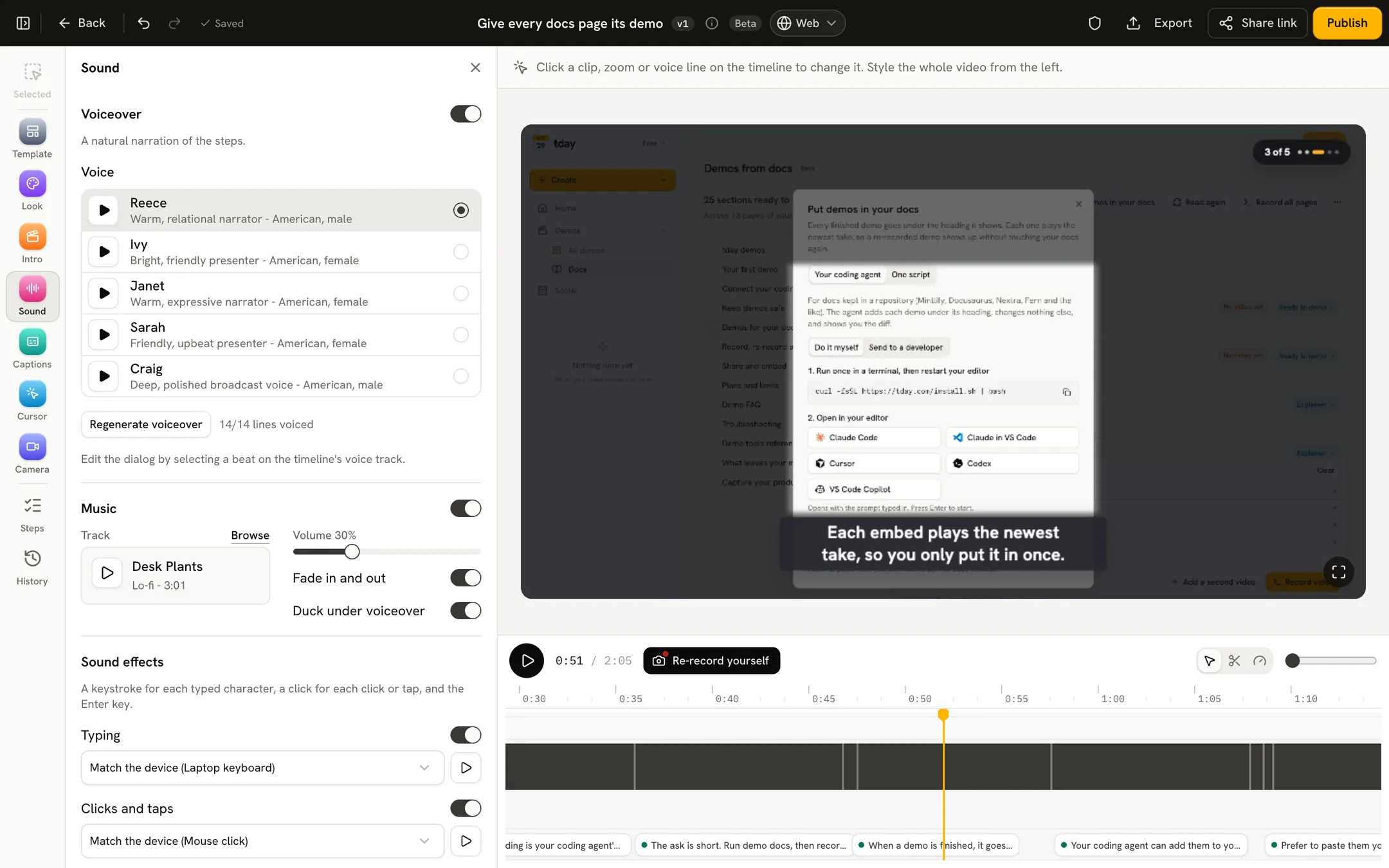
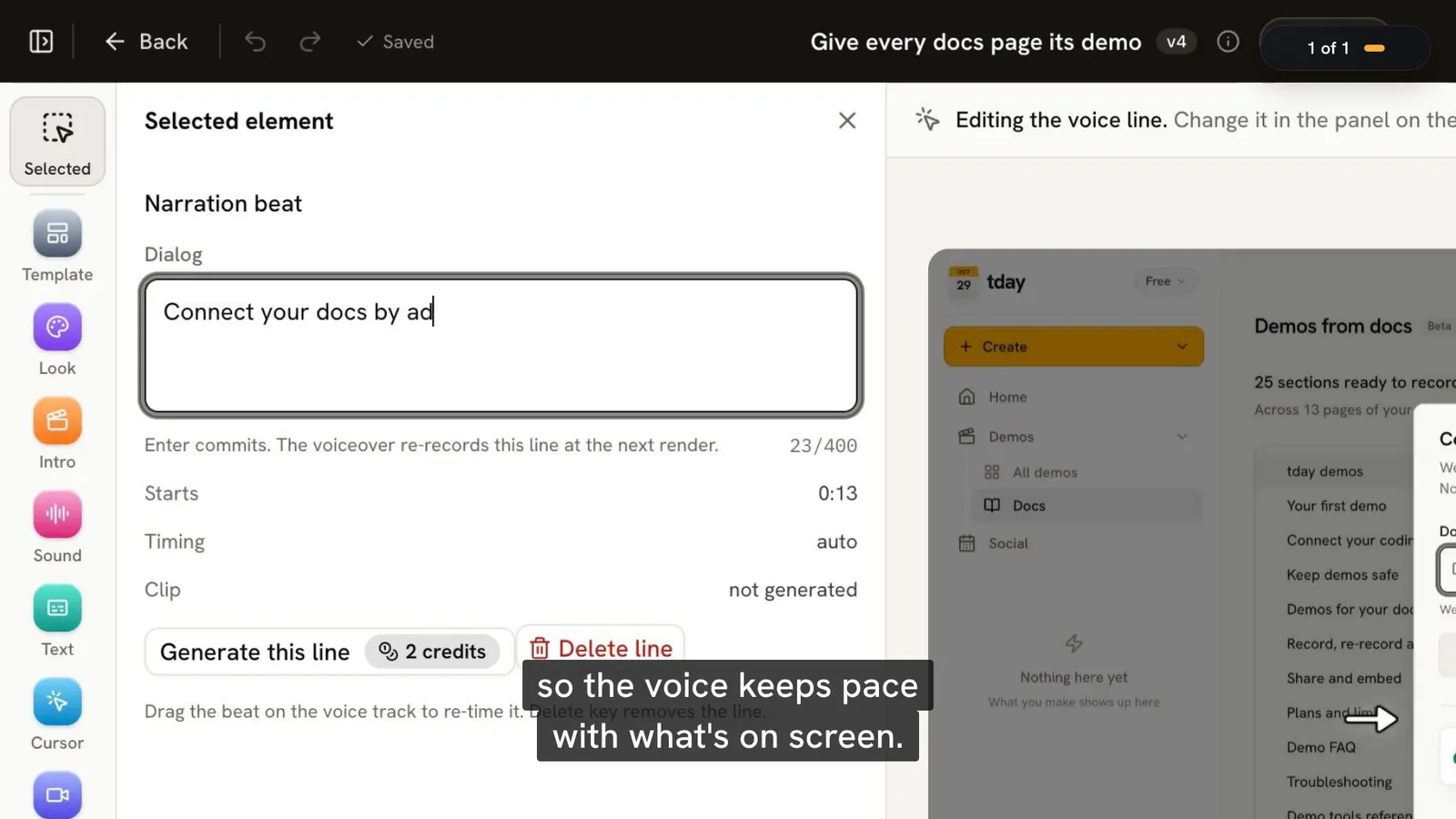
Nobody on the team has time to record. This is where tday fits. Your coding agent (Claude Code, Cursor, Codex or any MCP client) records the demo from the app running on your machine. tday voices each line, draws the cursor and camera, and adds captions, title and end cards and music.
The limits of tday, plainly
- It makes videos, not interactive tours. A viewer cannot click anything in a tday demo.
- It needs your app running from its repo on a developer's machine, with a coding agent. A marketing team alone cannot use it. (On Enterprise, tday can also record in the cloud.)
- It does not record by itself when code is pushed or merged. Your agent records a demo again when you ask.
- One take is at most 10 minutes and 40 narrated lines.
Landing page or docs: which goes where
A landing page or pricing page. Usually an interactive demo. The visitor has not signed up, and trying the product is the point. A short video also works there if what you sell is easier to explain than to click.
A sales email. An interactive demo, for the same reason. Viewer analytics also tell the sender who looked.
Docs and help pages. Usually a video. tday is built for this one: it reads your docs, marks the sections that show something being done in the app, and your agent records one demo per page. An embed can open at a section's first narrated line. The steps are in how to add demo videos to your docs.
A changelog or release note. A video. It shows the new thing once, in order.
Some teams will want one of each. They do not overlap much.
Keeping either one current
Both formats show your UI on the day it was captured, so both go stale. How each tool updates a demo matters more than most feature lists.
| Tool | How a demo is updated |
|---|---|
| Supademo | Replace a step's screenshot, and every embed and link updates |
| Storylane | Recapture the screens that changed, or edit the captured HTML |
| Navattic | "Recapture once to update every linked demo" |
| Arcade | Replace steps by hand |
| Loom, Screen Studio, Tella | Record a new take |
| tday | Your coding agent records it again as a new version under the same link |


Supademo and Arcade have each announced an agent that re-records when the product changes. Supademo's page calls it an upcoming feature, and Arcade's announcement still points to a waitlist.
With tday, a re-record keeps the demo's share link and embeds, and they play the new take once it is ready. On Pro and above, a Needs update tab lists the demos a merged pull request or a docs edit may have put out of date. It lists them. Recording them again is still a request to your agent. More in how to keep product demo videos up to date.
What the tools cost
Read from each vendor's pricing page on November 10, 2026.
Interactive demos:
| Tool | Free plan | Paid from |
|---|---|---|
| Supademo | 5 interactive demos and 50 screen recordings, with a watermark | Scale $50 per creator a month ($38 billed yearly) |
| Storylane | 1 published demo and 200 AI credits, with a watermark | Starter $50 a month ($40 billed yearly) |
| Arcade | Demos: 1 published demo, with a watermark. AI video: 250 one-time credits | Demos: Growth $50 per seat a month ($42.50 billed yearly). AI video: Pro $59 a month ($49 billed yearly) |
| Navattic | 1 seat and 1 demo | Base $600 a month ($500 billed yearly), with 5 seats |
| Walnut | None | Ignite $575 a month, billed yearly |

Demo videos:
| Tool | Free plan | Paid from |
|---|---|---|
| Loom | 25 videos of up to 5 minutes each, at 720p | Business $18 per user a month, or $180 a year |
| Screen Studio | Free to record and edit; exporting a video needs a plan | $29 a month, or $108 a year ($9 a month) |
| Tella | None; a 7-day trial of Pro | Pro $26 per user a month ($13 billed yearly) |
| tday | 5 saved demos and 100 credits a month, with a tday badge | Pro $39 a month |


Entry prices hide one thing on the interactive side. Capturing a page's HTML sits on higher plans: Business at $249 a month on Supademo, Growth at $625 a month on Storylane, and Enterprise only on Arcade.
All 14 tools, with what each one makes, are in the best demo video tools for developer-led startups.
How to choose
- Prospects should try the product before they talk to you: an interactive demo. Supademo, Arcade or Storylane's Starter plan if you are paying by the seat. Navattic, Walnut or Storylane's higher plans for a sales team.
- Sales wants lead forms and viewer data: an interactive demo.
- Users need to see how a task is done, in your docs: a video.
- You want to record it yourself, with your own voice or face: a screen recorder such as Loom, Screen Studio or Tella.
- Your team ships with a coding agent and nobody has time to record: tday. See coding agent demos.
Head to head: tday vs Supademo and tday vs Arcade.
Frequently asked questions
What is the difference between a demo video and an interactive demo?
A demo video plays the product in use, usually with narration, and the viewer watches. An interactive demo is a captured copy of the interface that the viewer clicks through at their own pace. As of November 2026, Loom, Screen Studio, Tella and tday make videos, and Supademo, Storylane, Arcade, Navattic and Walnut make interactive demos.
Should a SaaS landing page have a video or an interactive demo?
Usually an interactive demo, because a visitor who has not signed up wants to try the product. Interactive demo tools also add lead forms and viewer analytics, which a video does not have. A short video suits a landing page when the product is easier to explain than to click through.
Which is better for product docs, a video or an interactive demo?
Usually a video. A reader of docs wants to see how a task is done and go back to their own screen. A narrated video shows the whole flow with no clicking. tday is built for this: it reads your docs and your coding agent records one demo per page.
Can tday make an interactive demo?
No. tday makes narrated demo videos, not click-through tours. If you need a demo a prospect can click, use an interactive demo tool such as Supademo, Storylane, Arcade, Navattic or Walnut.
Do interactive demos cost more than demo videos?
It depends on the tool. As of November 2026, Supademo starts at Scale $50 per creator a month ($38 billed yearly), and Navattic at Base $600 a month ($500 billed yearly), with 5 seats. Among video tools, Loom starts at Business $18 per user a month, or $180 a year, and tday at Pro $39 a month.
More comparisons
tday vs Storylane
Storylane makes click-through demos for sales teams. tday makes narrated videos your coding agent records. Features and prices as of November 10, 2026.tday vs Loom
Loom records you explaining something. tday has your coding agent record the product. What each is for, its limits and its price, as of November 10, 2026.tday vs Screen Studio
Screen Studio polishes a recording you make on a Mac. tday has your coding agent make the recording. Features, limits and prices as of November 10, 2026.tday vs Tella
Tella is a studio for videos you present. Its agent films web apps on public domains. With tday, your coding agent films localhost too. November 10, 2026.tday vs Arcade
Arcade now sells AI video for marketing teams, with interactive demos priced separately. tday records your real app. What each costs as of November 10, 2026.tday vs Supademo
Supademo makes click-through demos from screenshots. tday makes narrated videos your coding agent records. Features and prices as of November 10, 2026.Supademo vs Storylane
Both make click-through demos from $50 a month. Supademo gives more for free. Storylane is built for sales teams. Plans and limits as of November 10, 2026.Loom vs Screen Studio
Loom gets a link to a teammate in seconds. Screen Studio makes a recording look produced. Platforms, features and prices compared as of November 10, 2026.Screen Studio vs Tella
Screen Studio polishes one recording on a Mac. Tella builds a video from clips on Mac, Windows or the web, and hosts it. Compared as of November 10, 2026.Loom vs Tella
Loom is for quick videos to people you work with, and has a free plan. Tella is for videos you publish, with automatic zoom. Compared as of November 10, 2026.Arcade vs Supademo
Both sell interactive demos at $50 a seat. Arcade has since turned to AI video. Supademo gives more for free. Plans and limits as of November 10, 2026.Arcade vs Storylane
Arcade charges per seat and has turned to AI video. Storylane charges per plan and sells to sales teams. Prices and limits as of November 10, 2026.


Or see all of them at once: The best demo video tools for developer-led startups in 2026, compared.
Sources
- Supademo, Supademo
- Supademo pricing, Supademo
- Guided demos, Supademo
- Create with the Chrome extension, Supademo
- Add, replace, duplicate or delete steps, Supademo
- Agentic recording, Supademo
- Storylane plans, Storylane
- Recording HTML demos, Storylane
- Sandbox demos, Storylane
- Arcade interactive demo pricing, Arcade
- Plans and AI credits, Arcade
- Meet Arcade's new Creator Studio, Arcade
- Navattic pricing, Navattic
- Navattic changelog, Navattic
- Walnut pricing, Walnut
- Loom pricing, Loom
- Screen Studio, Screen Studio
- Tella pricing, Tella
- tday demos, tday docs
- Record, re-record and edit, tday docs
- Demos for your docs, tday docs
- Share and embed, tday docs
- tday plans and limits, tday docs
Have your coding agent record your first demo
One prompt in Claude Code, Cursor or Codex records a narrated demo of your app. tday voices, styles and renders it, ready for your docs. Free includes 5 saved demos.